Integrations
The Integrations page is where the platform's connections to external services live. An integration holds one service's credentials and endpoints (an AWS role, an Office 365 tenant, an LDAP server, a Slack token) separately from the pipeline that uses it. Most integrations are created for you when you install an application; this page is where they are read back, edited, and created on their own.
The page has no entry in the Platform menu: it opens from the View Integrations button on Applications.
Menu path: Platform → Applications → View Integrations · URL path: /platform/integrations
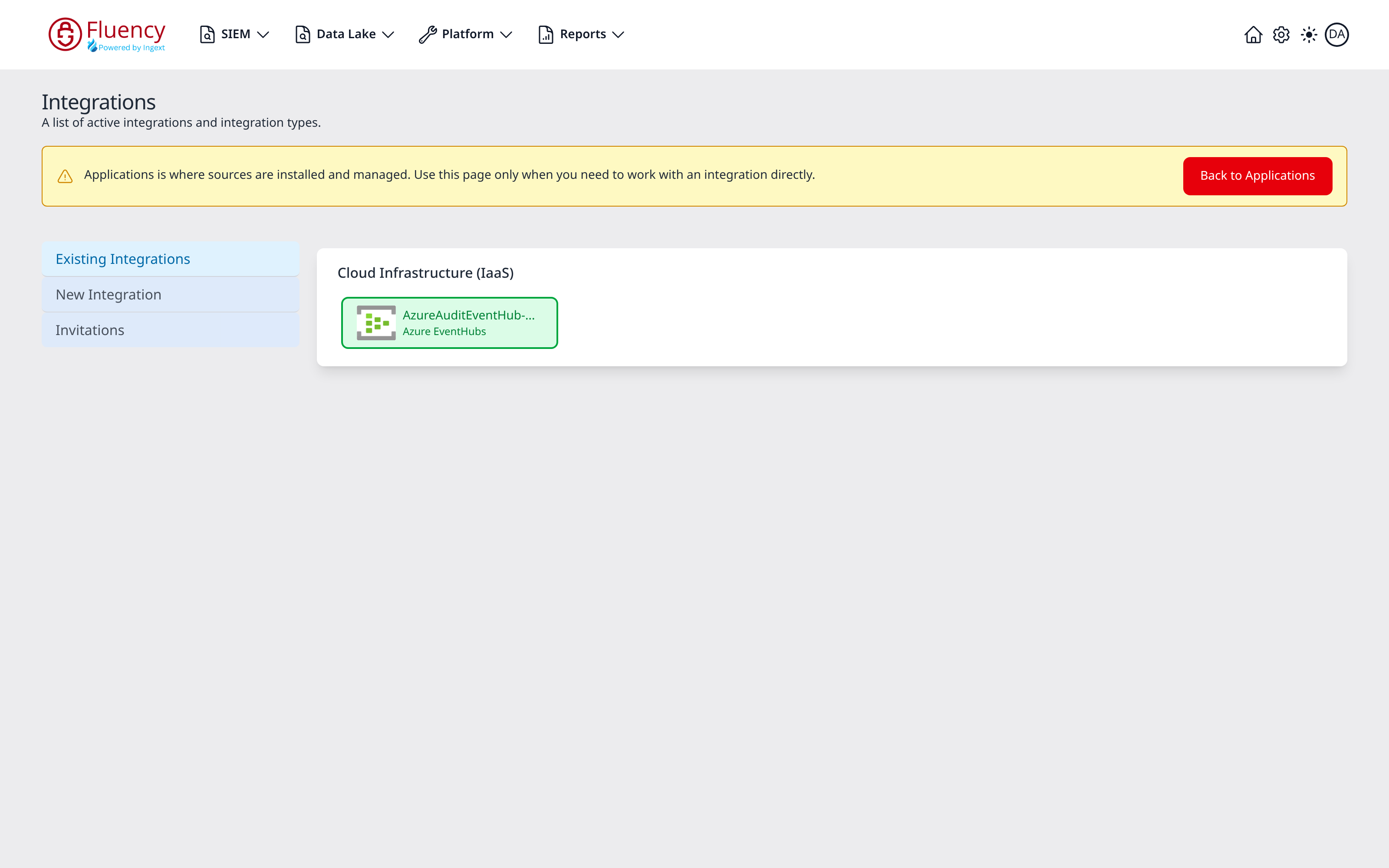
Page Layout
Under the Integrations title and the subtitle A list of active integrations and integration types., a yellow advisory banner reads Applications is where sources are installed and managed. Use this page only when you need to work with an integration directly. A red Back to Applications button sits at the right end of the banner and returns to Applications, whose View Integrations button leads here. The two buttons are a round trip between the pages, and /platform/integrations and /platform are the only two URLs involved; switching between the views below does not change either.
Below the banner, the page has the same two-region shape as Applications:
- A view selector on the left with three entries. Invitations is listed only while an invitation is pending, and a platform with no integrations yet lists New Integration alone.
- The content region on the right, showing whichever view is selected.
View Selector
| Entry | What it shows |
|---|---|
| Existing Integrations | The integrations currently configured on this platform, grouped by category, the view the page opens on. |
| New Integration | The catalog of 58 integration types, with an Add dialog behind each one. |
| Invitations | The integrations waiting for an administrator's consent, one tile per pending invitation. |
How integrations relate to applications
An application is a whole pipeline: a source, the processors that parse it, the sinks it writes to. An integration is only the connection at the source end. Installing an application from a template usually creates one: the Add Integration lines in an application's Actions list name the integrations that install produced, and they then appear here under Existing Integrations.
That split is why this page matters even when every source was installed from a template:
- Credentials are edited here, not there. An application's details panel is read-only, so a rotated client secret is applied to the integration on this page rather than by reinstalling the application around it.
- One integration can serve several applications. AWS roles are the exception to where such a shared credential lives. The Pre-defined AWS Role drop-down on every AWS setup form lists roles registered under Settings → AWS Roles, not integrations on this page.
- Some integrations have no application. A pipeline built by hand from Platform → Processors still needs its source's credentials, and outbound connections (Slack, PagerDuty, ServiceNow) exist only here.
The two catalogs do not line up one-to-one. The 58 integration types here are the connection primitives; the application templates are packaged pipelines built on top of them. Several templates share one type (the three Office 365 templates all produce Office365-family integrations), and several types have no template at all, which is what makes them worth knowing about.