Settings
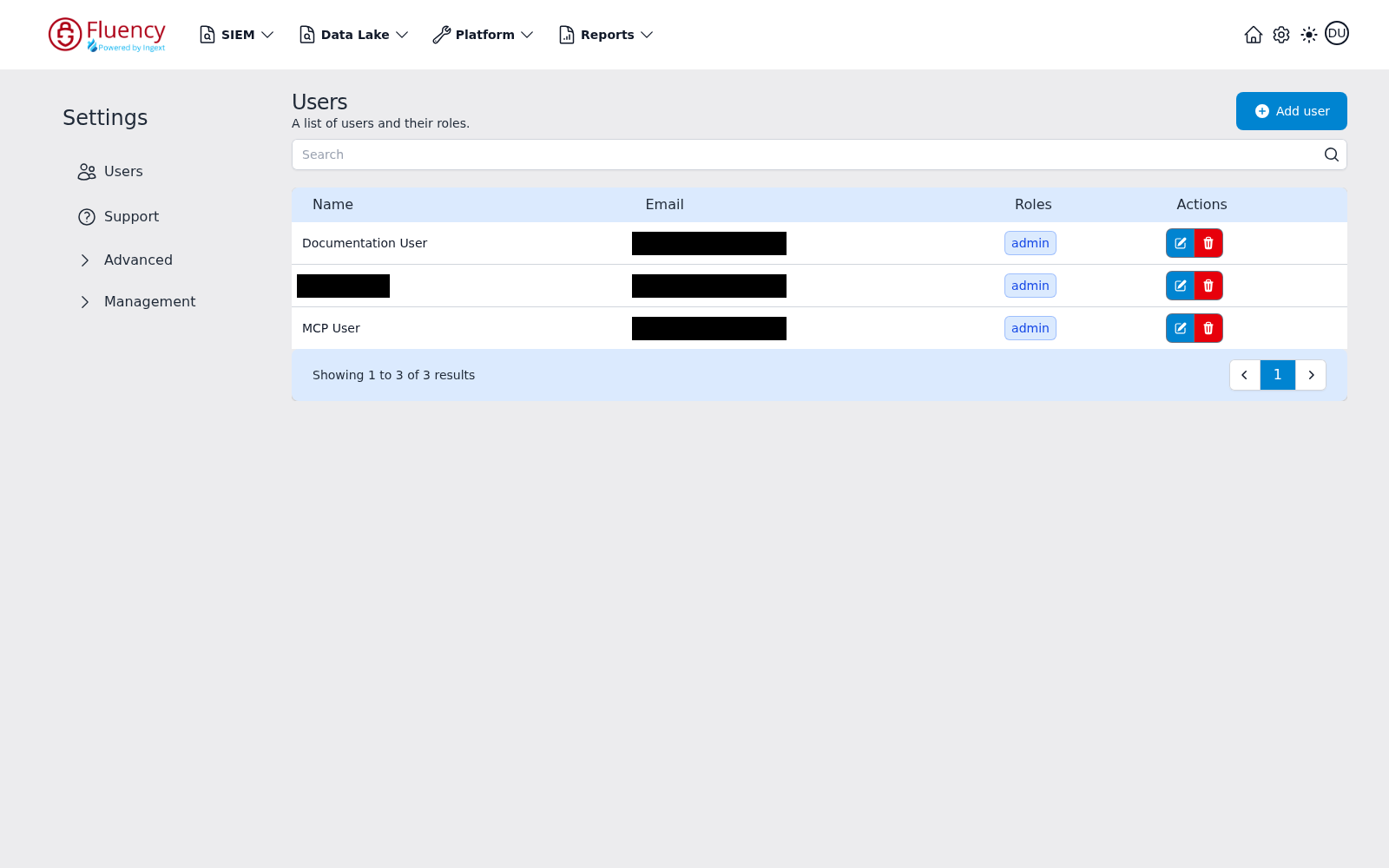
The Settings area is the hub for account administration. It is reached from the gear icon in the navigation bar and opens on the Users area (the team user list). A Settings sidebar menu on the left switches between the administration areas.
Menu path: Settings (gear icon in the navigation bar) · URL path: /settings/team
Page Layout
A Settings sidebar menu occupies the left edge of the page. The rest of the page is the content area for the selected menu item; on load it shows the Users area.
Settings Menu
The sidebar lists two direct entries and two expandable groups:
- Users — the user list (the area shown when the page loads).
- Support — the Support area.
- Advanced — expandable group of advanced settings.
- Management — expandable group of management settings.
Collapsed groups show a right-pointing chevron; expanded groups show a downward chevron. Clicking a group expands it in place without leaving the page.
Advanced
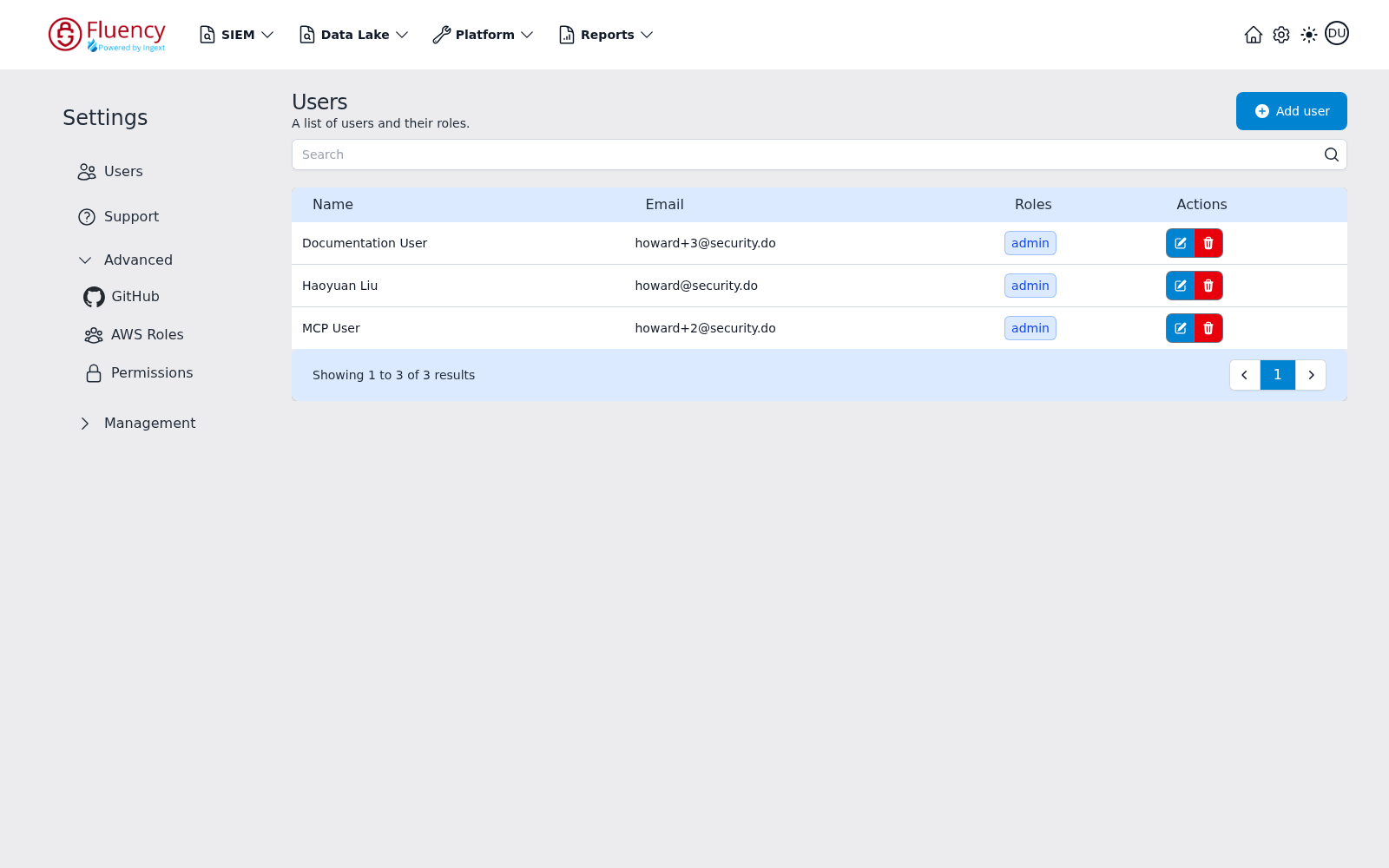
Click Advanced to expand the group and reveal three entries:
- GitHub — see GitHub.
- AWS Roles — see AWS Roles.
- Permissions — see Permissions.
Management
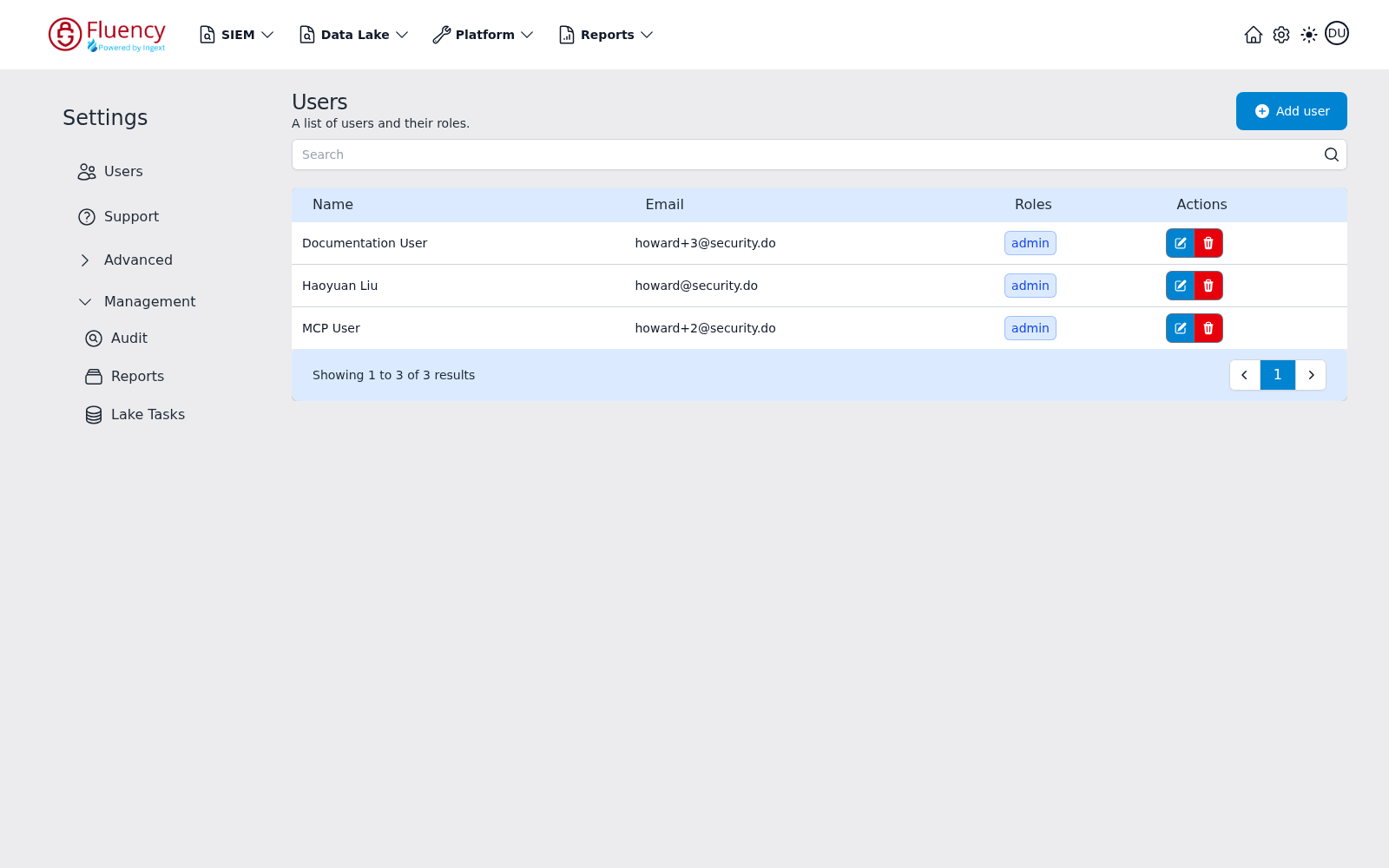
Click Management to expand the group and reveal three entries:
- Audit — see Audit.
- Reports — see Reports History.
- Lake Tasks — see Lake Tasks.
Pages in this Section
- Users — the account's users and their roles, with add, edit, and delete.
- Permissions — API tokens, roles, and API and data policies (the Advanced → Permissions area).
- Audit — the audit log of user activity in the portal (the Management → Audit area).
- Profile — the signed-in user's own account, theme, editor font, and password. Reached from the account avatar rather than the gear icon.
- Support — the support portal link, support e-mail address, and user-manual link.
- GitHub — the GitHub repositories configured for resource sync (the Advanced → GitHub area).
- AWS Roles — the assumed AWS IAM roles (the Advanced → AWS Roles area).
- Reports History — the run history of report tasks (the Management → Reports area).
- Lake Tasks — the run log of data lake ingest and merge jobs (the Management → Lake Tasks area).