GitHub
The GitHub area lists the GitHub repositories the account synchronises resources with, and is where those repository connections are added, inspected, edited, and removed.
Menu path: Settings → Advanced → GitHub · URL path: /settings/github
Page Layout
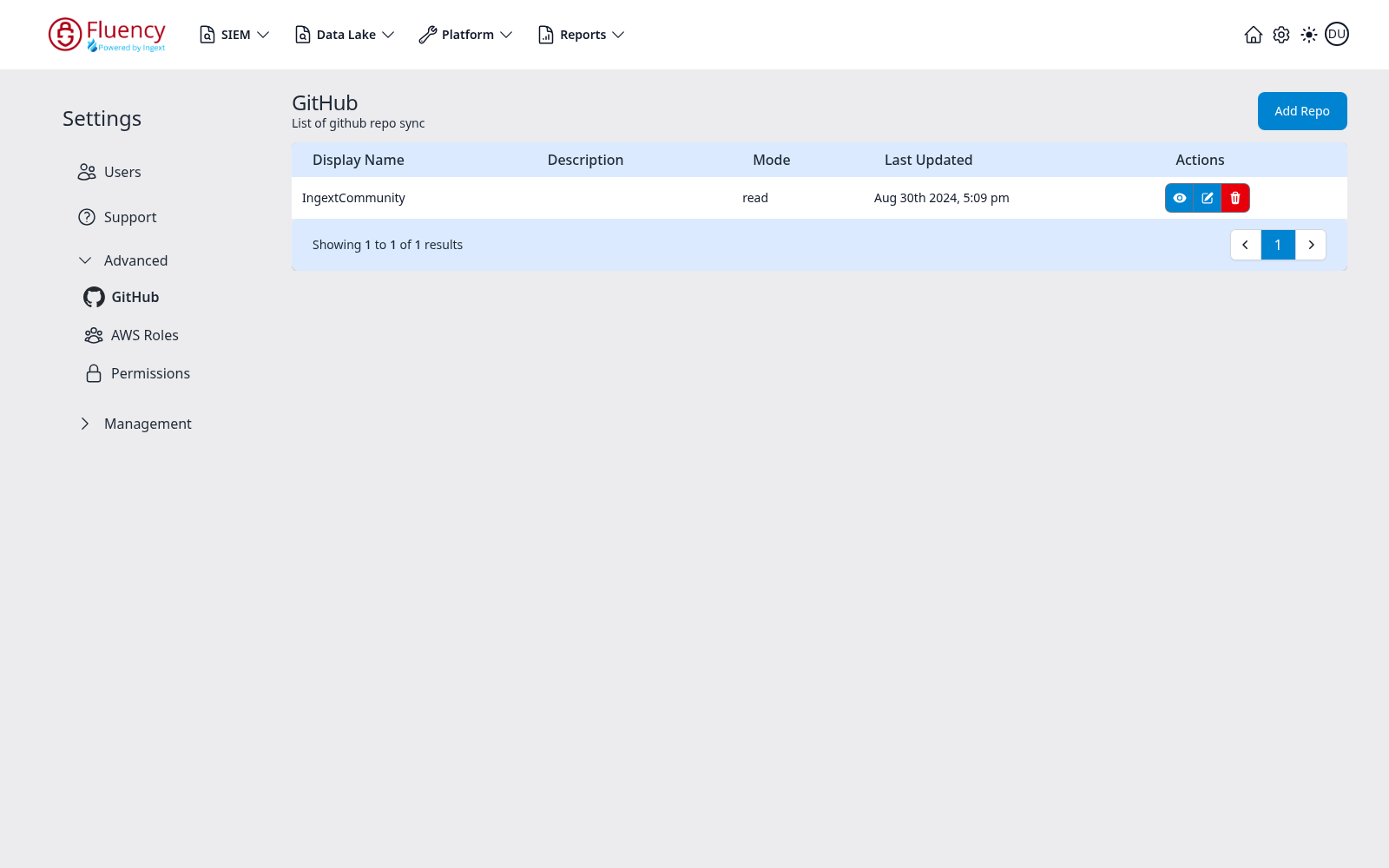
The header shows the title GitHub with the subtitle List of github repo sync and an Add Repo button on the right. Below it, a table lists the configured repositories, with a footer bar reporting the visible range and the paging controls.
Table Columns
- Display Name — the name the repository connection was given.
- Description — an optional description.
- Mode — the sync direction, such as read.
- Last Updated — when the connection last changed.
- Actions — the per-row buttons described below.
Row Actions
Each row carries three buttons in its Actions column:
- A blue eye button — view the repository connection.
- A blue pencil button — edit it.
- A red trash button — delete it.
Add Repo
Click Add Repo in the upper-right corner to register another repository for resource sync.