Support
The Support area collects the ways to get help with the platform: a link to the support portal, the support e-mail address, and a link to this user manual.
Menu path: Settings → Support · URL path: /settings/support
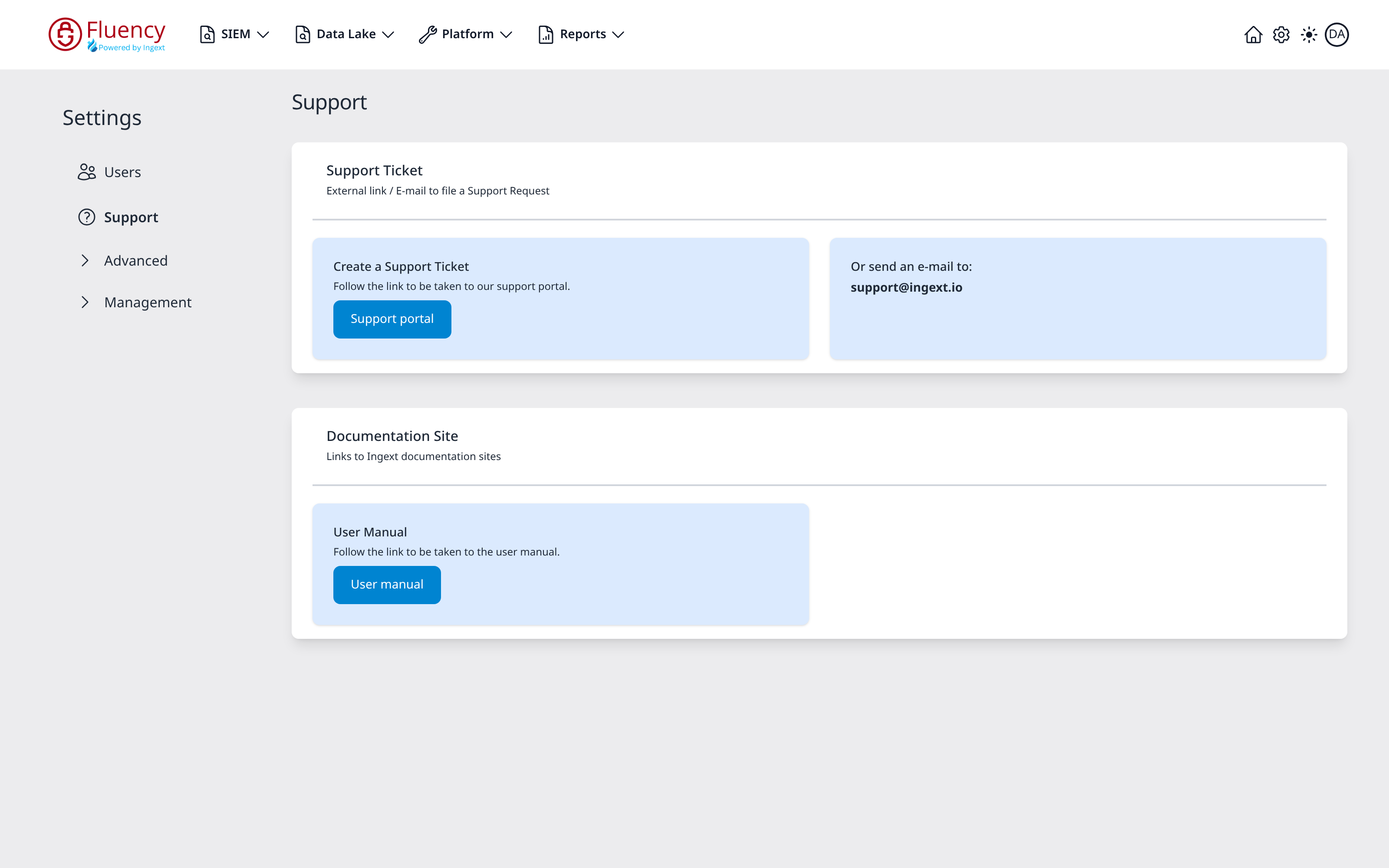
Page Layout
The page title is Support. The content area holds two cards, each with a heading, a one-line description, and its links below a divider.
Support Ticket
The Support Ticket card, subtitled External link / E-mail to file a Support Request, offers two routes side by side:
- Create a Support Ticket: Follow the link to be taken to our support portal. with a blue Support portal button.
- Or send an e-mail to: the support address, support@ingext.io.
Documentation Site
The Documentation Site card, subtitled Links to Ingext documentation sites, holds a single entry:
- User Manual: Follow the link to be taken to the user manual. with a blue User manual button, which opens this manual.