New Integration
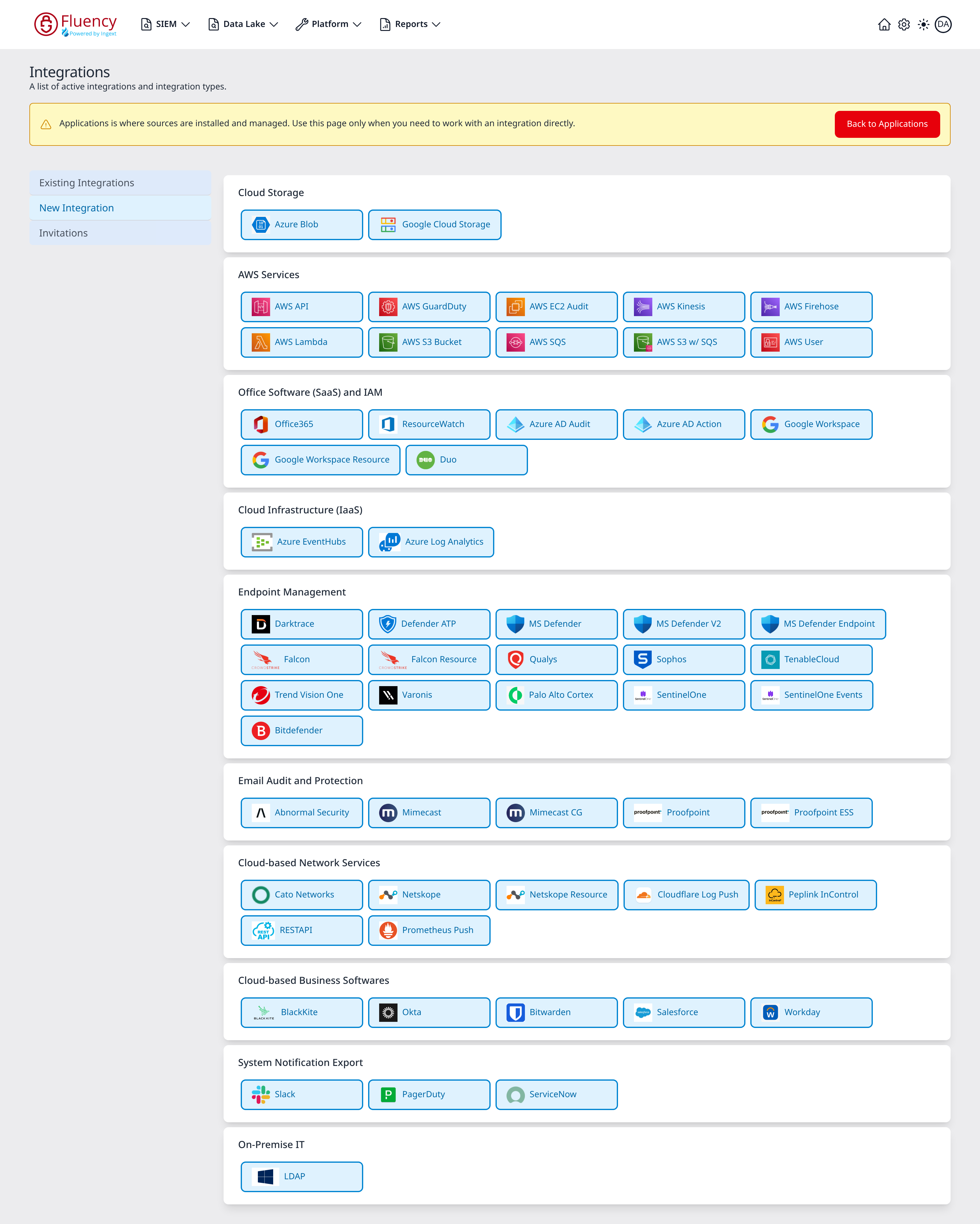
New Integration is the second view of the Integrations page. It presents every integration type as a tile, grouped into categories; clicking a tile opens that type's Add dialog, and saving the dialog creates the integration.
The Catalog
The catalog is a stack of cards, one per category, each holding the tiles for the types filed under it. Unlike the application template catalog, this view has no search box and the tiles are laid out five to a row. Every tile carries the service's icon beside its name.
The categories, in the order they appear:
| Category | Types | What they connect to |
|---|---|---|
| Cloud Storage | 2 | Object stores read directly. |
| AWS Services | 10 | AWS accounts, and the queues, streams and buckets inside them. |
| Office Software (SaaS) and IAM | 7 | Microsoft 365, Entra, Google Workspace and Duo tenants. |
| Cloud Infrastructure (IaaS) | 2 | Azure Event Hubs and Log Analytics workspaces. |
| Endpoint Management | 16 | EDR/XDR, data-security and vulnerability-management consoles. |
| Email Audit and Protection | 5 | Email security gateways. |
| Cloud-based Network Services | 7 | Network, SASE and SSE platforms, plus two generic HTTP connectors. |
| Cloud-based Business Softwares | 5 | SaaS business applications. |
| System Notification Export | 3 | Outbound destinations for alerts and tickets. |
| On-Premise IT | 1 | A directory server reached through a collector. |
The category names overlap the application catalog's but the sets do not match: Cloud Storage, Cloud-based Network Services and System Notification Export exist only here, and System Components exists only there.
The Add Dialog
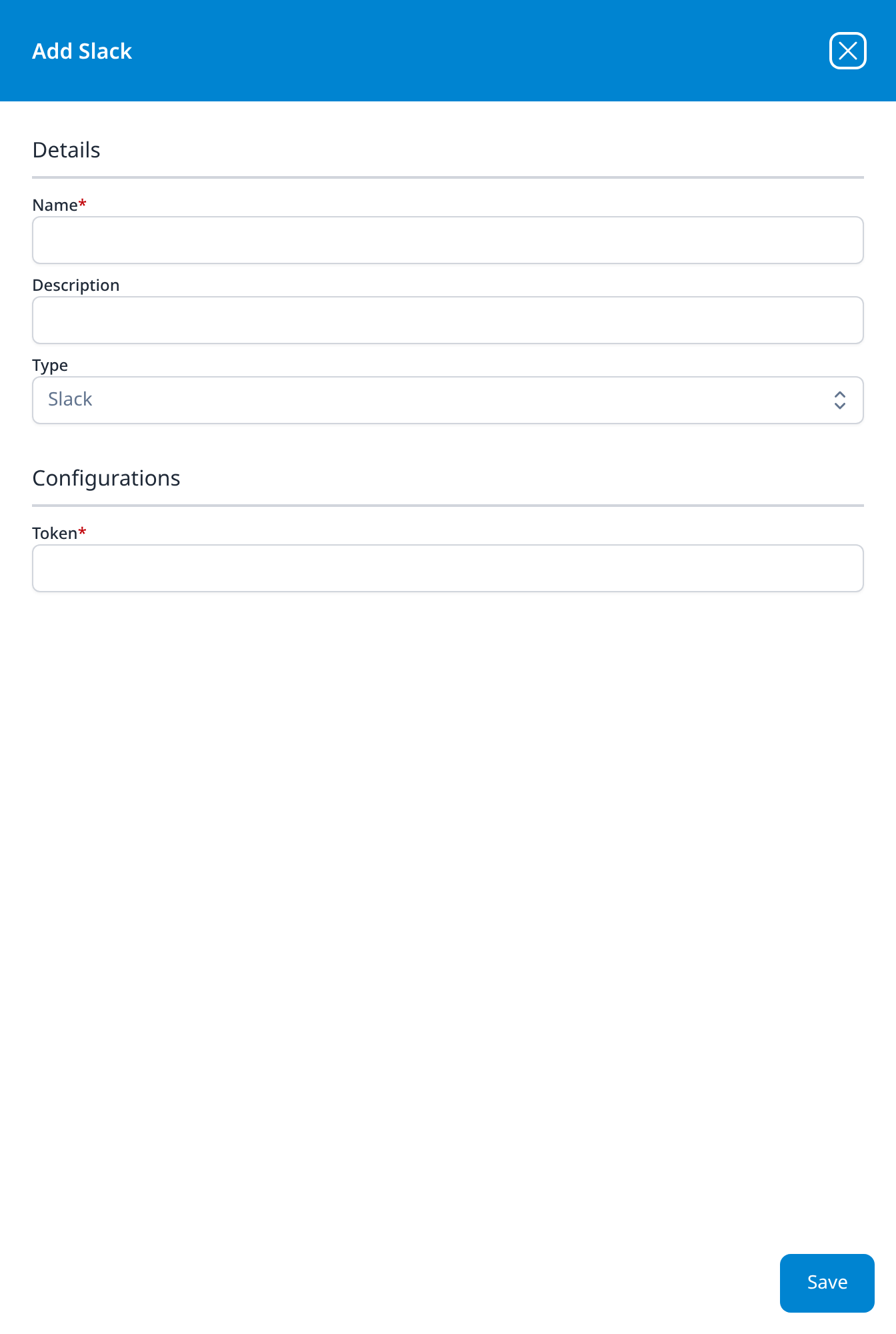
Clicking a tile opens a panel over the right of the page titled Add <type>. Every type's dialog has the same two sections and the same footer.
| Section | Fields |
|---|---|
| Details | Name, required and empty: this is what the tile in Existing Integrations will be labelled with, and it cannot be changed afterwards. Description, optional. Configuration method, on the types that have more than one way in. Type, read-only and pre-set to the tile you clicked. |
| Configurations | The type's own connection fields. Absent entirely on the two types that take none. |
A Save button sits in the lower-right corner; the X in the title bar closes the dialog without creating anything. Required fields are marked with a red asterisk after the label.
Configuration method
Configuration method is a drop-down in Details, above the read-only Type, and it appears on fourteen of the 58 types. It selects how the credential is obtained rather than what the credential is, so changing it changes which fields Configurations shows:
-
Nine of the ten AWS Services types open on Pre-defined AWS Role; the other choices are Access/Secret Key and IAM Role ARN. The method decides only the credential at the end of Configurations, and every other field stays as it is:
Method Credential fields Pre-defined AWS Role (the default) Role: a drop-down of the AWS roles registered under Settings → AWS Roles. Access/Secret Key Access Key and Secret Key (masked): an IAM user's key pair. On AWS GuardDuty this method also adds a Create Plugin Datasource checkbox. IAM Role ARN Role ARN: a text field for the ARN of the role to assume. AWS User is the exception: it takes a long-lived key pair rather than assuming a role, so there is nothing to choose.
-
Office365, ResourceWatch, Azure AD Audit and Azure AD Action open on Send Invitation, and in that state ask for nothing but an administrator's Email, the equivalent of the Enable Admin Consent Mode checkbox on the Microsoft application templates. The other choice, Manual, replaces Email with the app registration's own credential (Tenant ID, Client ID and Client Secret) and, except on Azure AD Action, a Create Plugin Datasource checkbox. See Office365 for that type's variant.
-
Google Workspace opens on Manual, and asks for the admin address and the service-account key directly. The other choice, Send Invitation, replaces both with a single Email, as on the Microsoft types. Google Workspace Resource asks for the same two fields as Manual with no Configuration method row.
The remaining 44 types have no such row: there is one way to connect them, and Configurations asks for it.
Footer buttons
Some types add an action button above Save, in the body of the dialog rather than the footer strip:
- Setup CloudFormation (blue): on all ten AWS Services types. It is the route to creating the IAM role the integration will assume, rather than pasting an access key.
- Test Configuration (green): on AWS S3 Bucket and LDAP, and on no other type: those two are the only ones that can prove the connection before it is saved.
Create Plugin Datasource
Most types end their Configurations section with a Create Plugin Datasource checkbox, unticked. Ticking it makes the save build the pipeline's data source at the same time as the integration, instead of leaving the integration for a pipeline to be pointed at later, which is the shortcut for an integration created here rather than by an application install.
The types that offer it are Google Workspace (on Manual), Google Workspace Resource, Duo, both Cloud Infrastructure (IaaS) types, all of Endpoint Management except Palo Alto Cortex and Bitdefender, all of Email Audit and Protection, the two Netskope types, all of Cloud-based Business Softwares, and LDAP (32 of the 58). The Cloud Storage and notification types have no such checkbox, nor do the other network-service types; the AWS types have none except AWS GuardDuty on Access/Secret Key, and the four Microsoft types offer it only on Manual (all but Azure AD Action).
Fields below are required unless marked optional. A value shown in italics is a real value the field opens with; a value shown in code is grey placeholder text, which the field does not submit unless you type it. Labels are reproduced exactly as the interface renders them.
Cloud Storage
Neither type in this category has a Configuration method row or a Create Plugin Datasource checkbox.
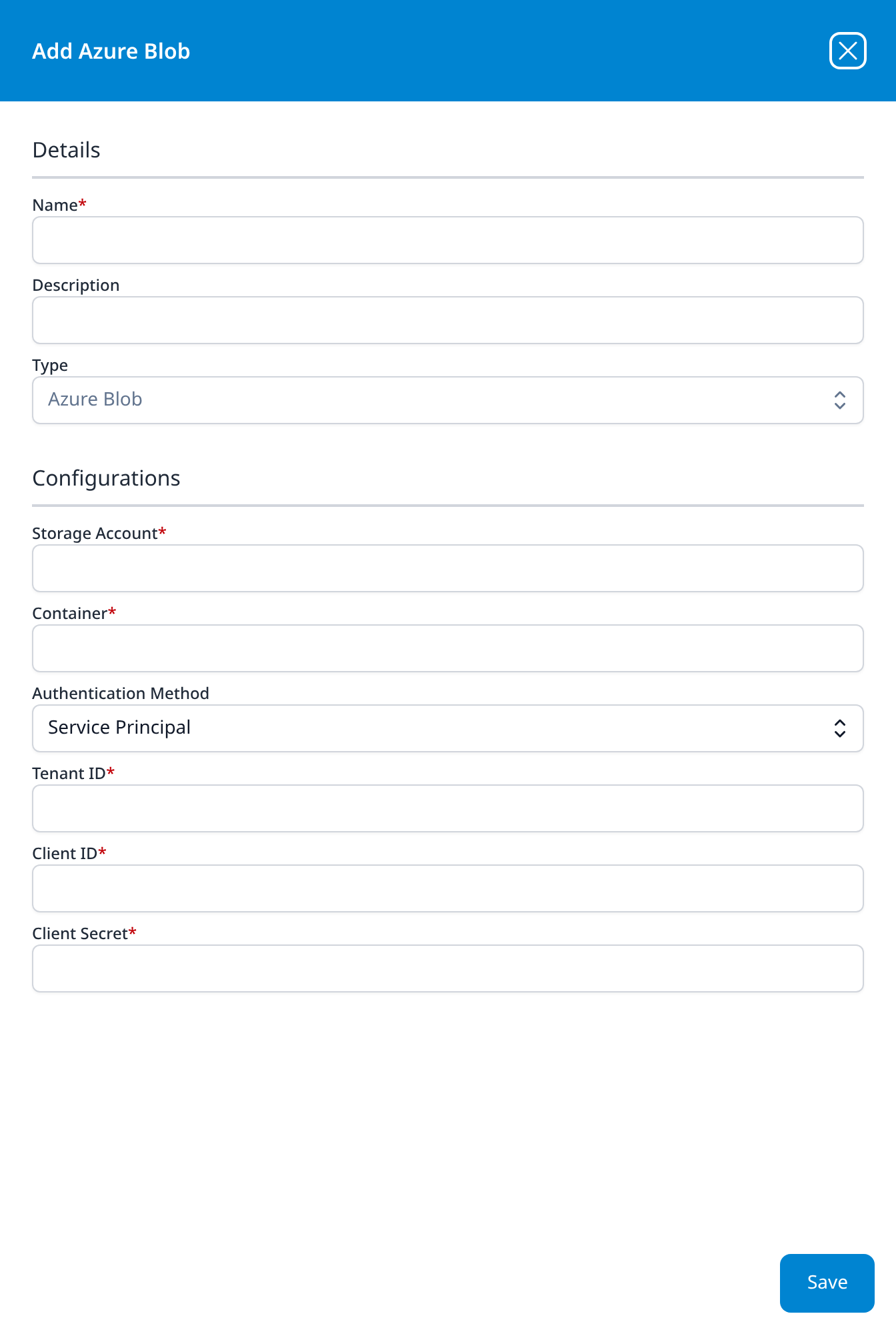
Azure Blob
- Storage Account
- Container
- Authentication Method (optional): drop-down, Service Principal; the other option is Connection String
- Tenant ID
- Client ID
- Client Secret
The three credential fields are the ones the Service Principal method needs; Authentication Method is the only drop-down here that changes them. Set to Connection String, it keeps Tenant ID and Client ID and asks for a Connection String in place of Client Secret.
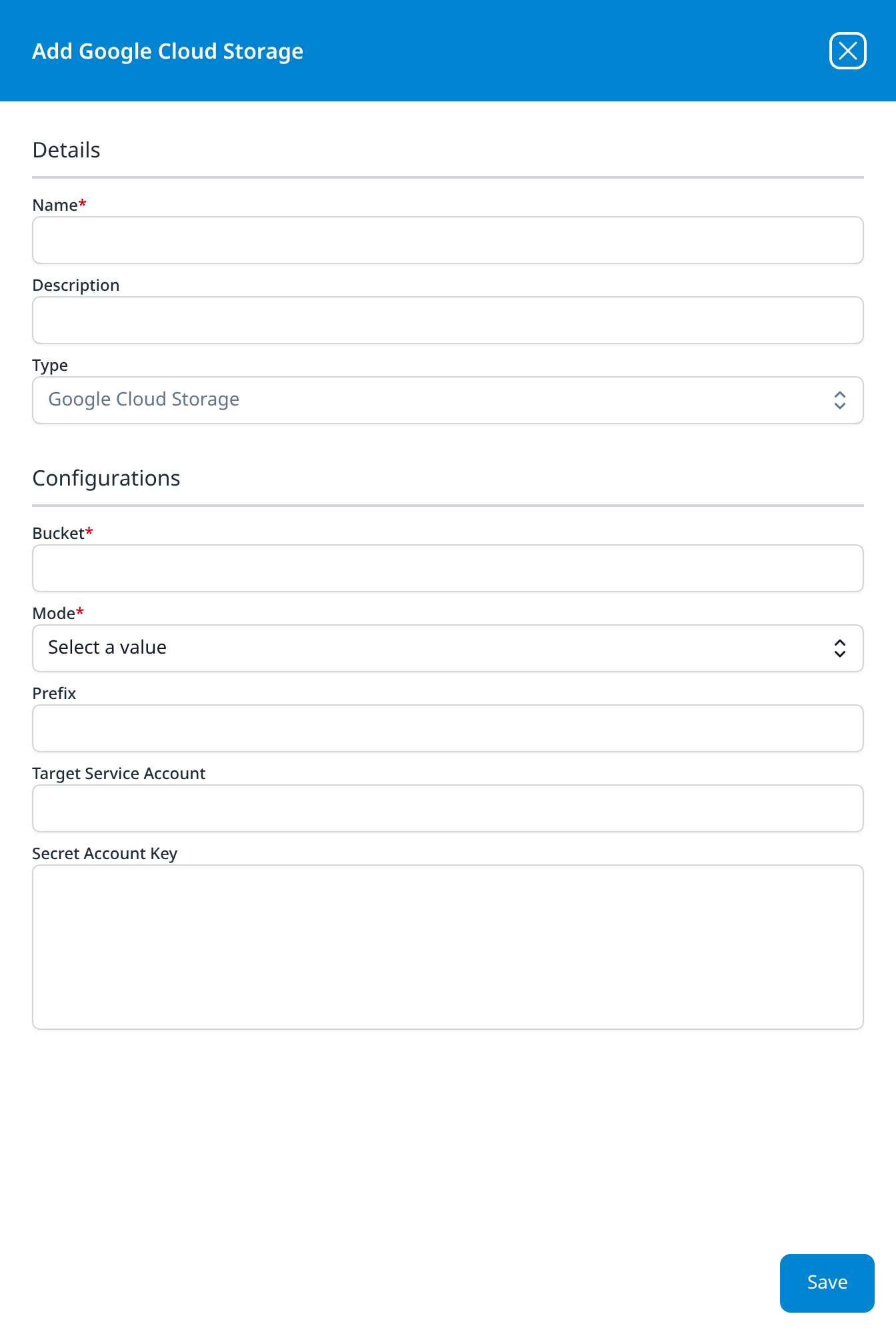
Google Cloud Storage
- Bucket
- Mode: drop-down, Select a value: read, write, or read/write
- Prefix (optional)
- Target Service Account (optional)
- Secret Account Key (optional): a multi-line box, sized for a pasted service-account key file
AWS Services
Every type here carries a blue Setup CloudFormation button, and every one but AWS User opens with Configuration method set to Pre-defined AWS Role and asks for a Role rather than for keys. Role lists the AWS roles registered under Settings → AWS Roles, the same list the Pre-defined AWS Role parameter offers on the AWS application templates; see Connecting to AWS for registering one. Switching the method to Access/Secret Key or IAM Role ARN swaps Role for Access Key and Secret Key, or for Role ARN: see Configuration method. The field lists below show the default method.
Region and Regions are a fixed list of 25 AWS regions, from us-east-1 to sa-east-1, including the GovCloud (us-gov-east-1, us-gov-west-1) and China (cn-north-1, cn-northwest-1) regions. Mode, where a type has it, offers read, write, and read/write.
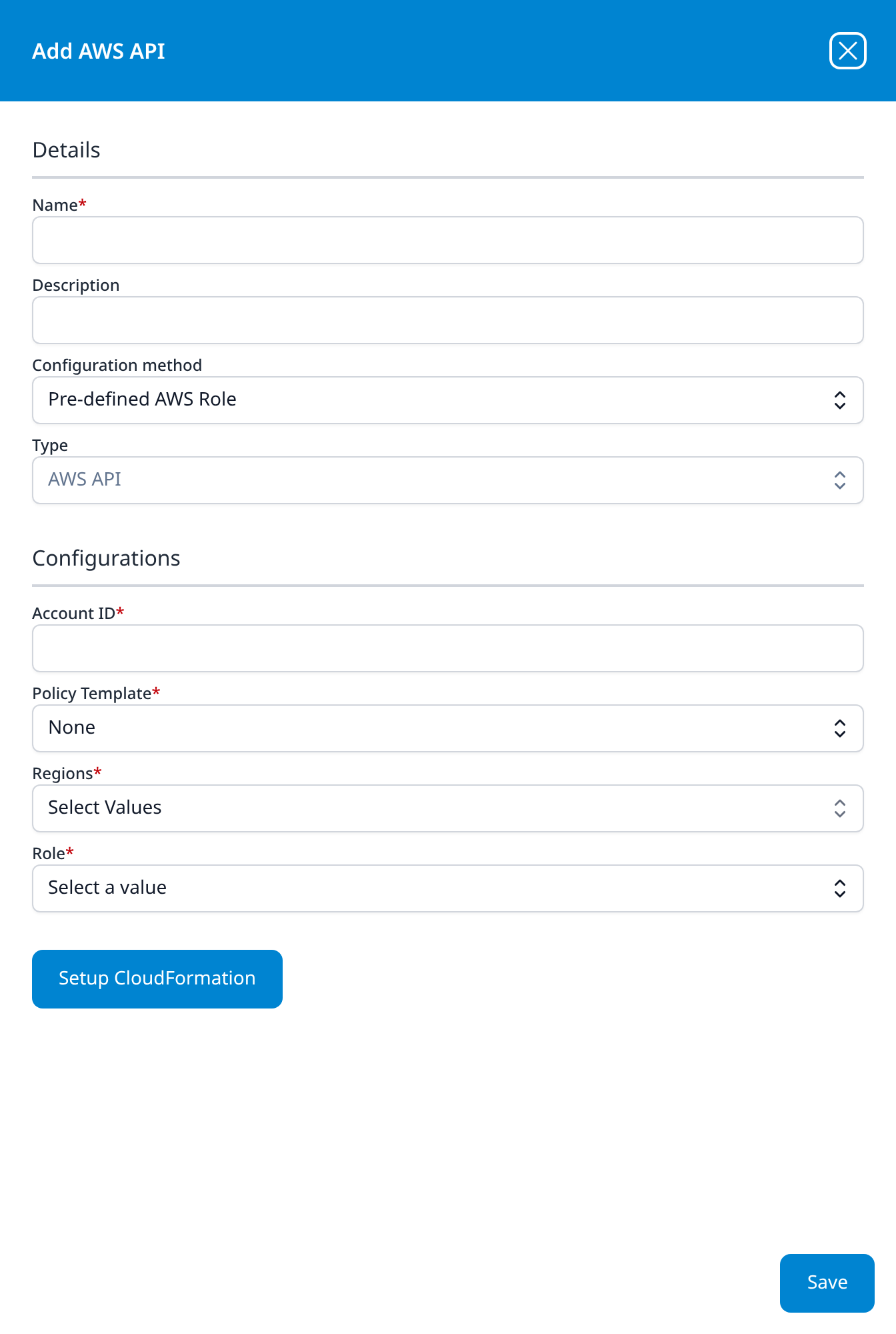
AWS API
- Account ID
- Policy Template: drop-down, None; the other options are AWS Monitoring, EC2 Audit, Lambda Audit, and EKS Audit
- Regions: multi-select drop-down, Select Values
- Role: drop-down, Select a value
The account-level type: where the other nine name one queue, stream, bucket or function, this one registers the account and the role to assume in it. Policy Template is what Setup CloudFormation builds the role from.
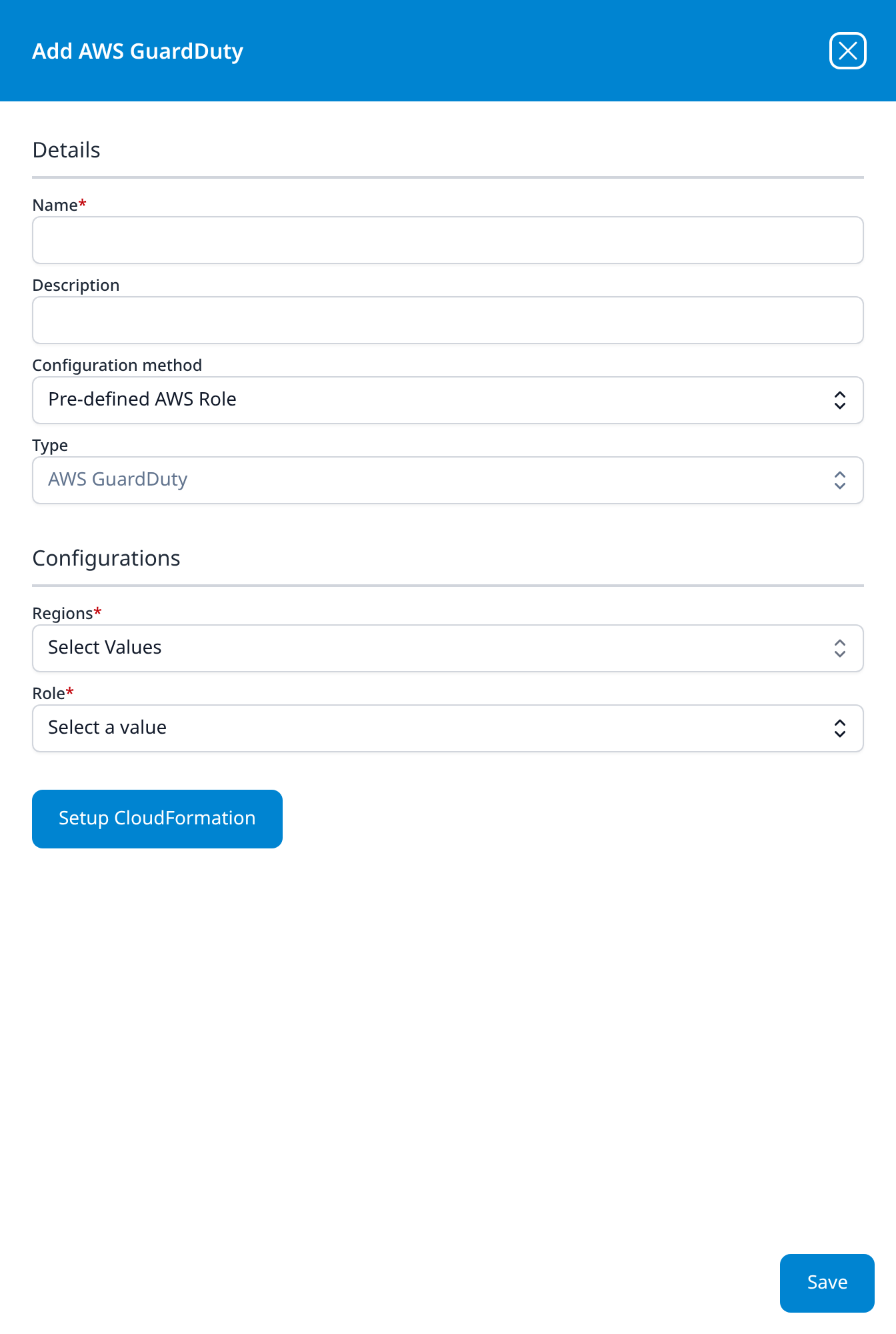
AWS GuardDuty
- Regions: multi-select drop-down, Select Values
- Role: drop-down
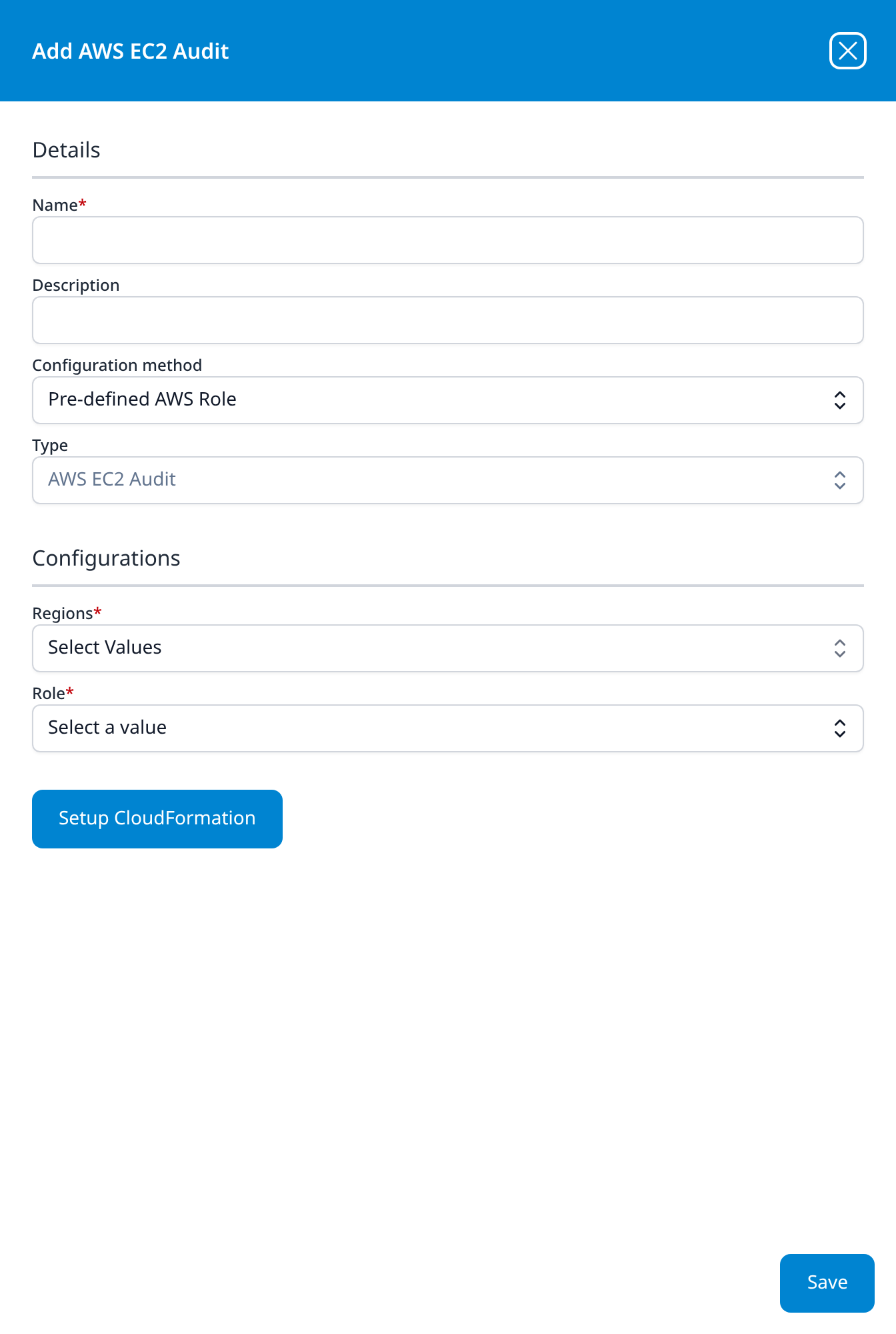
AWS EC2 Audit
- Regions: multi-select drop-down, Select Values
- Role: drop-down
The same two fields as AWS GuardDuty; the type is what decides which API is polled.
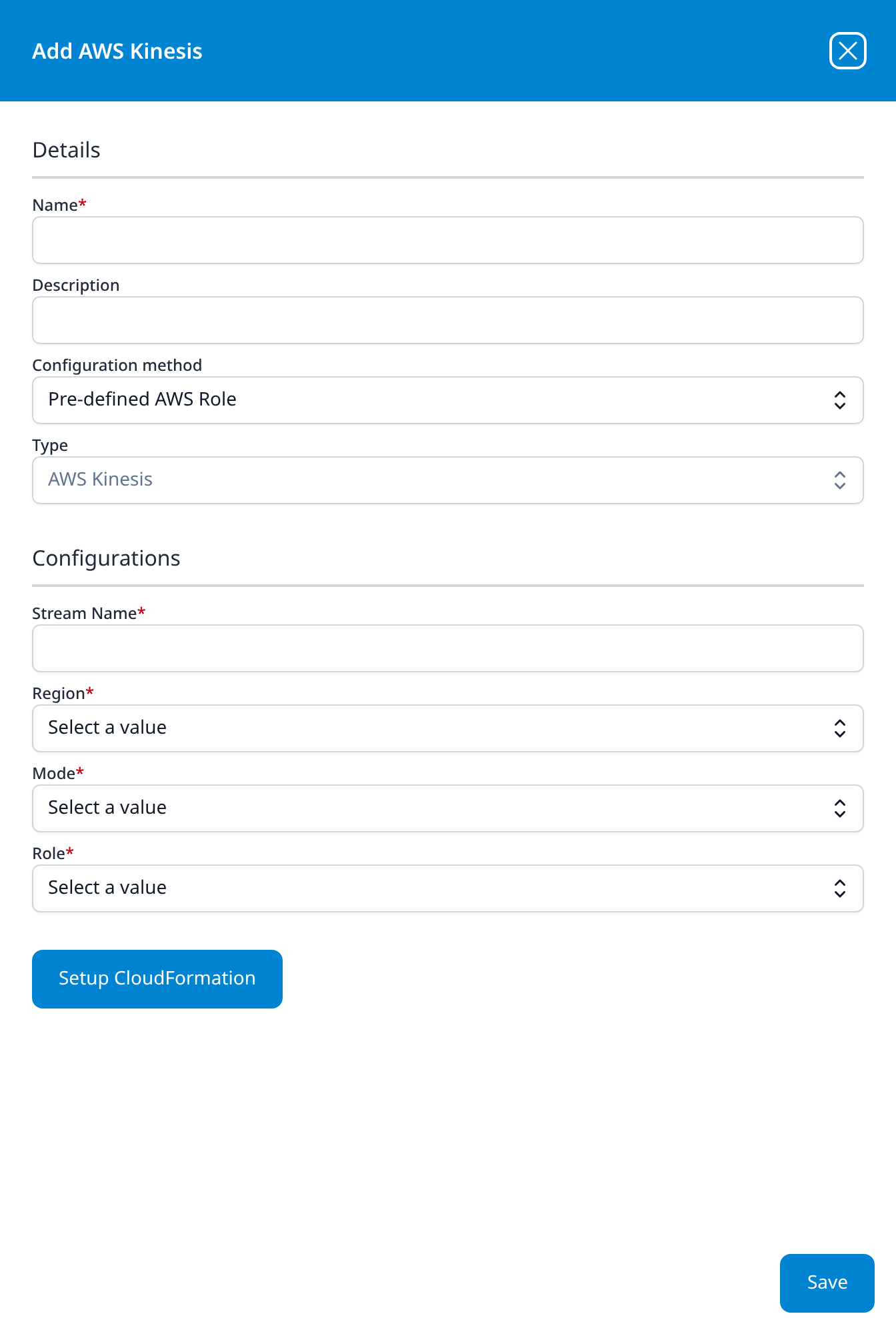
AWS Kinesis
- Stream Name
- Region: drop-down
- Mode: drop-down
- Role: drop-down
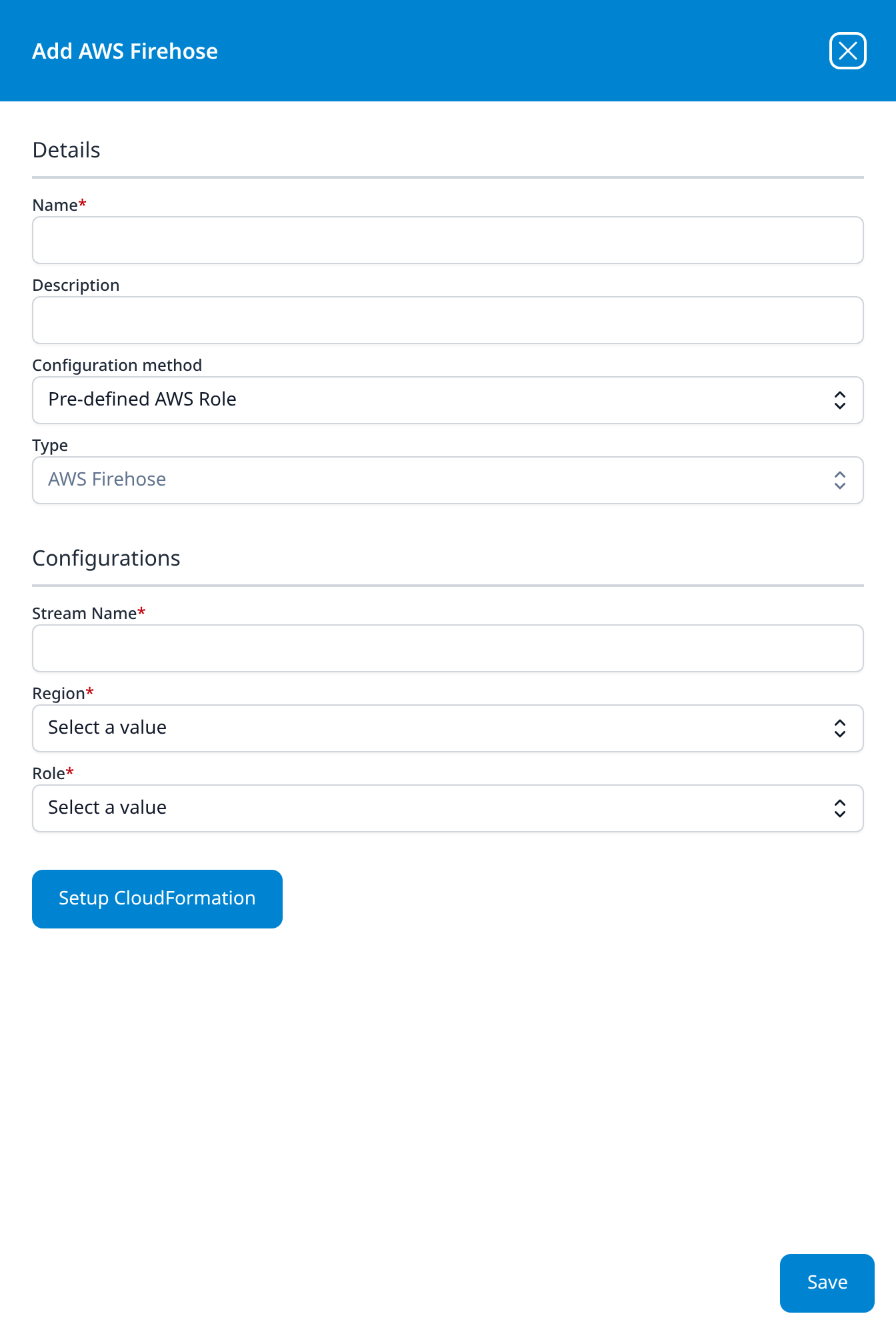
AWS Firehose
- Stream Name
- Region: drop-down
- Role: drop-down
AWS Kinesis without the Mode field.
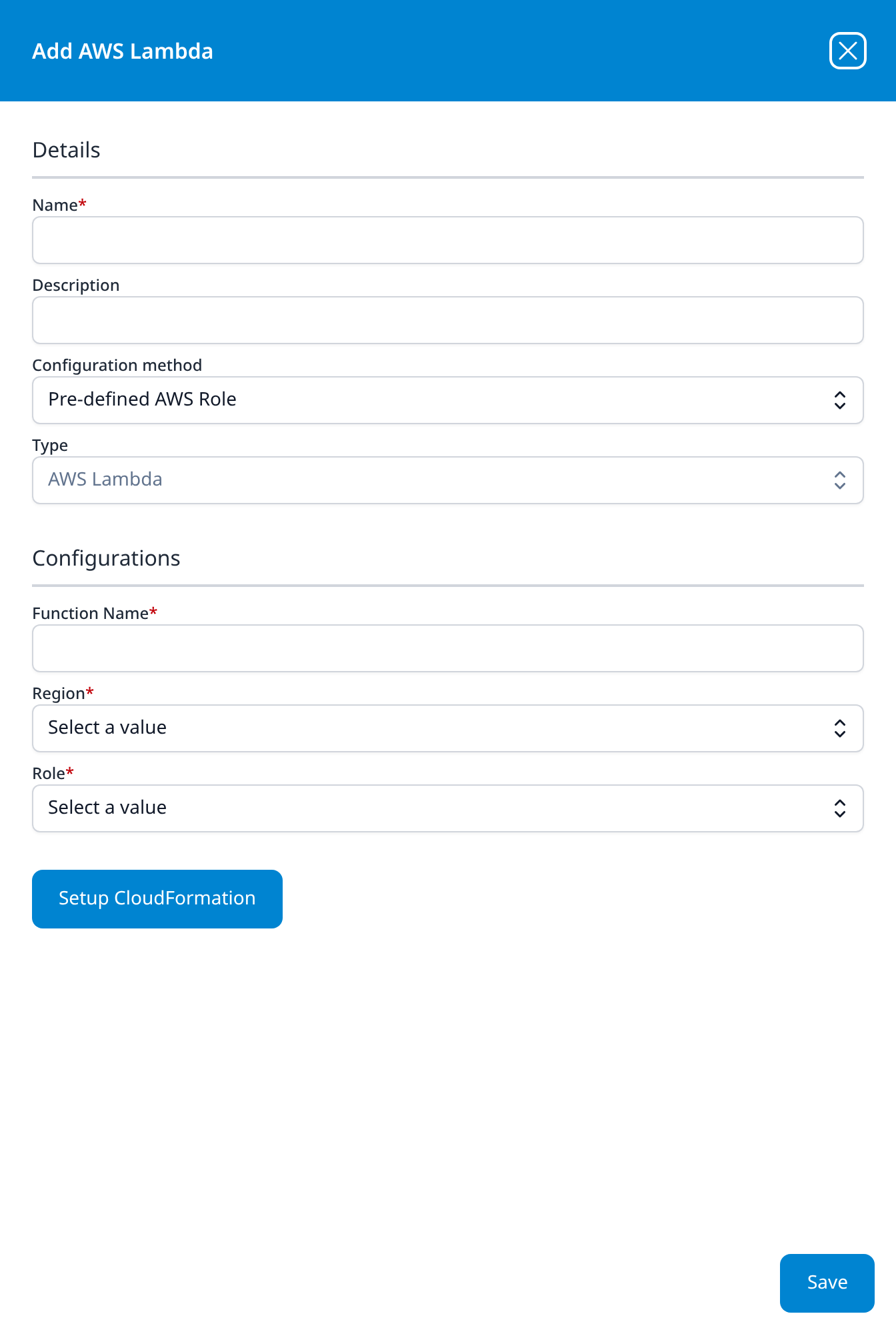
AWS Lambda
- Function Name
- Region: drop-down
- Role: drop-down
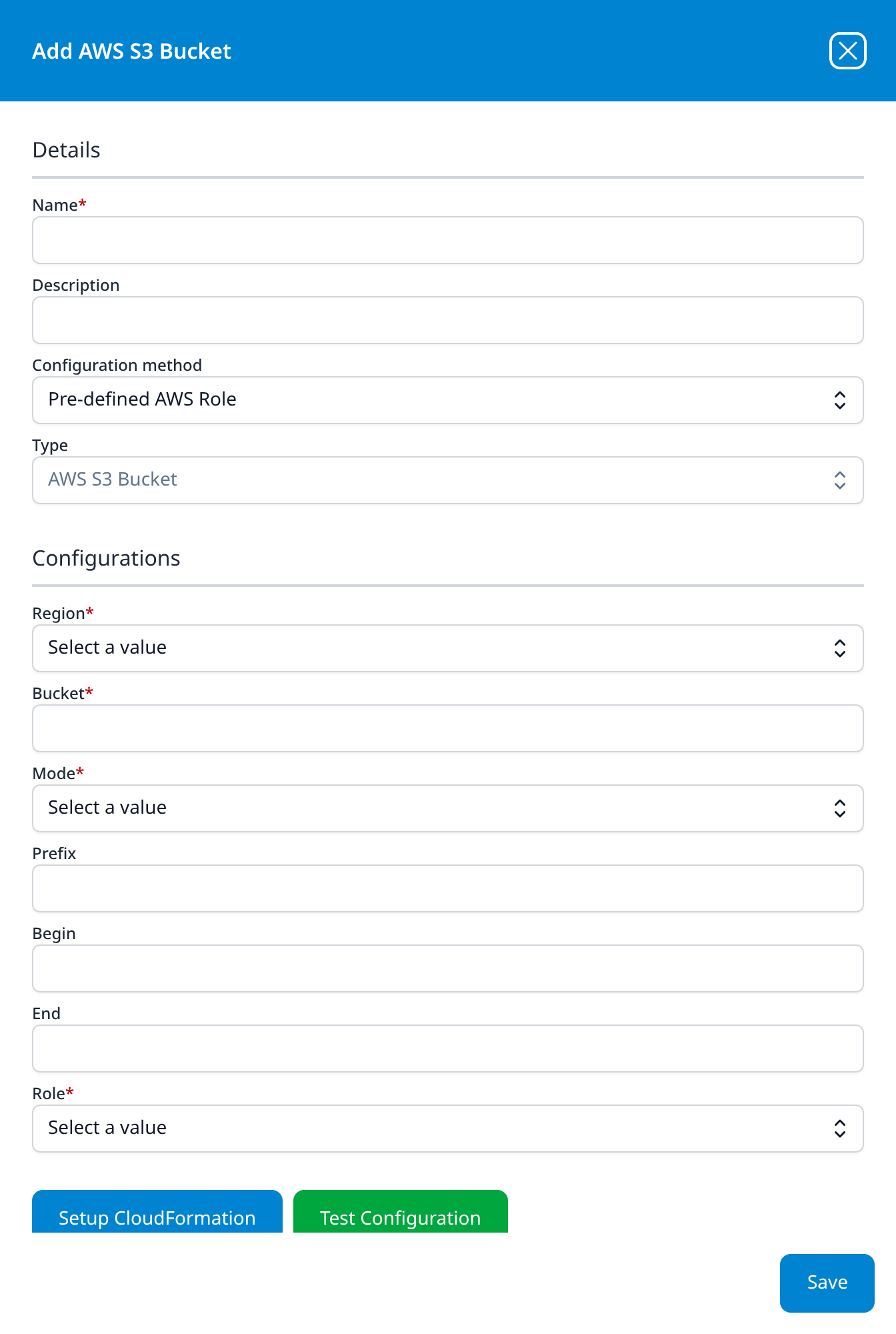
AWS S3 Bucket
- Region: drop-down
- Bucket
- Mode: drop-down
- Prefix (optional)
- Begin (optional)
- End (optional)
- Role: drop-down
The longest form in this category, and one of the only two types in the catalog with a green Test Configuration button, here beside Setup CloudFormation. Prefix, Begin and End bound which objects in the bucket are read, the same way the S3 object prefix / begin / end parameters do on the S3 import templates.
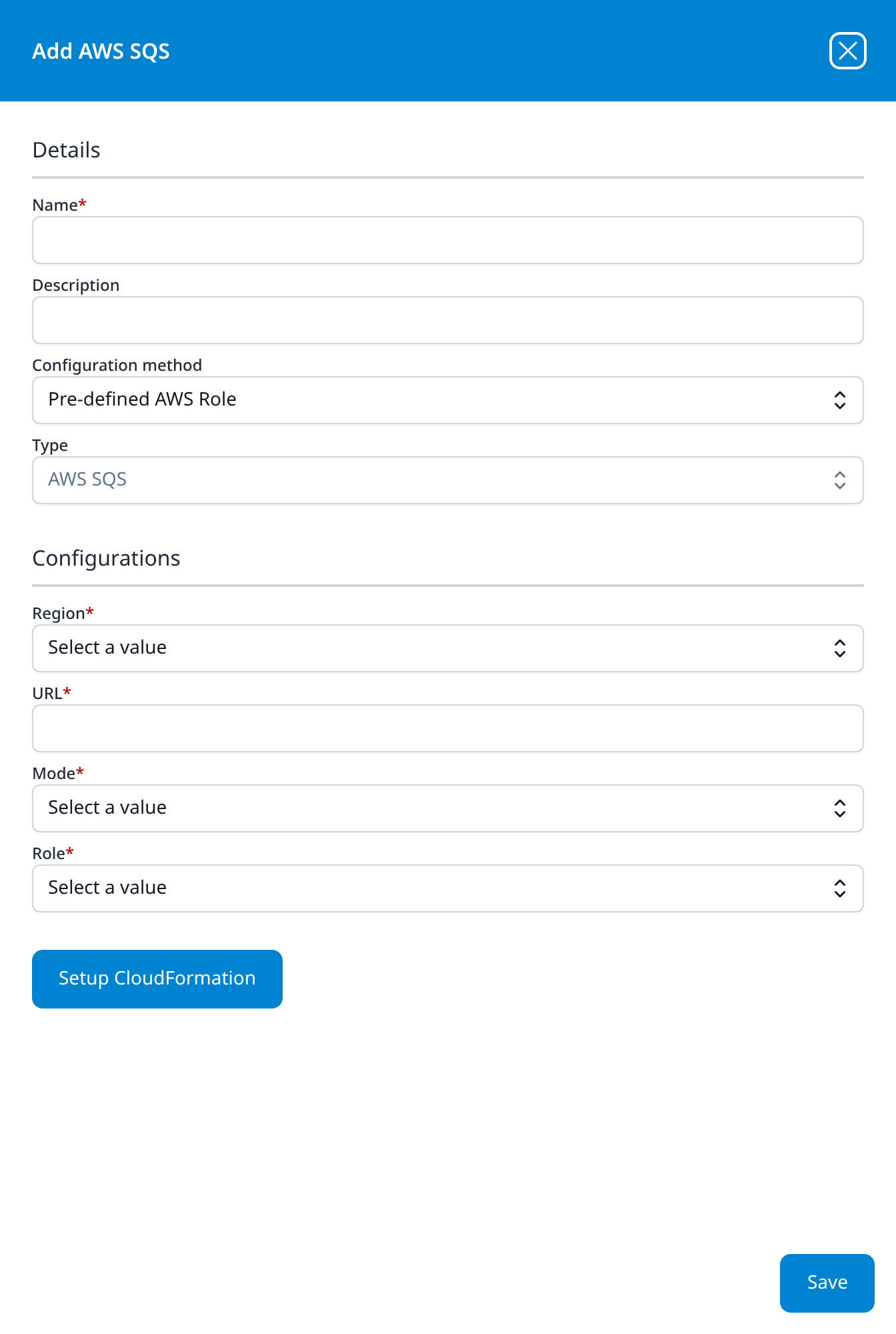
AWS SQS
- Region: drop-down
- URL
- Mode: drop-down
- Role: drop-down
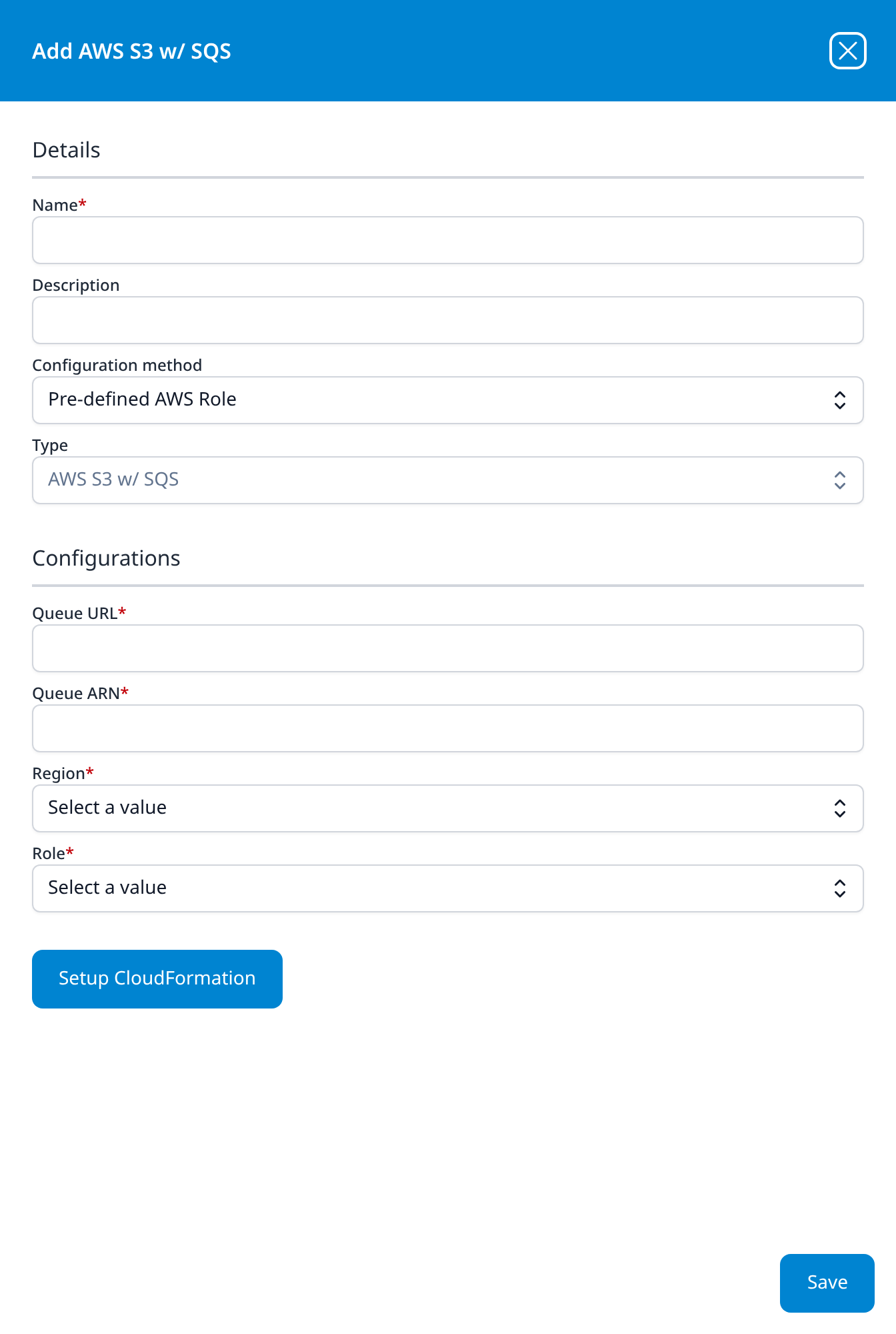
AWS S3 w/ SQS
- Queue URL
- Queue ARN
- Region: drop-down
- Role: drop-down
The type behind the AWS templates that take an SQS notification queue url: the bucket is discovered from the notifications rather than named, which is why there is no bucket field.
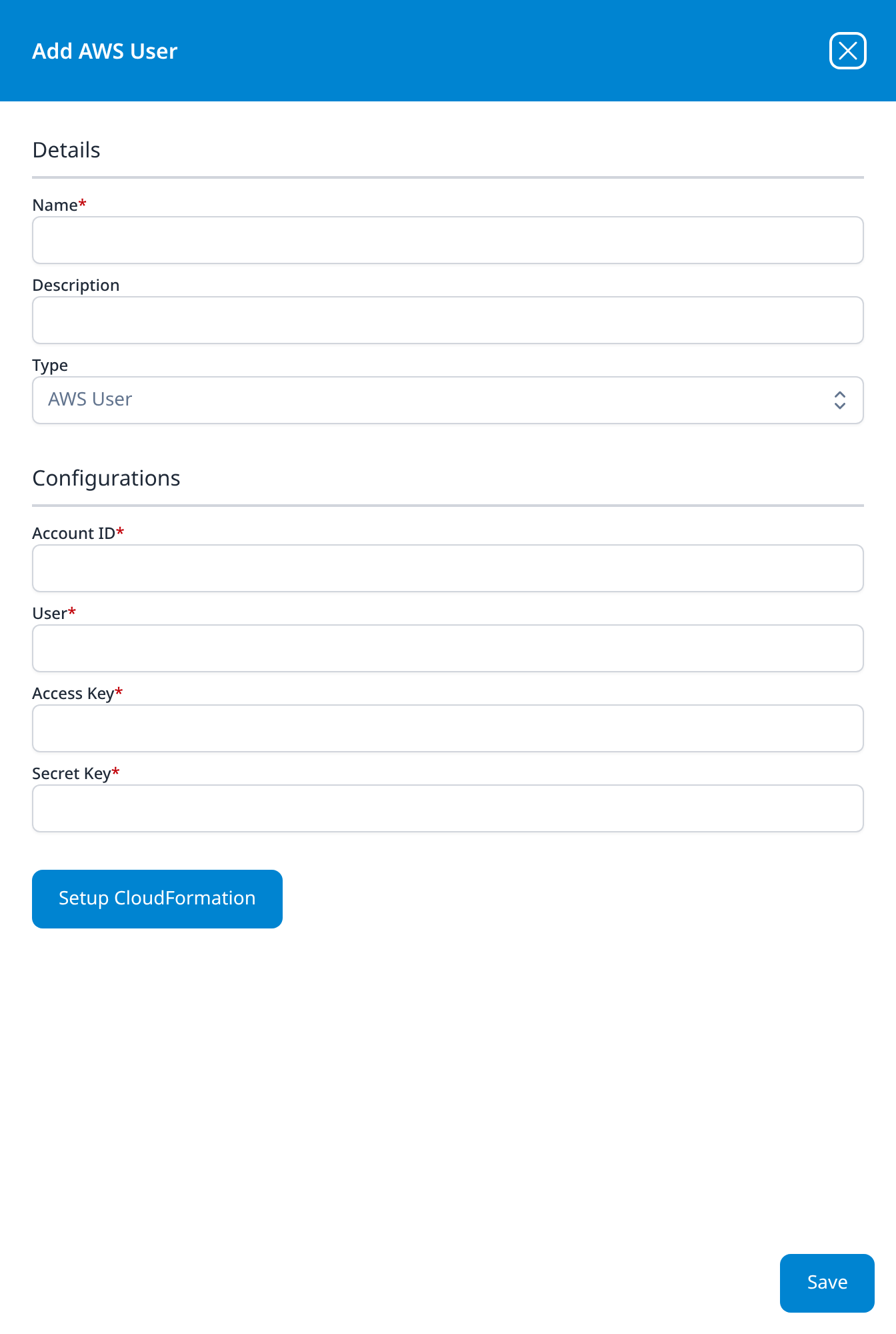
AWS User
- Account ID
- User
- Access Key
- Secret Key
The one type in this category with no Configuration method row and no Role field: it is the long-lived-key alternative to the role-assumption types above. It keeps the Setup CloudFormation button all the same.
Office Software (SaaS) and IAM
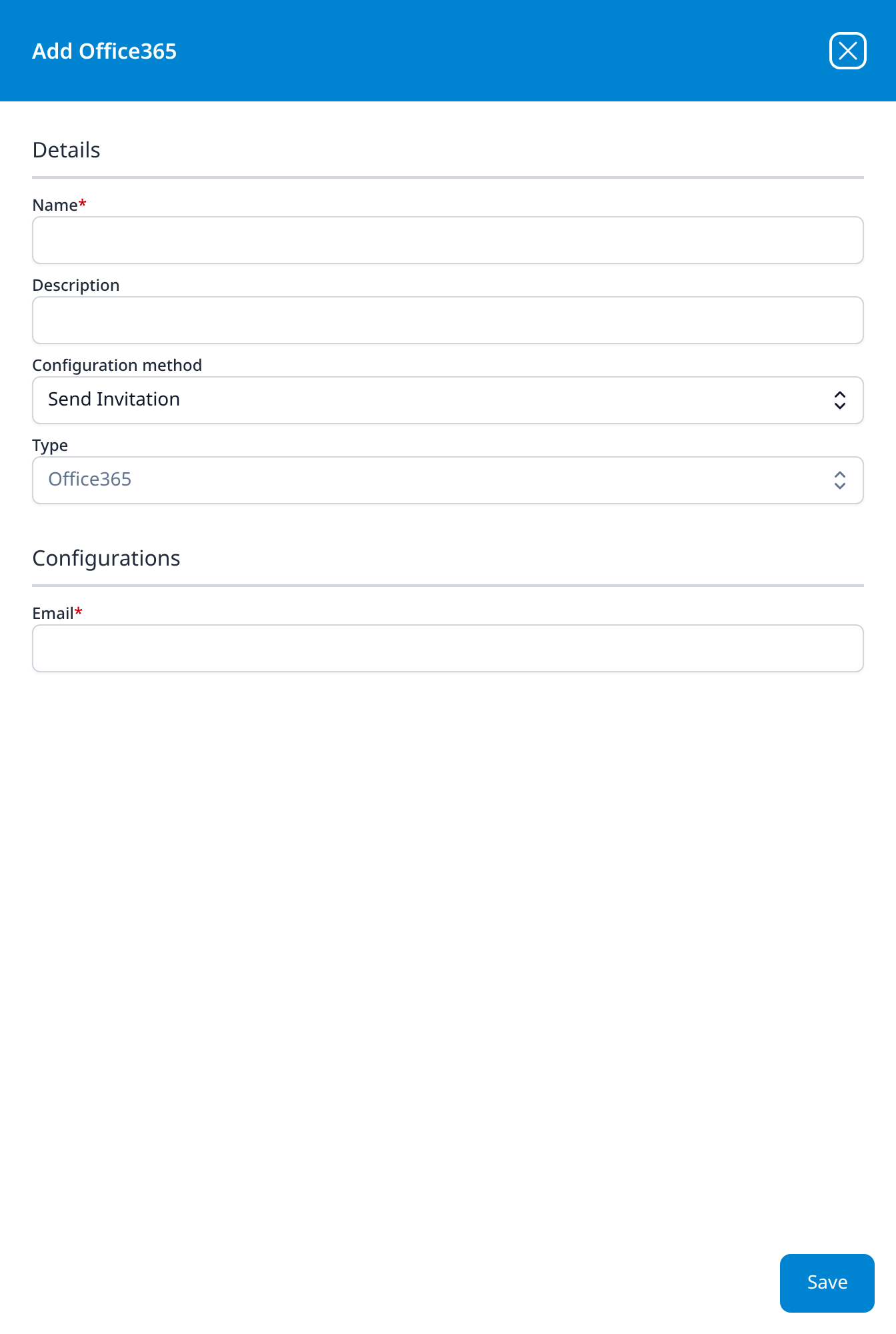
Office365
Configuration method: drop-down, Send Invitation
In the Send Invitation state the whole connection is one address: the platform mails an administrator a consent request rather than taking a client secret. This is the integration-level equivalent of leaving Enable Admin Consent Mode ticked on the Office365 template.
Set to Manual, the dialog asks for the app registration instead:
- Tenant ID
- Client ID
- Thumbprint (optional)
- Client Secret (optional): a multi-line box
- Private Key (optional): a multi-line box
- Create Plugin Datasource (optional): checkbox, unticked
Thumbprint and Private Key are for authenticating with a certificate rather than a client secret.
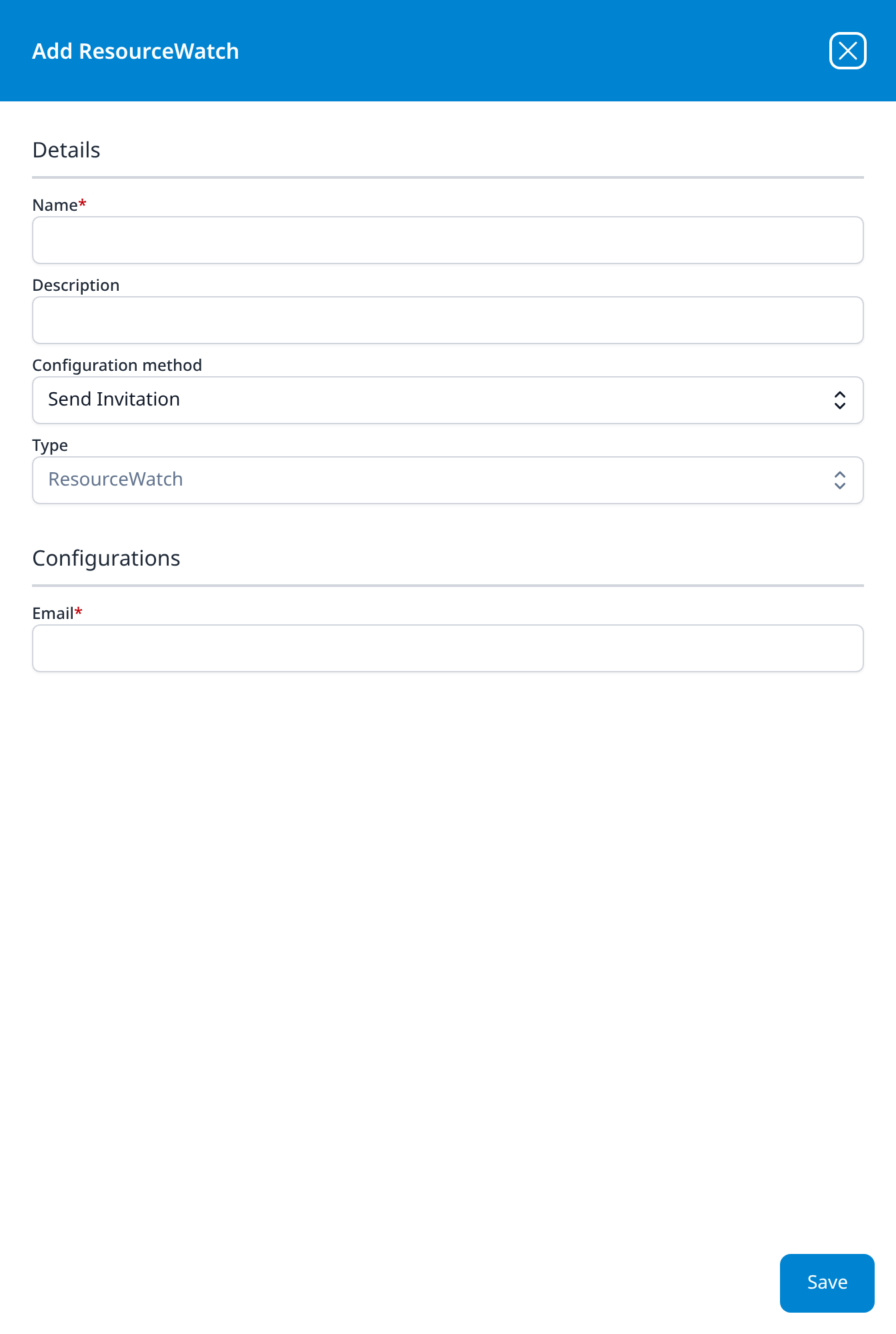
ResourceWatch
Configuration method: drop-down, Send Invitation
Set to Manual: Tenant ID, Client ID, Client Secret, and Create Plugin Datasource (optional).
Azure AD Audit
Configuration method: drop-down, Send Invitation
Set to Manual: Tenant ID, Client ID, Client Secret, and Create Plugin Datasource (optional).
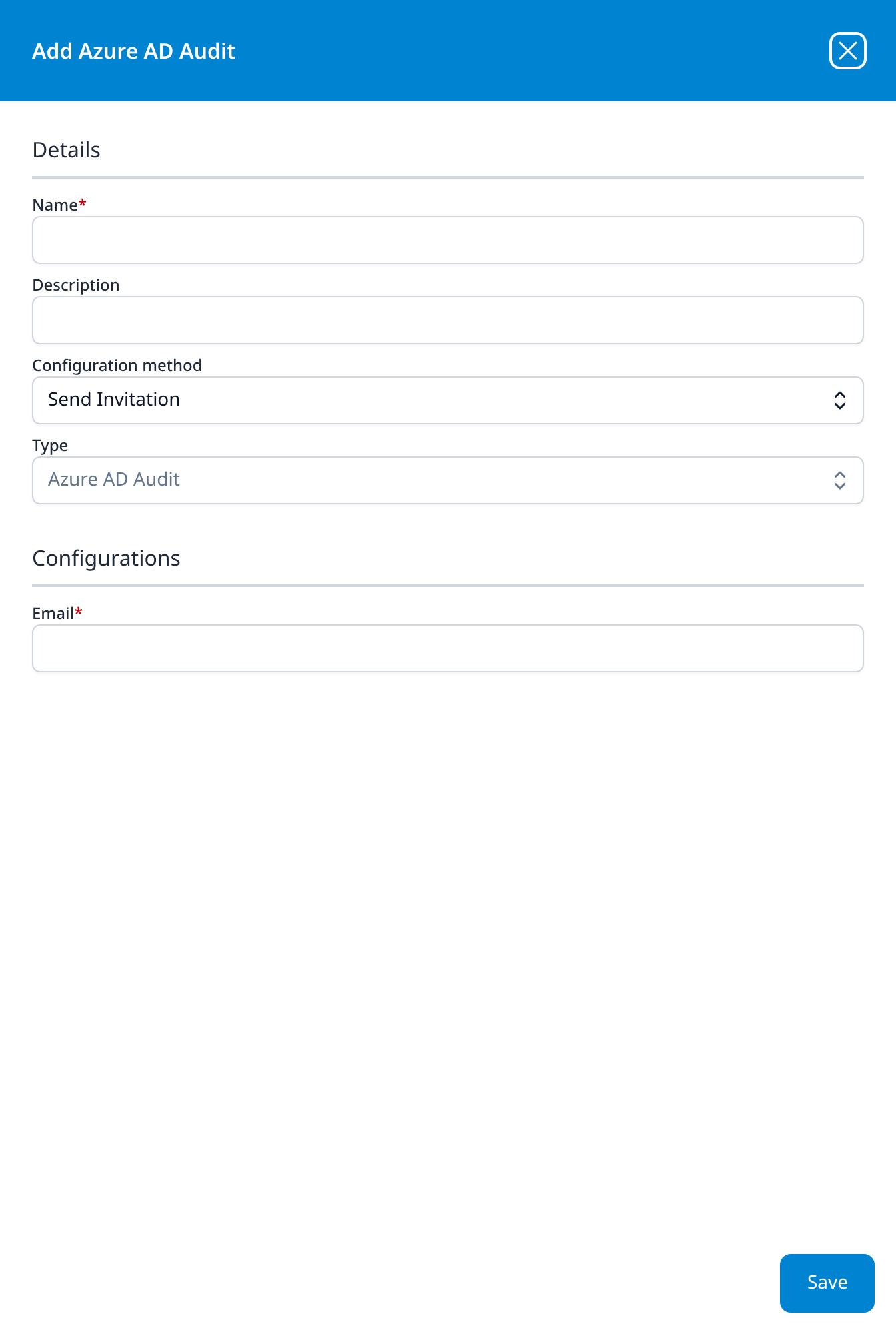
Azure AD Action
Configuration method: drop-down, Send Invitation
Set to Manual: Tenant ID, Client ID, and Client Secret, with no Create Plugin Datasource checkbox.
On Send Invitation the four Microsoft types share one form. Azure AD Action is the only one of them with no application template behind it: where the other three collect audit data, this one is the outbound half, for the response actions an alert action takes against a directory.
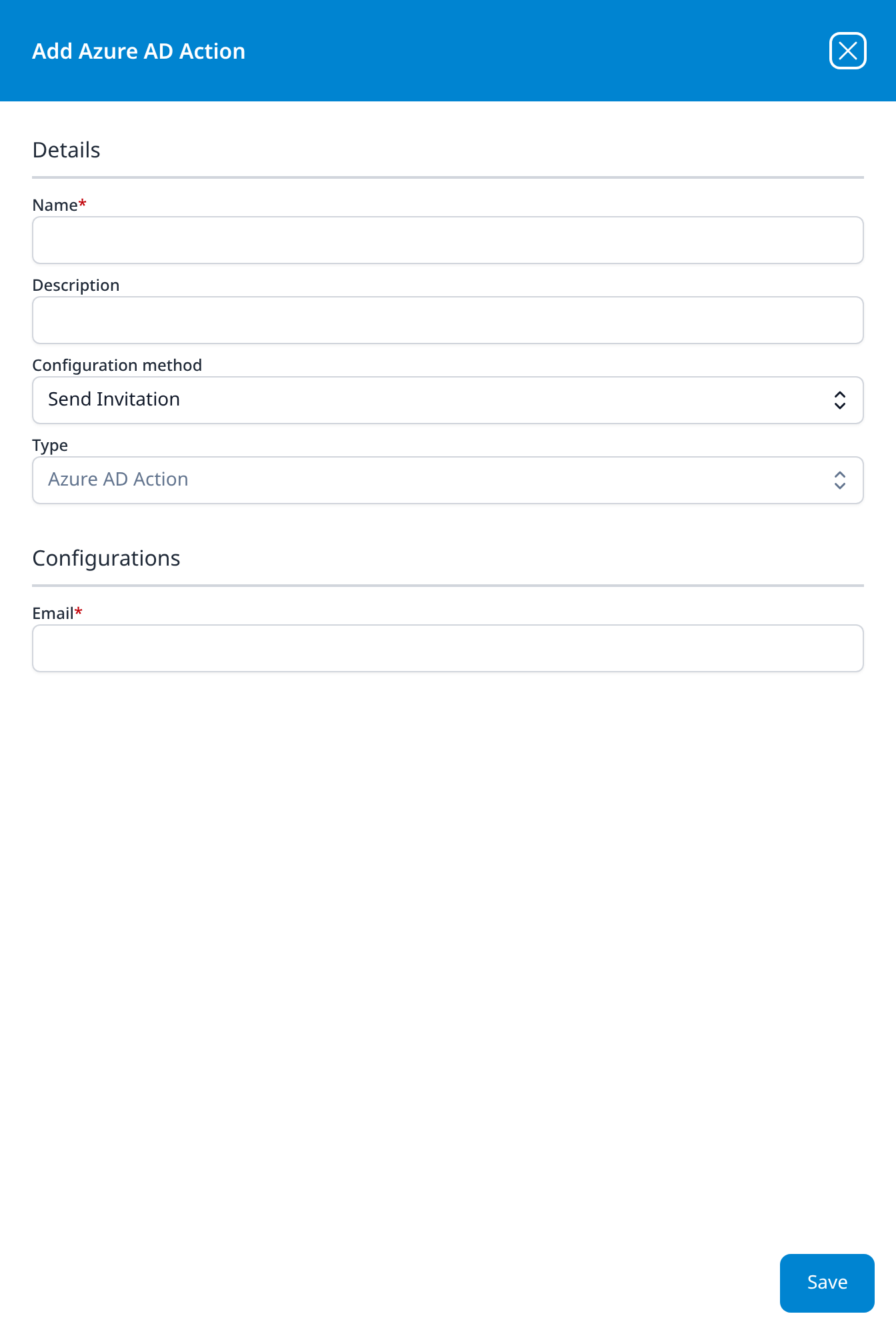
Google Workspace
Configuration method: drop-down, Manual
- Admin User Email
- Secret Account Key: a multi-line box, sized for a pasted service-account key file
- Create Plugin Datasource (optional): checkbox, unticked
A dark circular ? button (Integration Help) sits below the checkbox, the only type in the catalog with inline help on its dialog.
Set to Send Invitation, the dialog asks only for an administrator's Email, as the Microsoft types do, and keeps the help button.
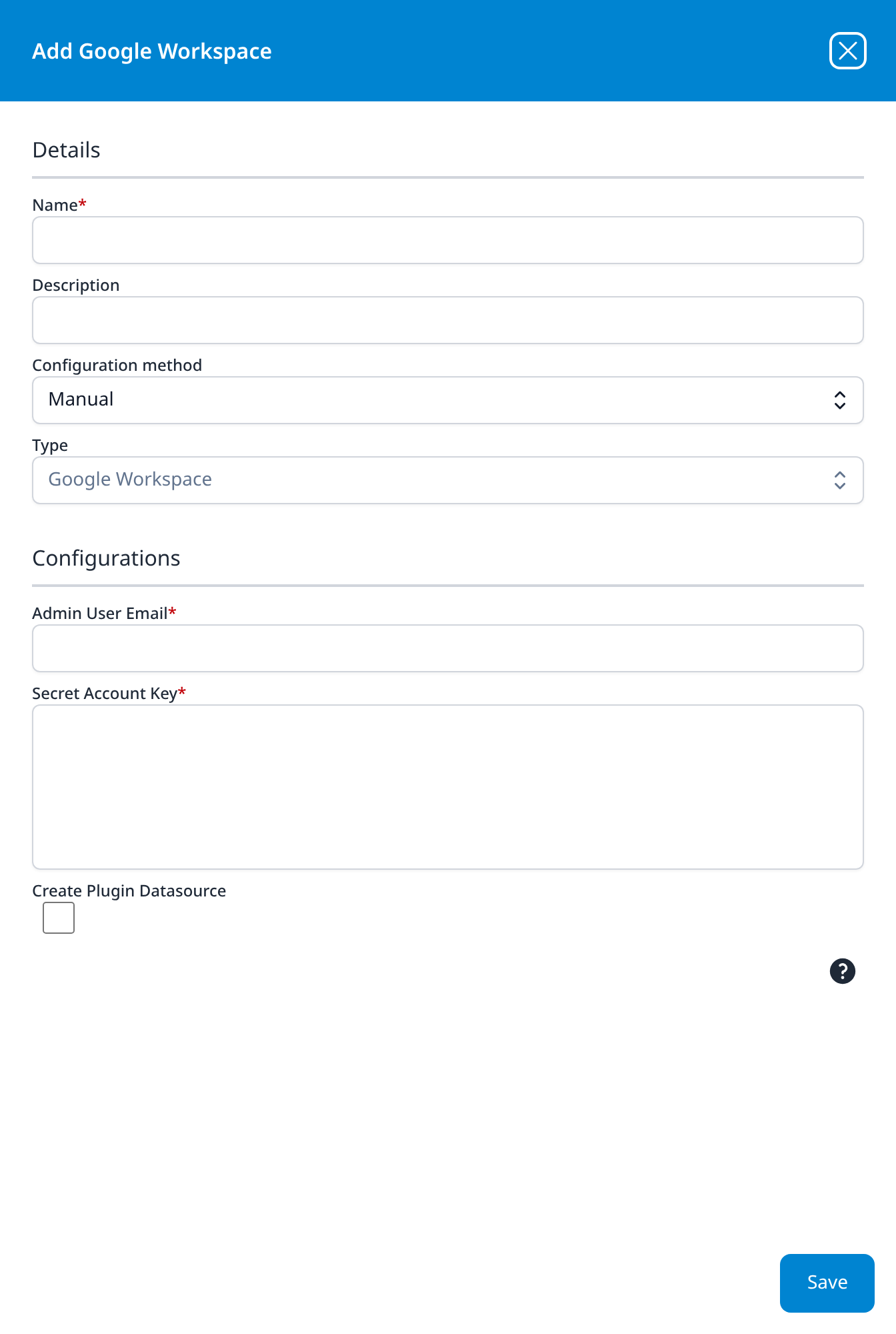
Google Workspace Resource
- Admin User Email
- Secret Account Key: a multi-line box, sized for a pasted service-account key file
- Create Plugin Datasource (optional): checkbox, unticked
Google Workspace without the Configuration method row and the help button. It is the type the Google Workspace Resources application template creates.
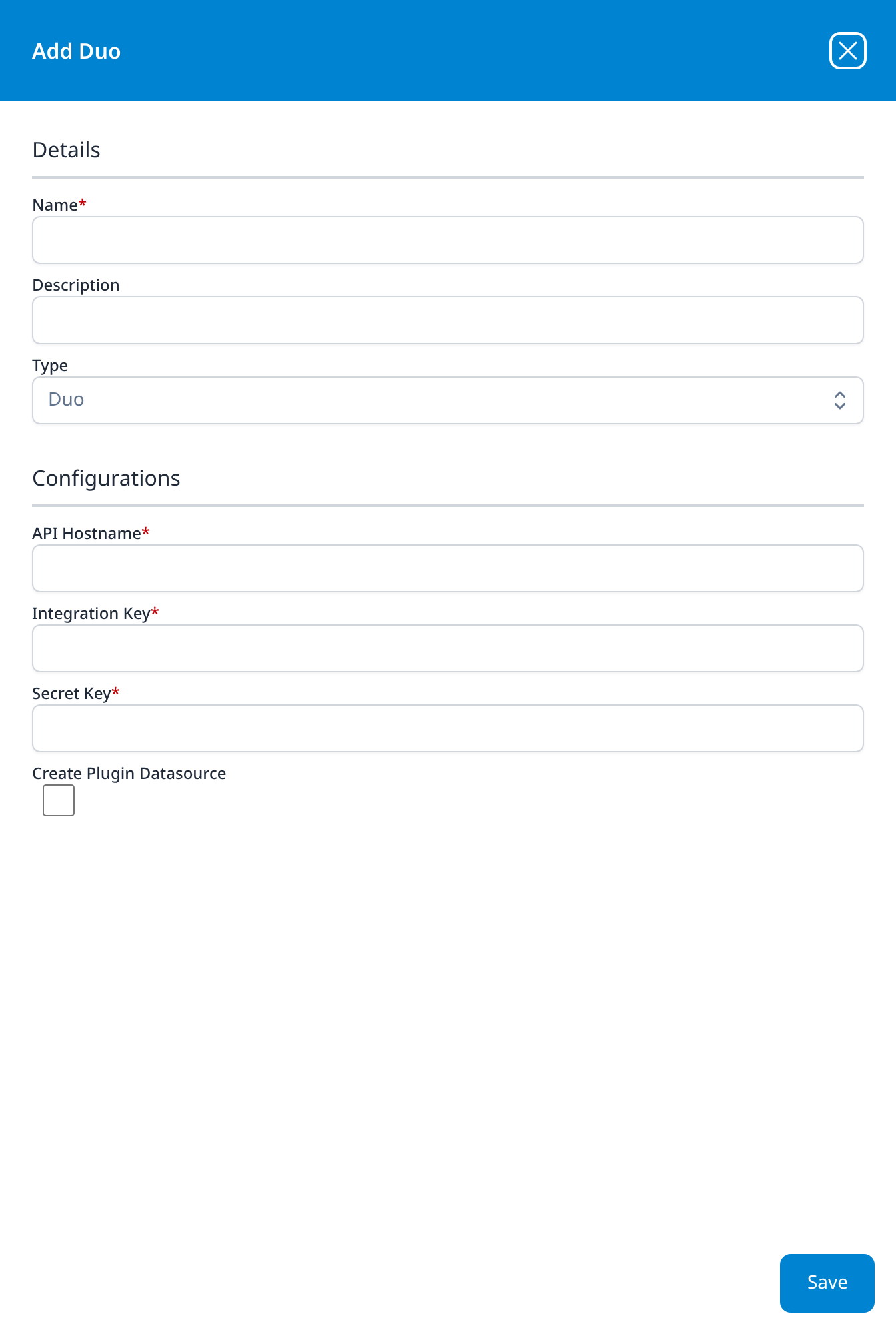
Duo
- API Hostname
- Integration Key
- Secret Key
- Create Plugin Datasource (optional): checkbox, unticked
The three fields the Cisco Duo Admin API template asks for, under shorter labels.
Cloud Infrastructure (IaaS)
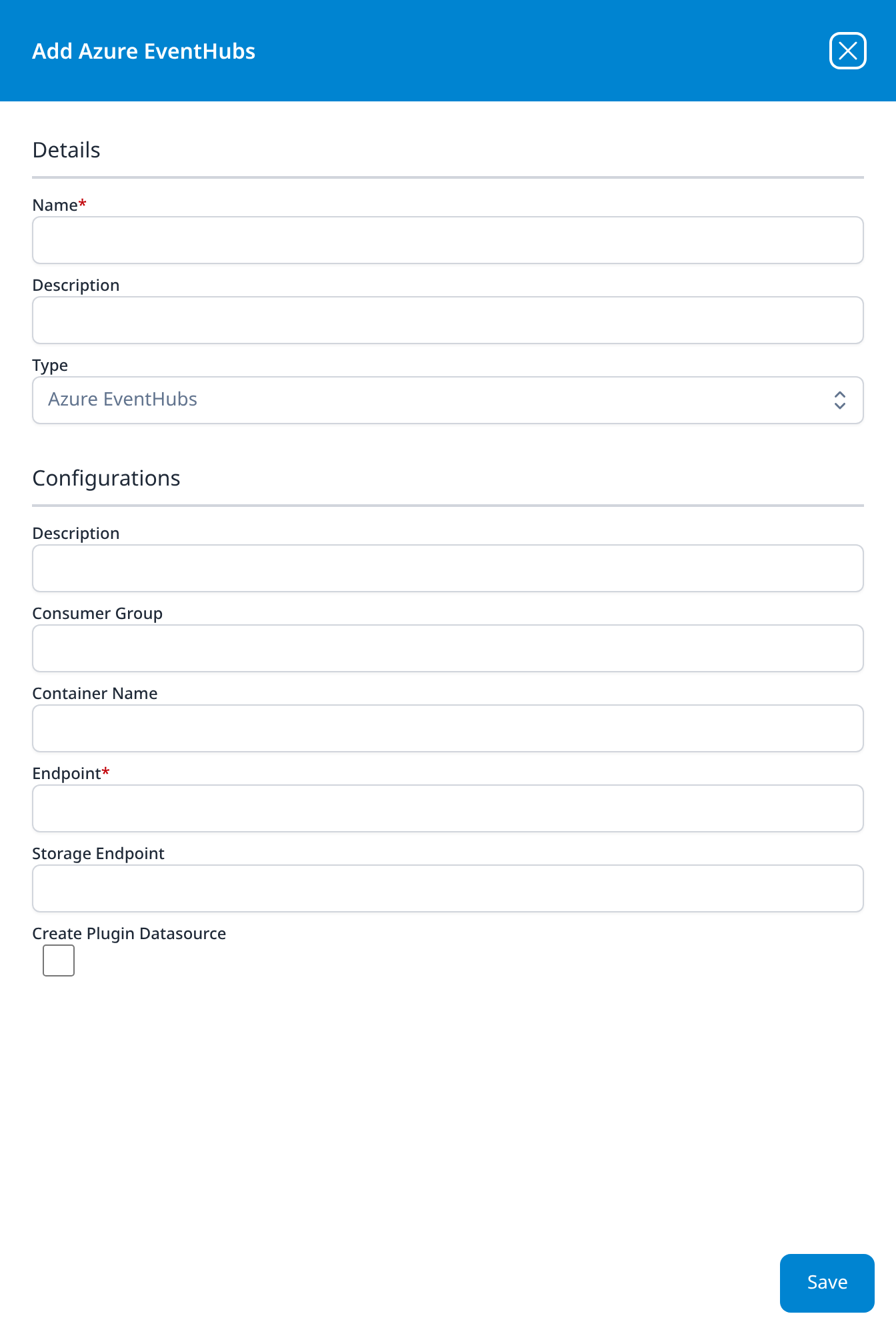
Azure EventHubs
- Description (optional): an editable field, distinct from the Description in Details above it
- Consumer Group (optional)
- Container Name (optional)
- Endpoint
- Storage Endpoint (optional)
- Create Plugin Datasource (optional): checkbox, unticked
The same five settings as the Azure Event Hubs template, reordered: the required Endpoint is fourth here rather than first.
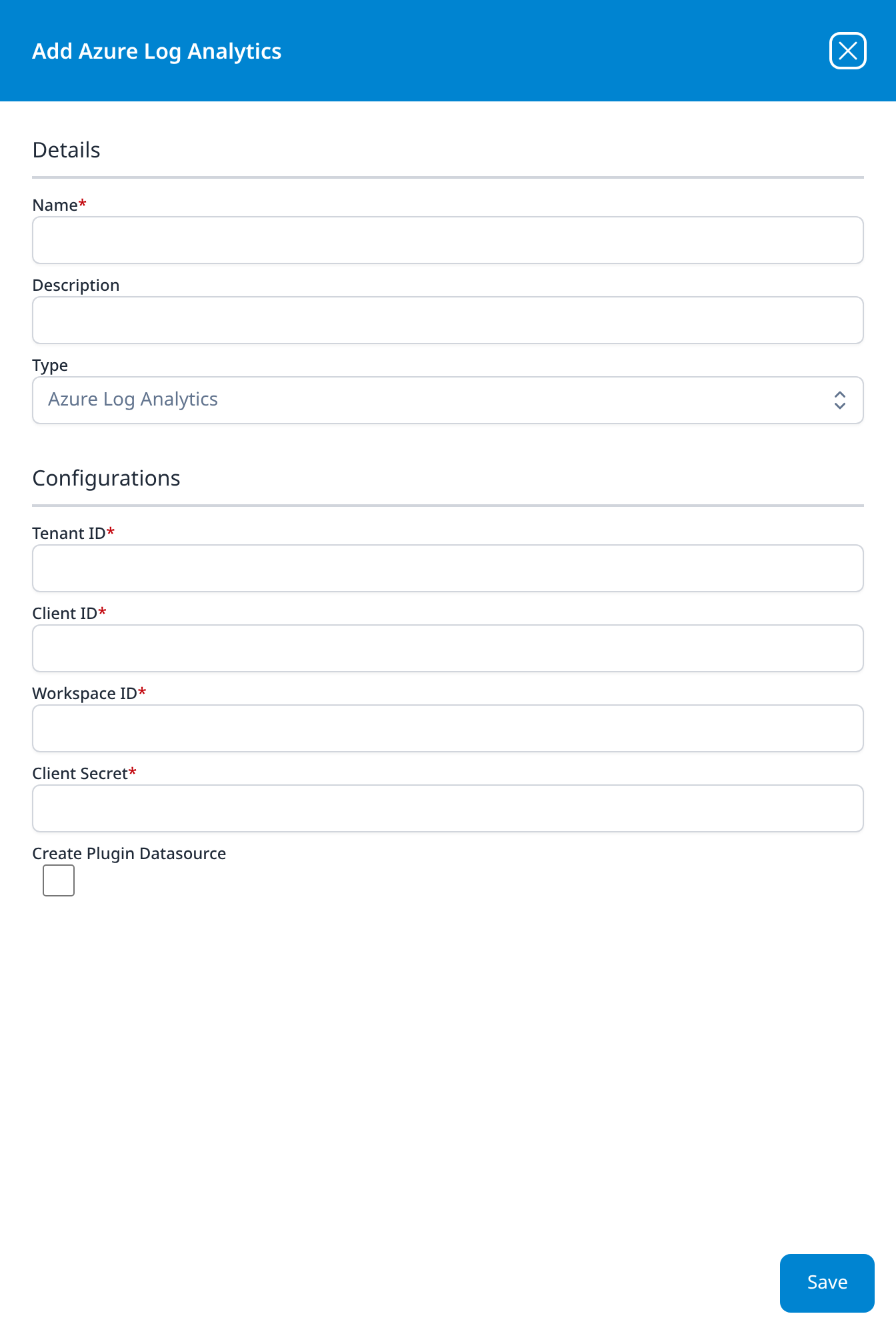
Azure Log Analytics
- Tenant ID
- Client ID
- Workspace ID
- Client Secret
- Create Plugin Datasource (optional): checkbox, unticked
An Entra application's credential, plus the Workspace ID of the Log Analytics workspace to read. No application template covers it.
Endpoint Management
Every type here ends with a Create Plugin Datasource checkbox except Palo Alto Cortex and Bitdefender.
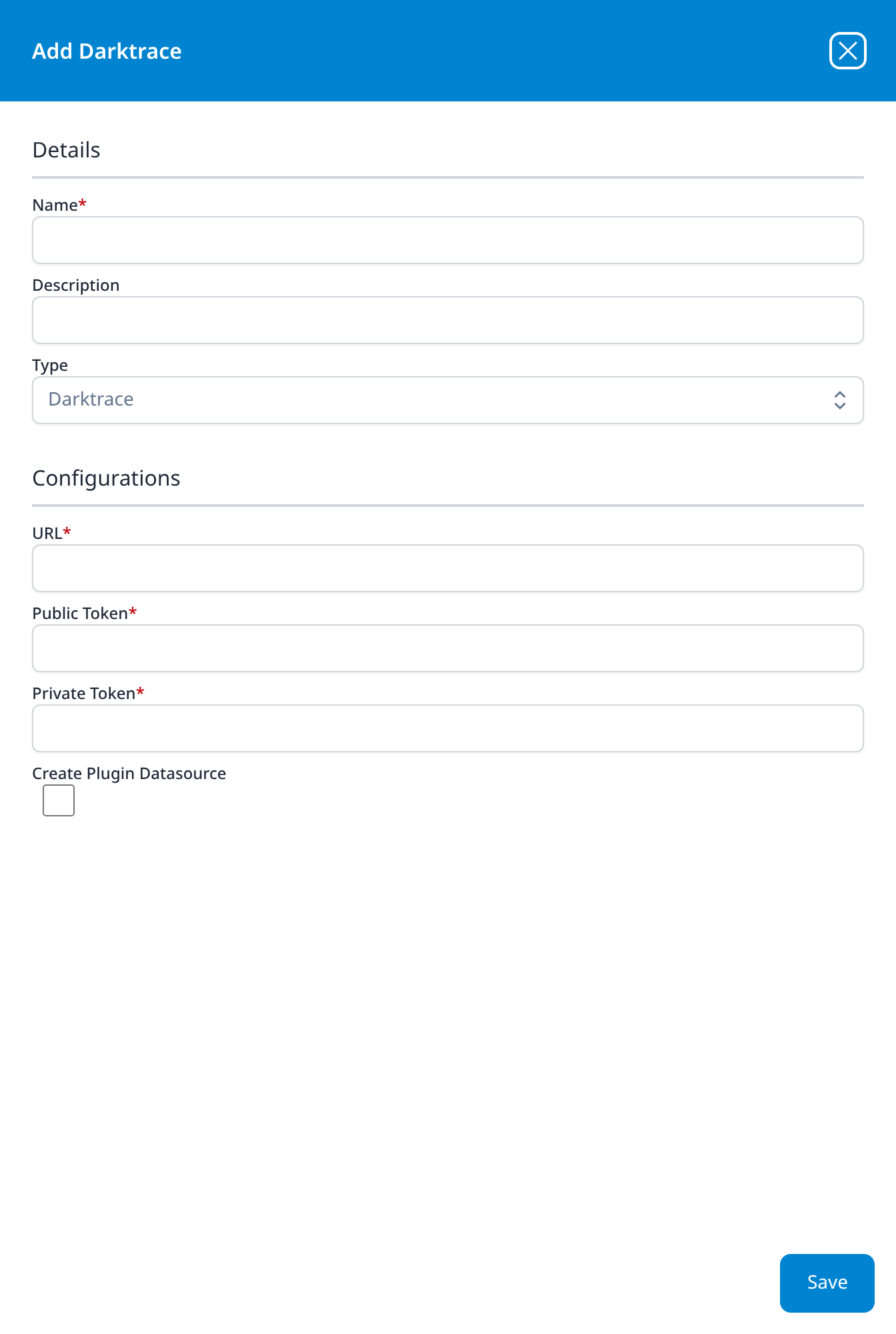
Darktrace
- URL
- Public Token
- Private Token
- Create Plugin Datasource (optional): checkbox, unticked
No application template covers Darktrace, so this dialog is the whole platform-side setup.
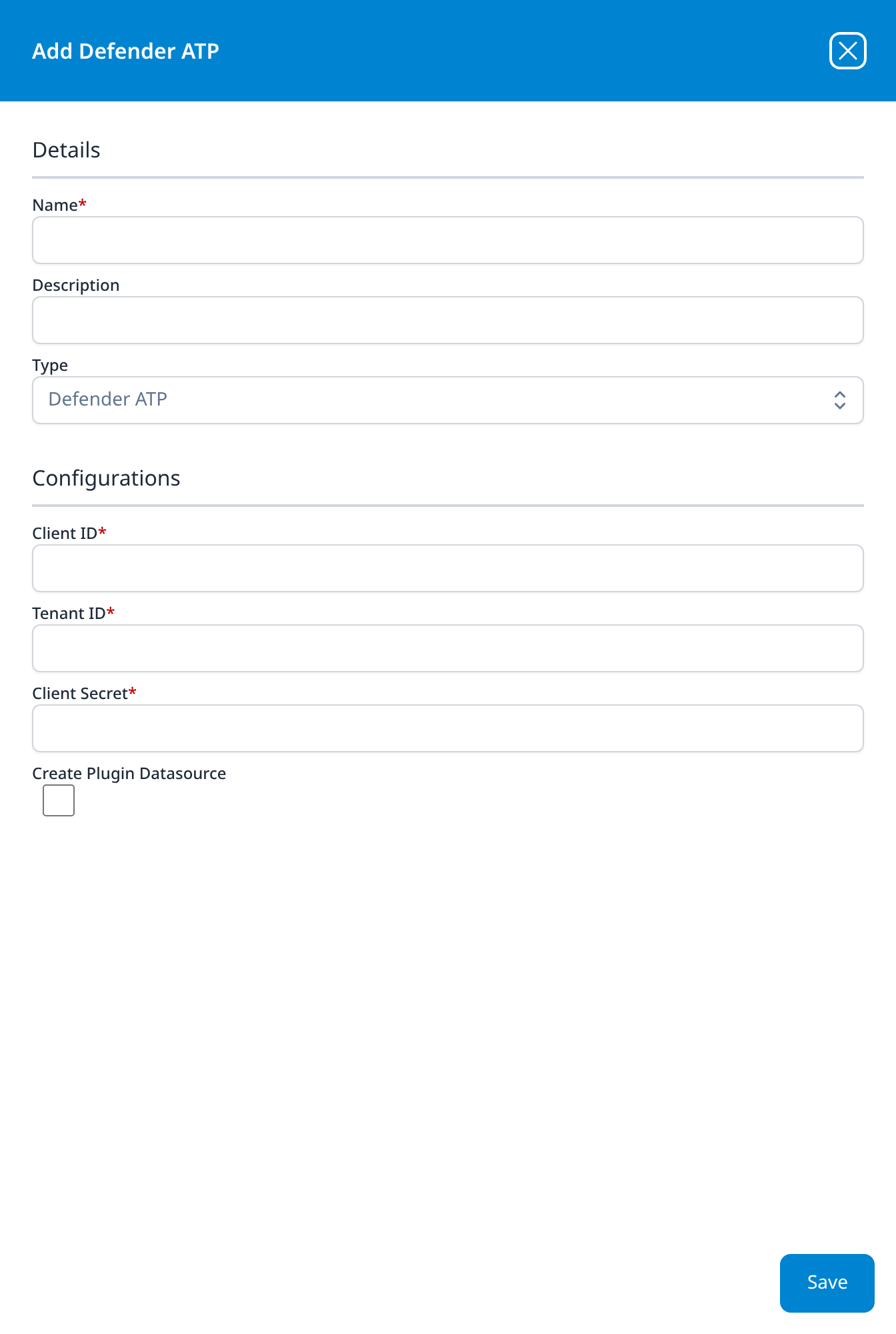
Defender ATP
- Client ID
- Tenant ID
- Client Secret
- Create Plugin Datasource (optional): checkbox, unticked
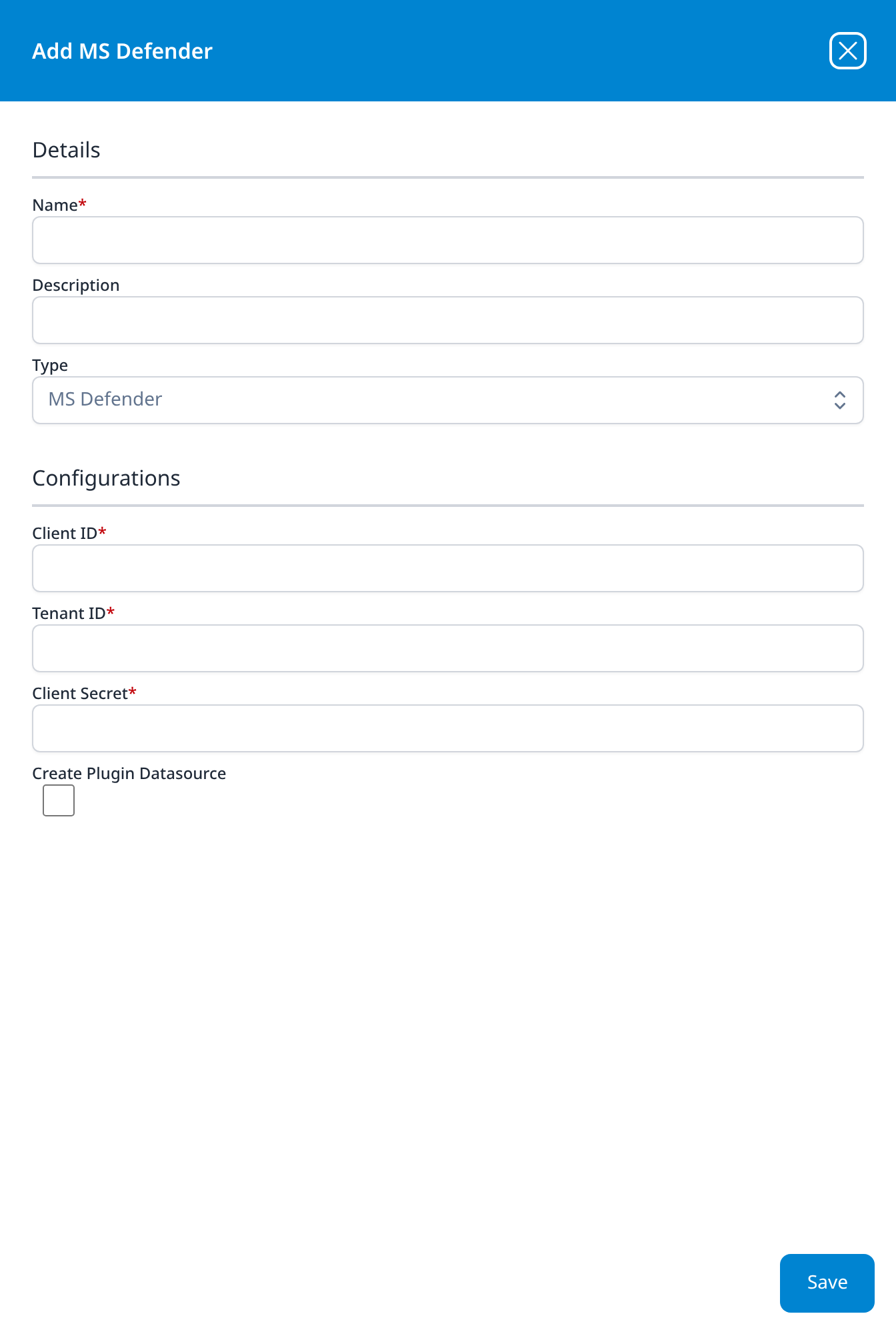
MS Defender
- Client ID
- Tenant ID
- Client Secret
- Create Plugin Datasource (optional): checkbox, unticked
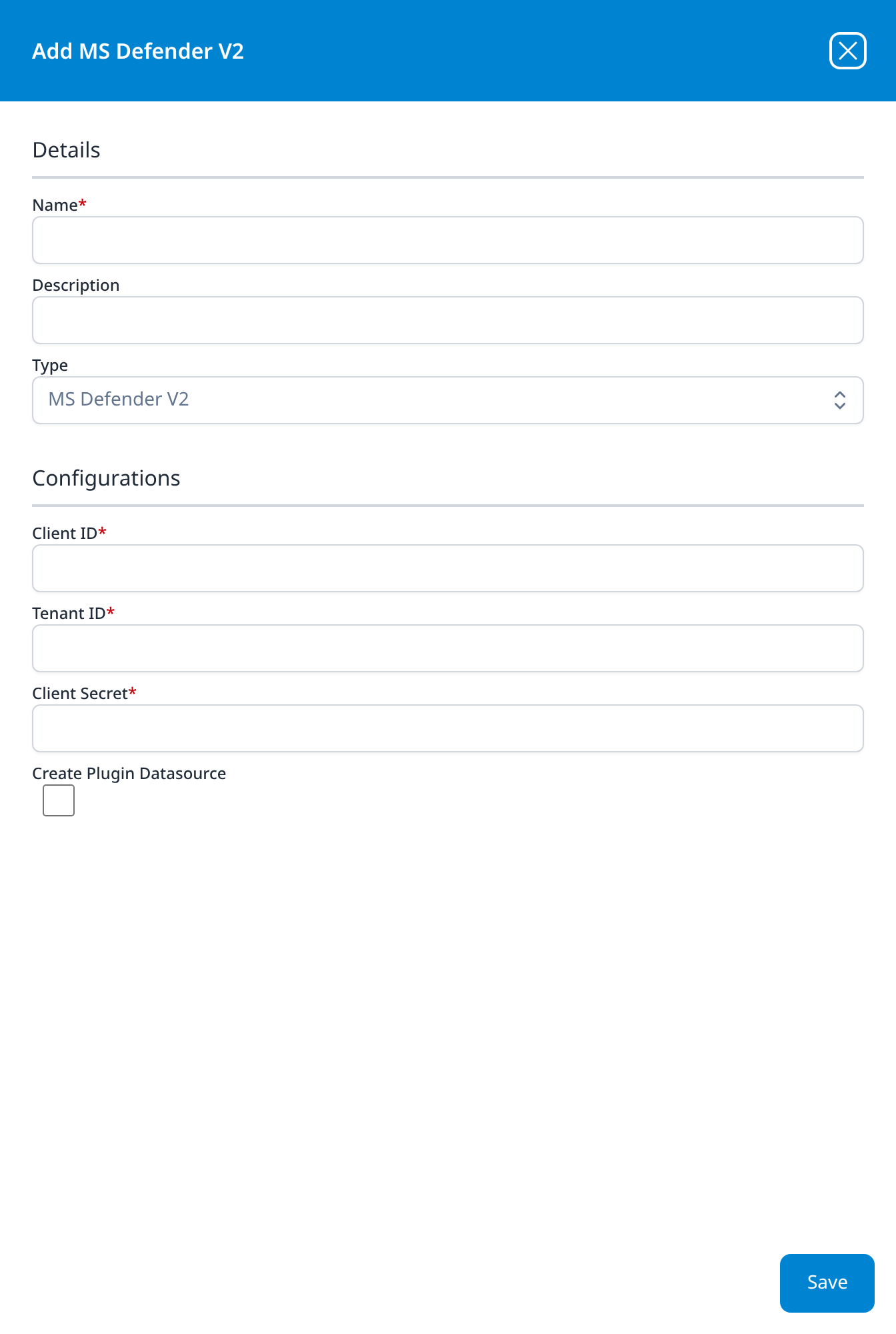
MS Defender V2
- Client ID
- Tenant ID
- Client Secret
- Create Plugin Datasource (optional): checkbox, unticked
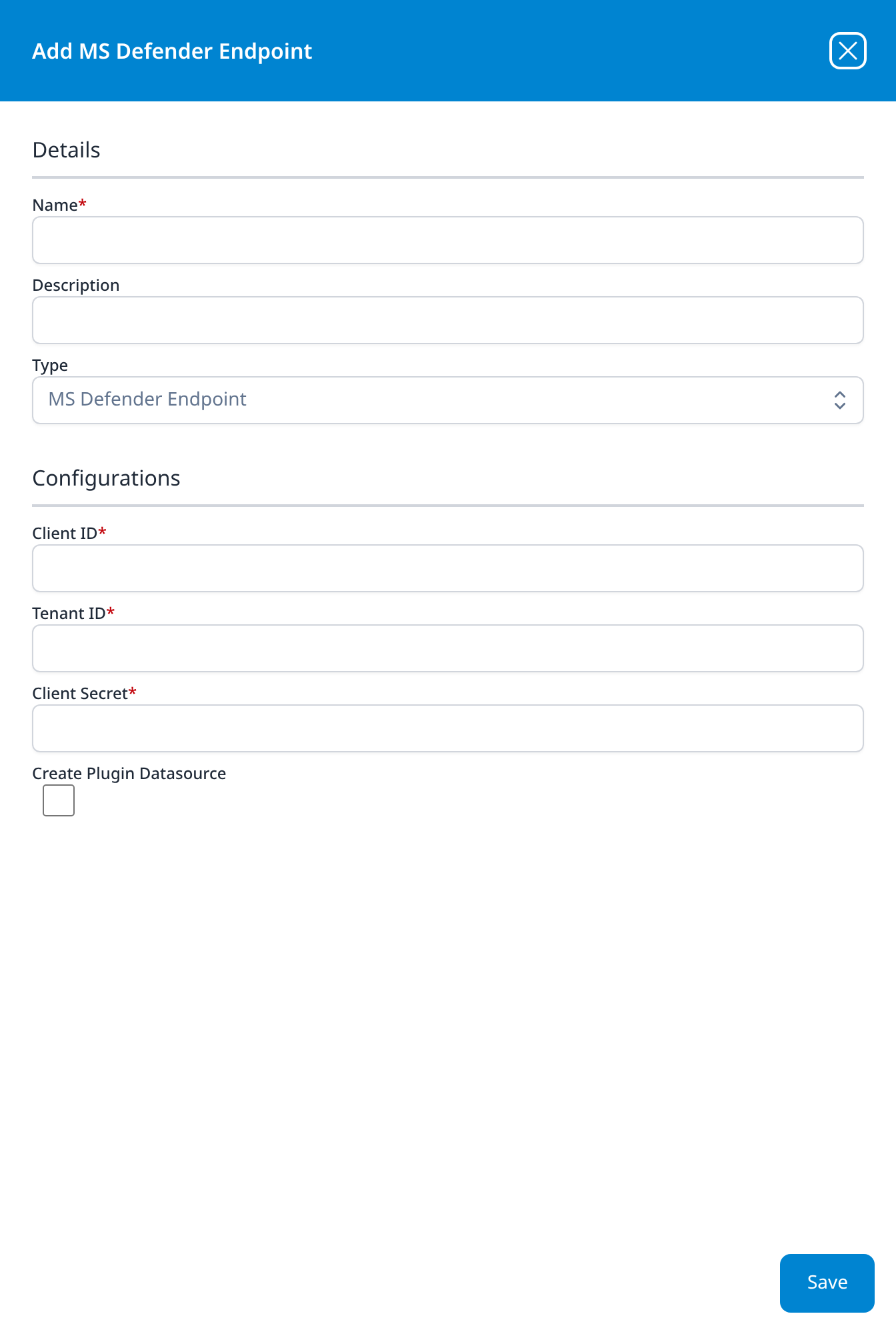
MS Defender Endpoint
- Client ID
- Tenant ID
- Client Secret
- Create Plugin Datasource (optional): checkbox, unticked
Four Defender types, one identical form, a different API behind each. The dialogs cannot be told apart on their fields, only on the Type value and the title, so the Name you give an integration is the only thing that will distinguish them in the Existing Integrations list.
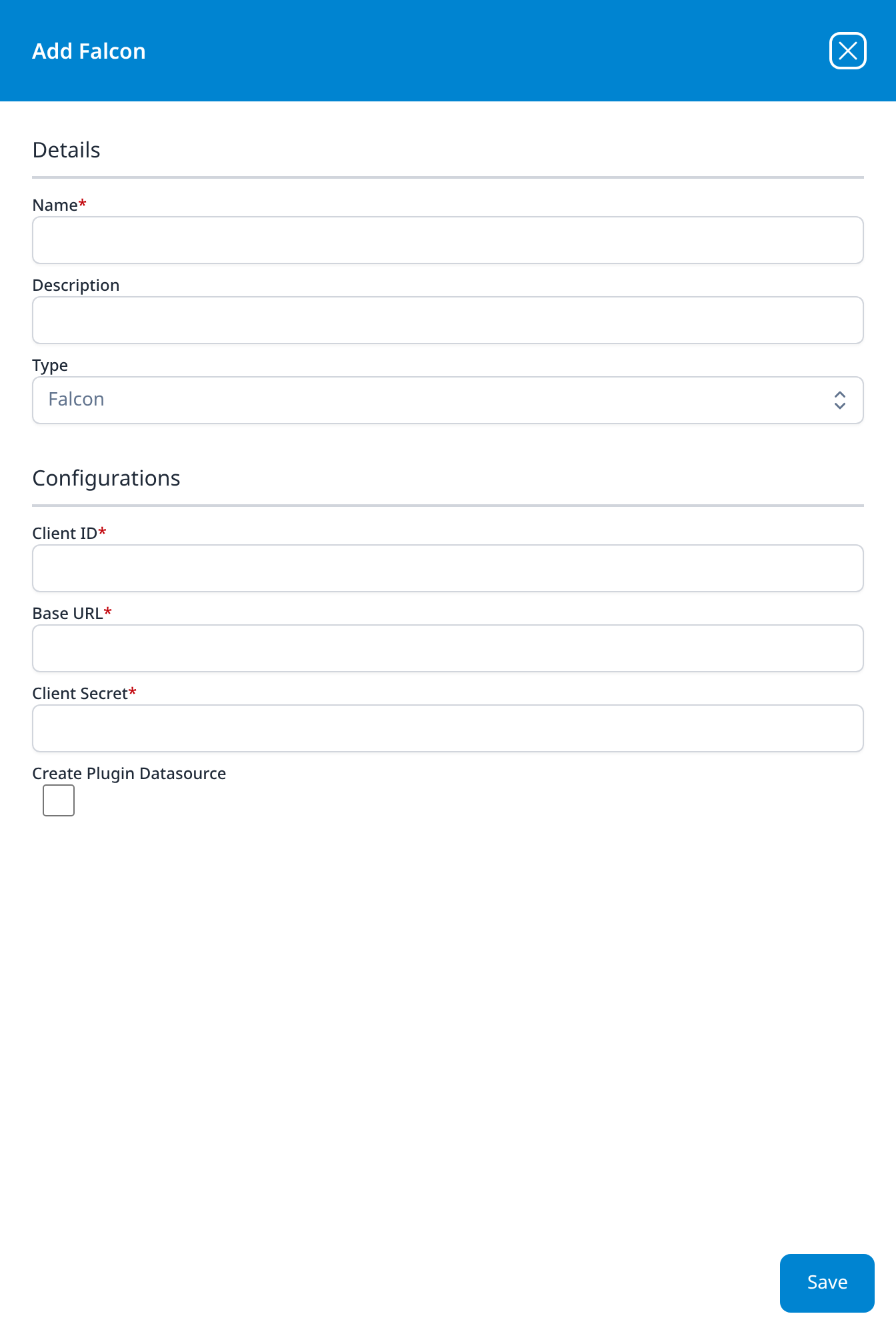
Falcon
- Client ID
- Base URL
- Client Secret
- Create Plugin Datasource (optional): checkbox, unticked
Base URL is CrowdStrike's per-cloud API host, as on the CrowdStrike Falcon template.
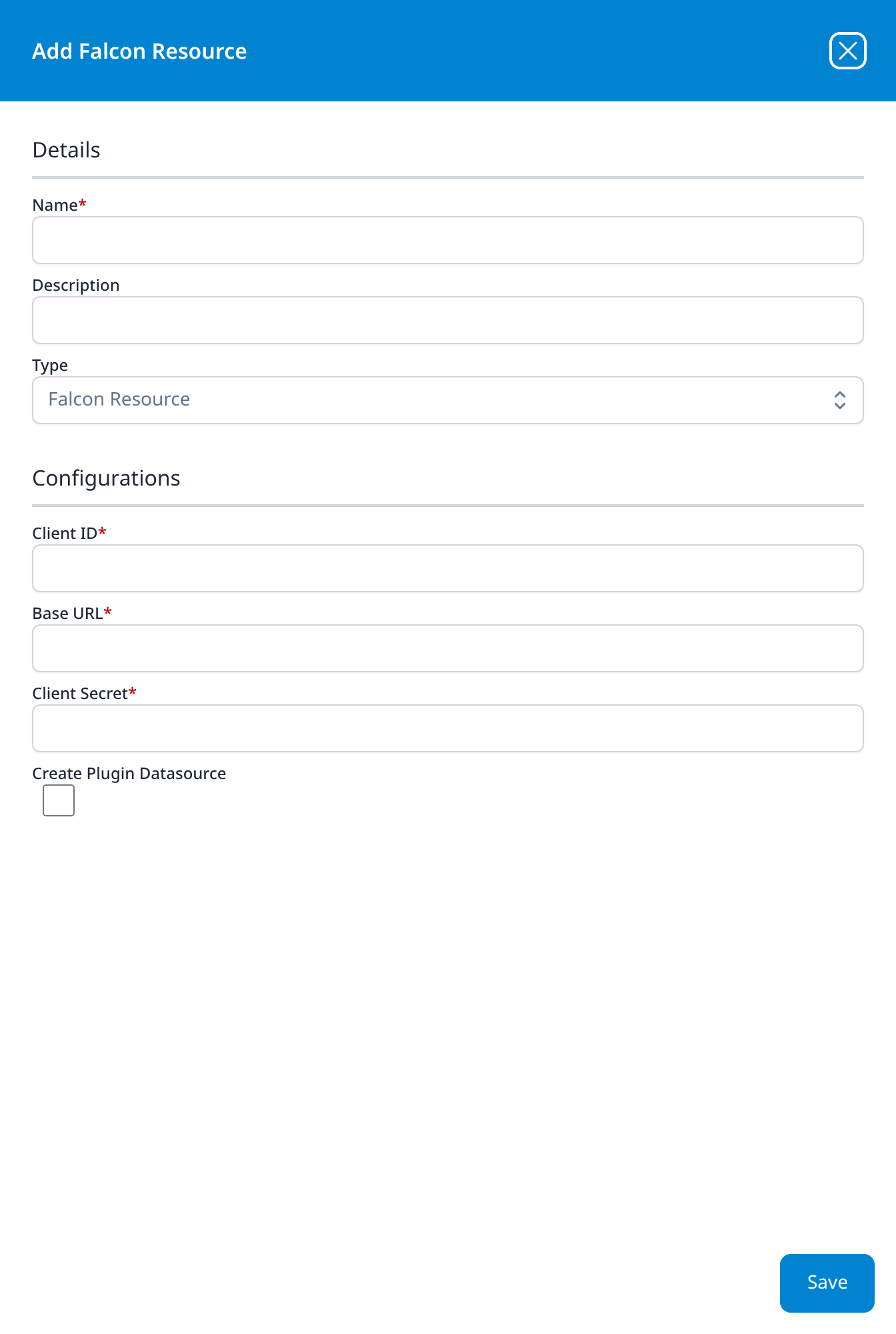
Falcon Resource
- Client ID
- Base URL
- Client Secret
- Create Plugin Datasource (optional): checkbox, unticked
Identical to Falcon, and filled in with the same credential: it is the type behind the FalconResource template, which syncs the Falcon host roster.
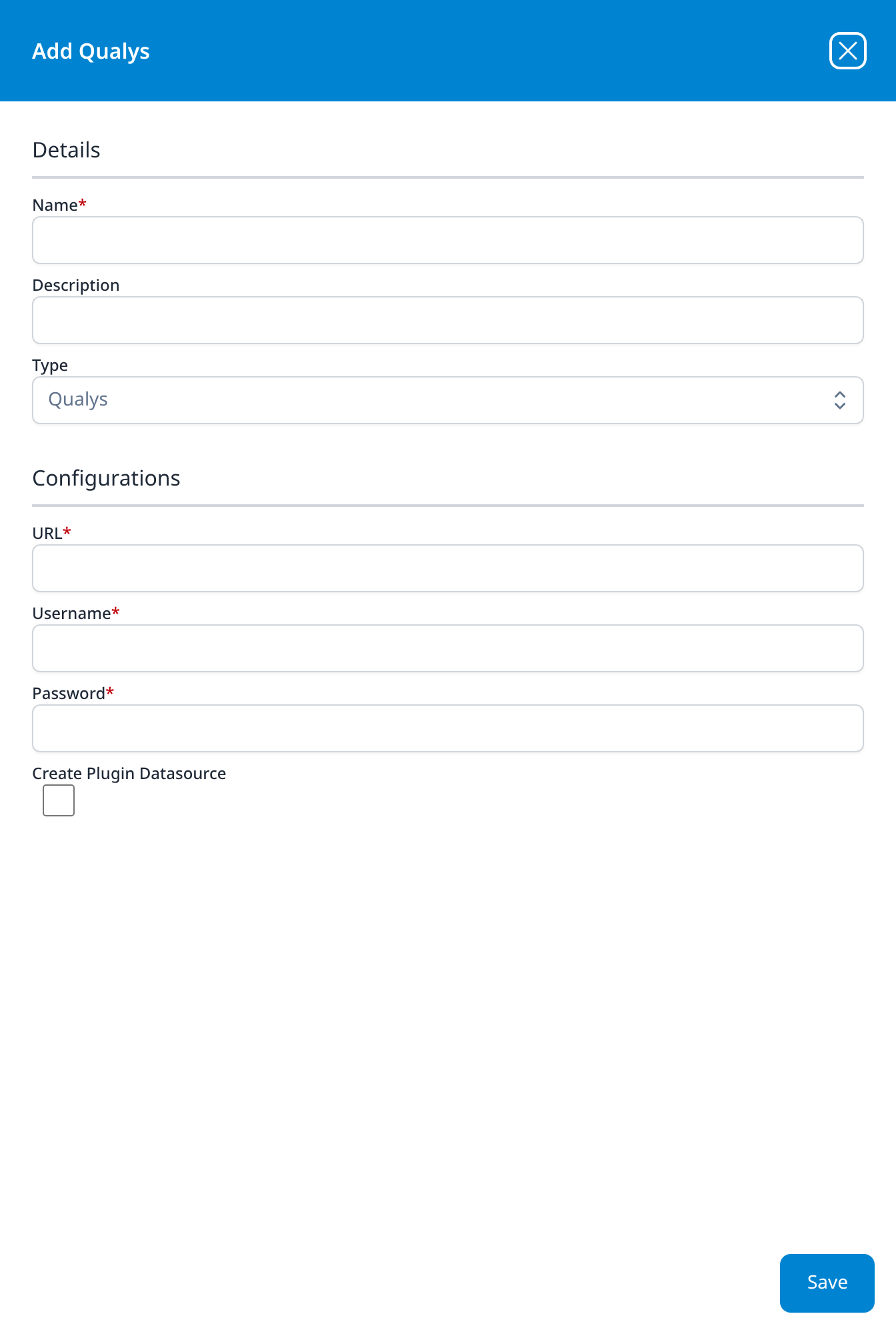
Qualys
- URL
- Username
- Password
- Create Plugin Datasource (optional): checkbox, unticked
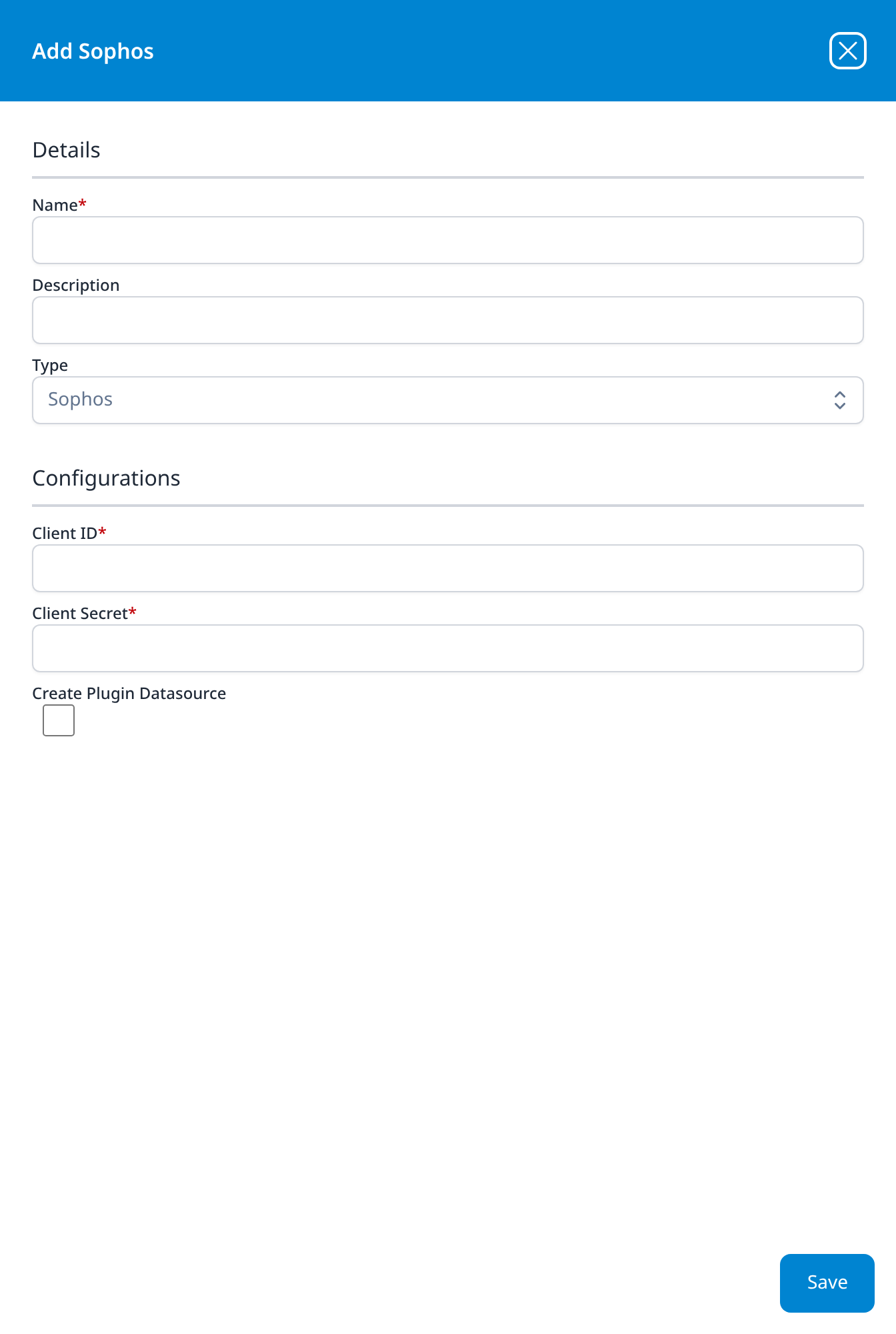
Sophos
- Client ID
- Client Secret
- Create Plugin Datasource (optional): checkbox, unticked
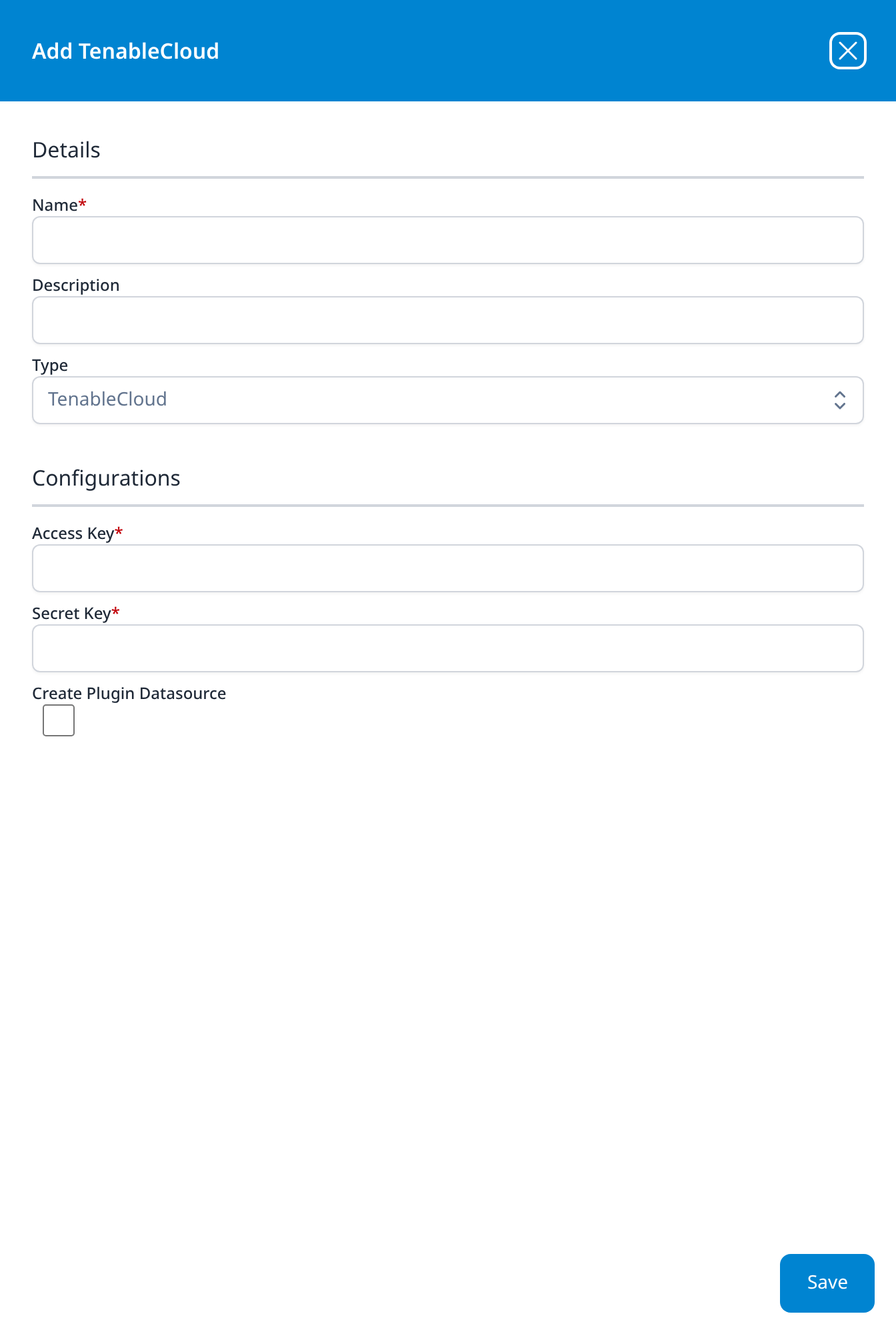
TenableCloud
- Access Key
- Secret Key
- Create Plugin Datasource (optional): checkbox, unticked
Another type with no application template behind it.
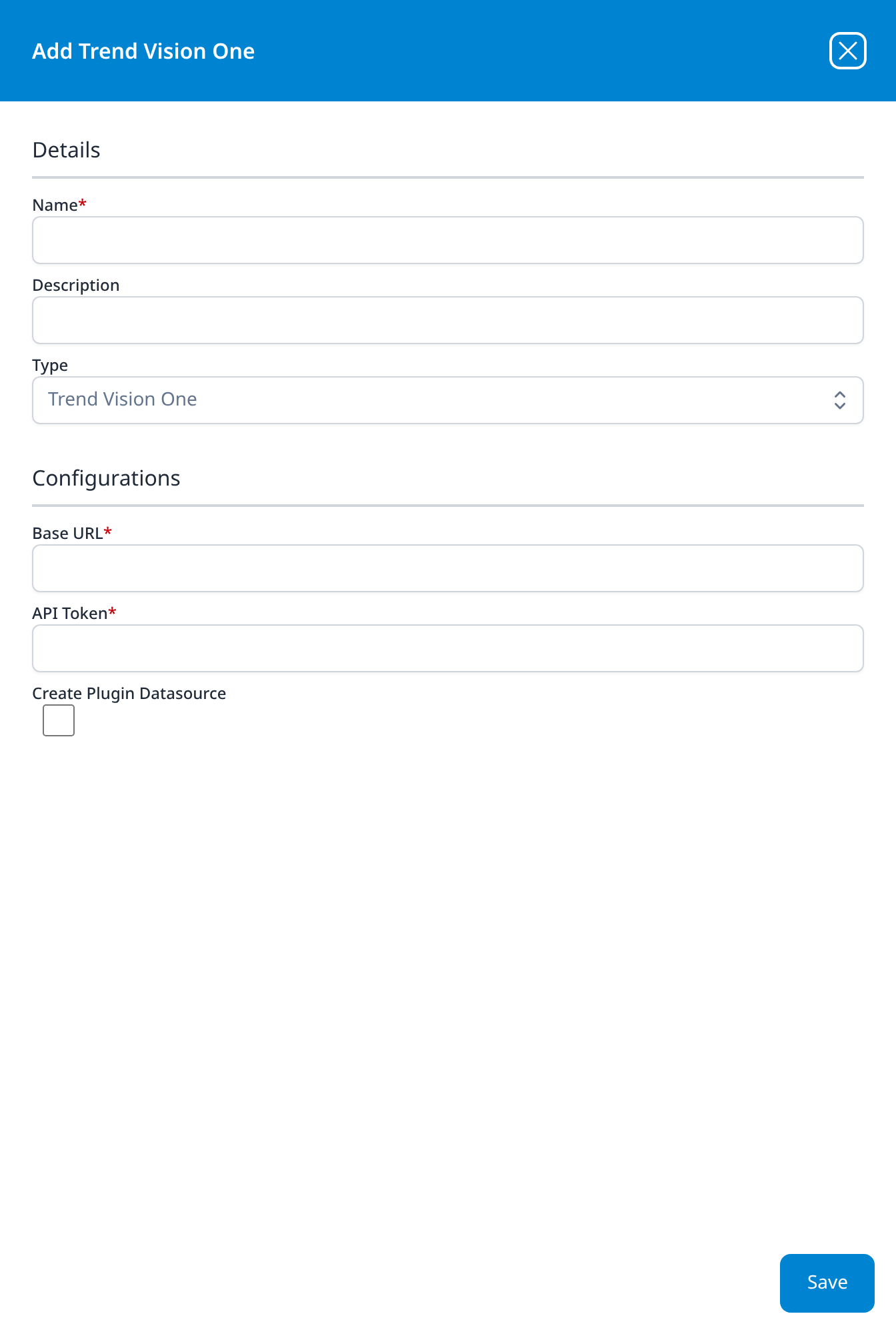
Trend Vision One
- Base URL
- API Token
- Create Plugin Datasource (optional): checkbox, unticked
The two settings of the TrendMicro VisionOne template, where Base URL is labelled API Endpoint URL (Regional domains).
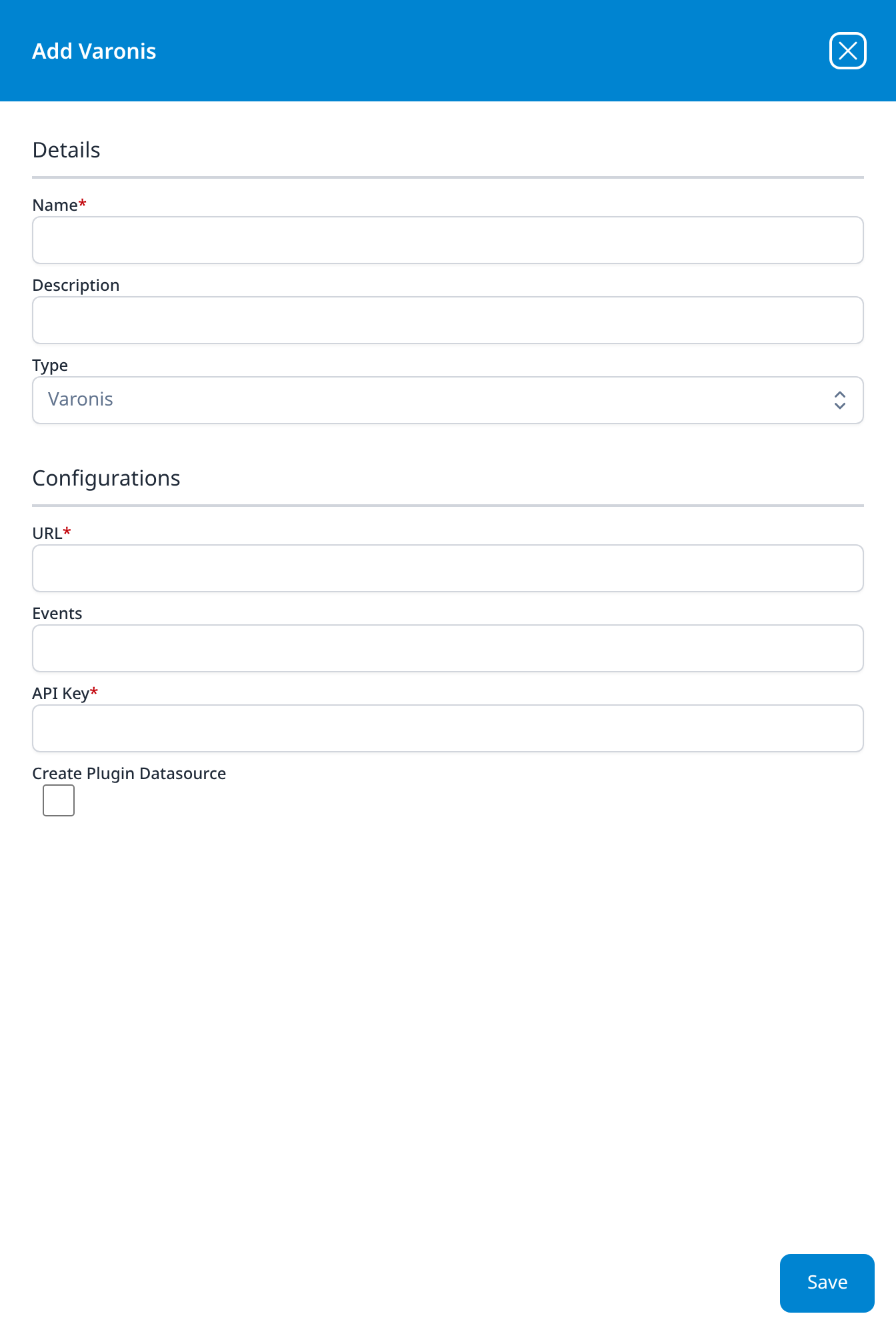
Varonis
- URL
- Events (optional)
- API Key
- Create Plugin Datasource (optional): checkbox, unticked
The three settings of the Varonis template. Events is that template's activity-event setting (all, alerted or none), and here it opens empty, where the template fills in all.
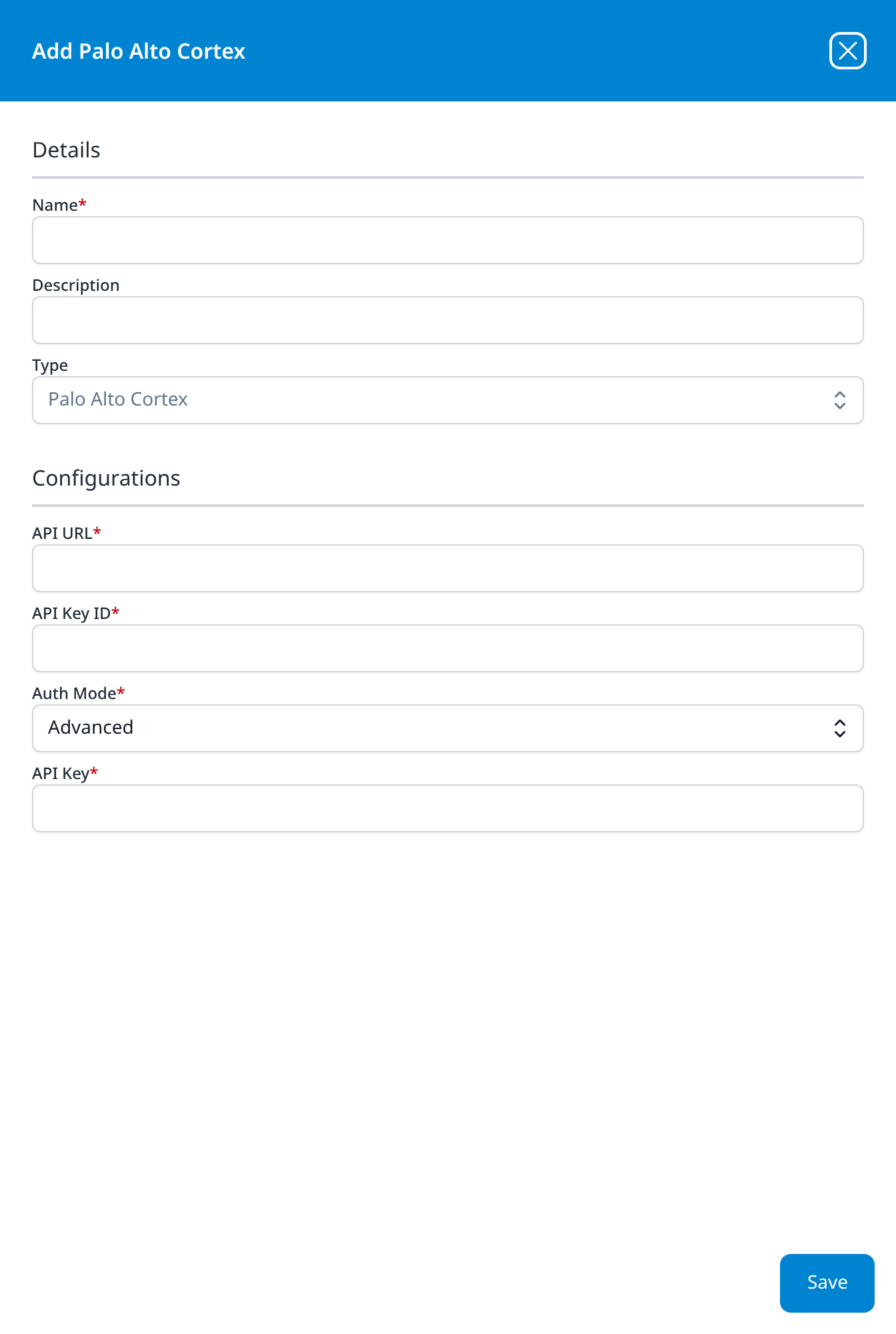
Palo Alto Cortex
- API URL
- API Key ID
- Auth Mode: drop-down, Advanced; the other option is Standard
- API Key
The PaloAlto Cortex XDR template renders the same setting as a free-text AuthMode field pre-filled with advanced; here it is a proper drop-down. One of the two types in this category with no Create Plugin Datasource checkbox.
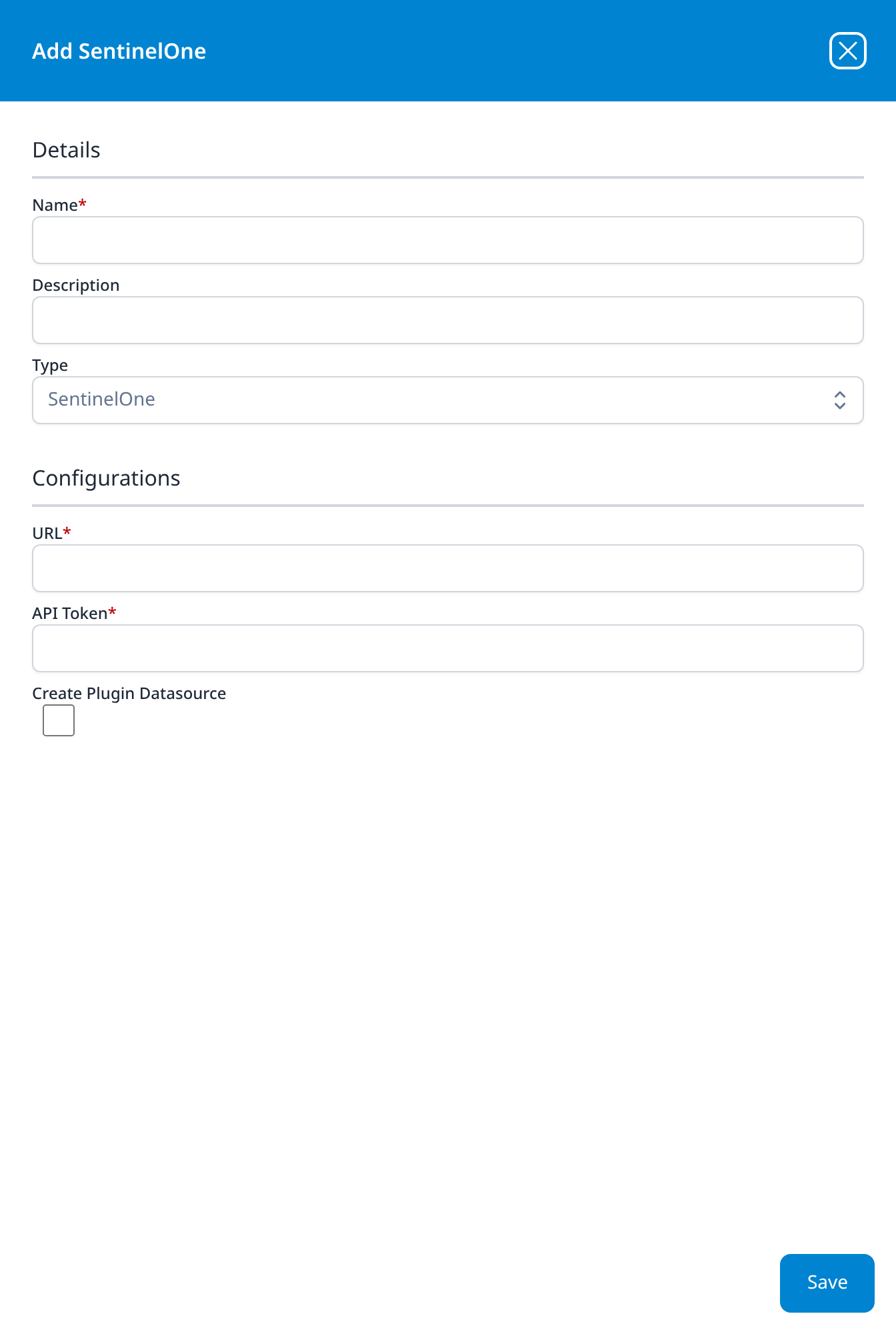
SentinelOne
- URL
- API Token
- Create Plugin Datasource (optional): checkbox, unticked
The two values the SentinelOne API Integration template asks for, there labelled Console Base URL and API Token.
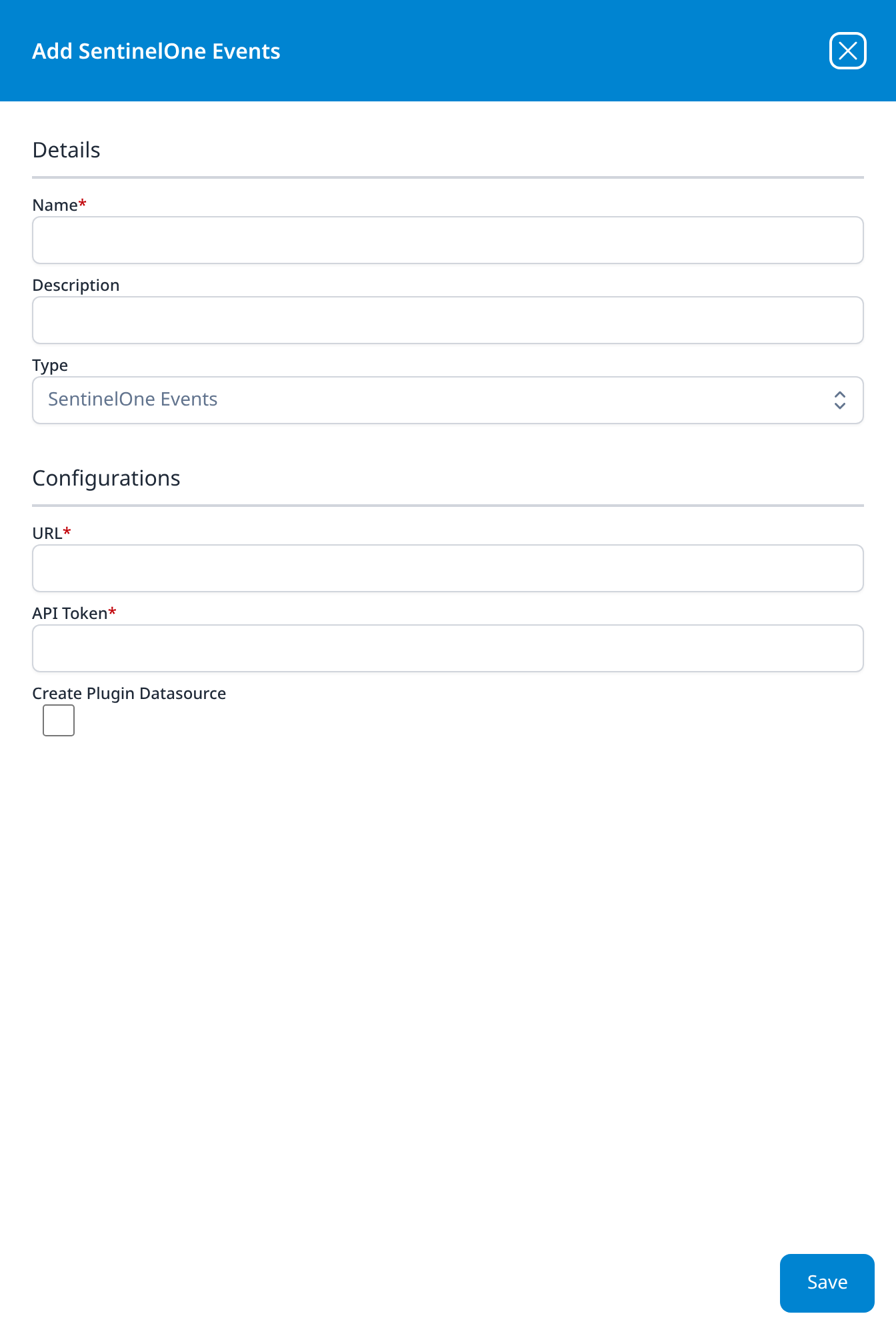
SentinelOne Events
- URL
- API Token
- Create Plugin Datasource (optional): checkbox, unticked
Identical to SentinelOne. The pair is the resource dump and the event feed, and one SentinelOne API Integration application creates one of each.
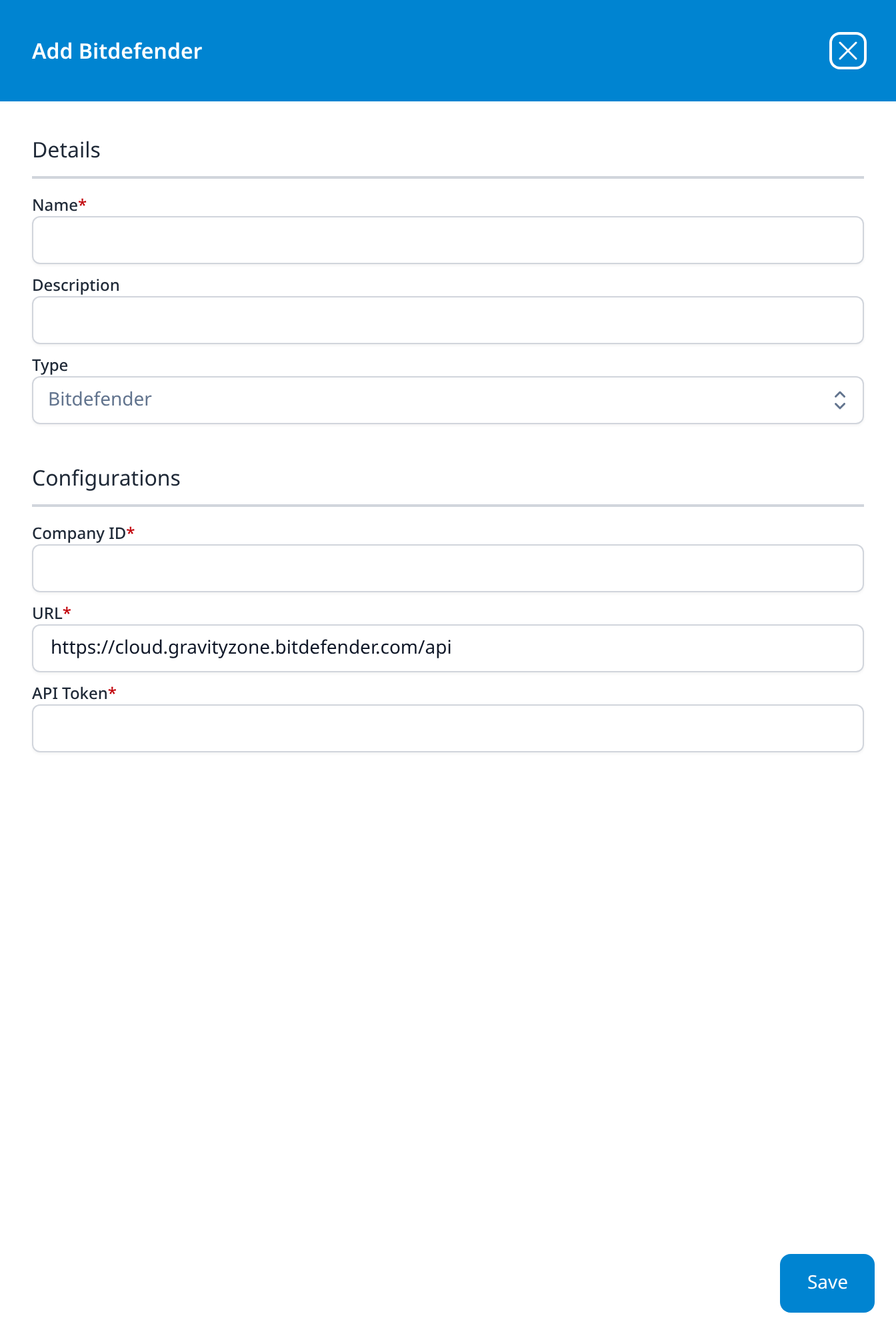
Bitdefender
- Company ID
- URL: https://cloud.gravityzone.bitdefender.com/api
- API Token
The same three settings as the Bitdefender EventPush template, which calls them Company ID, Access URL and API Key. No Create Plugin Datasource checkbox.
Email Audit and Protection
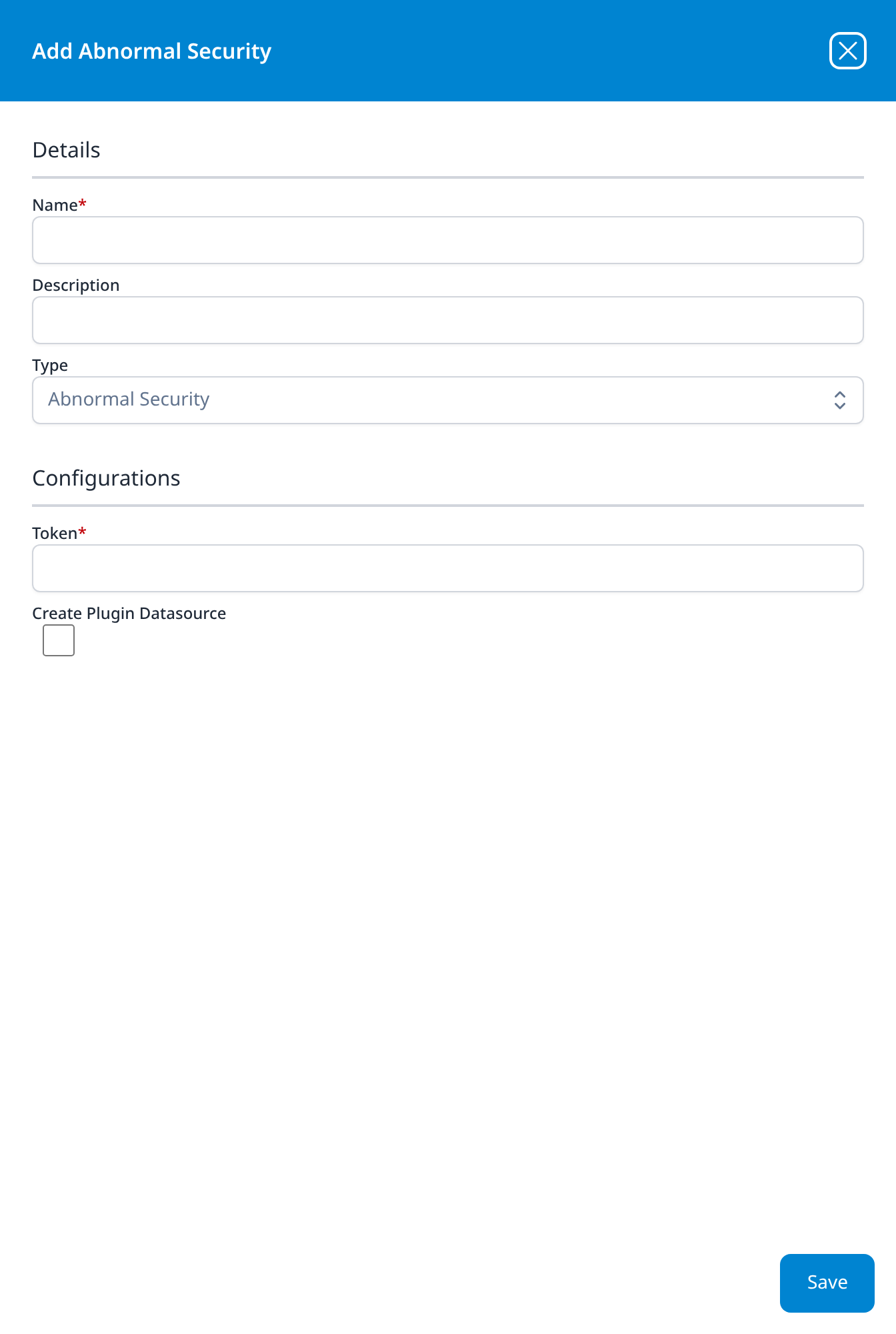
Abnormal Security
- Token
- Create Plugin Datasource (optional): checkbox, unticked
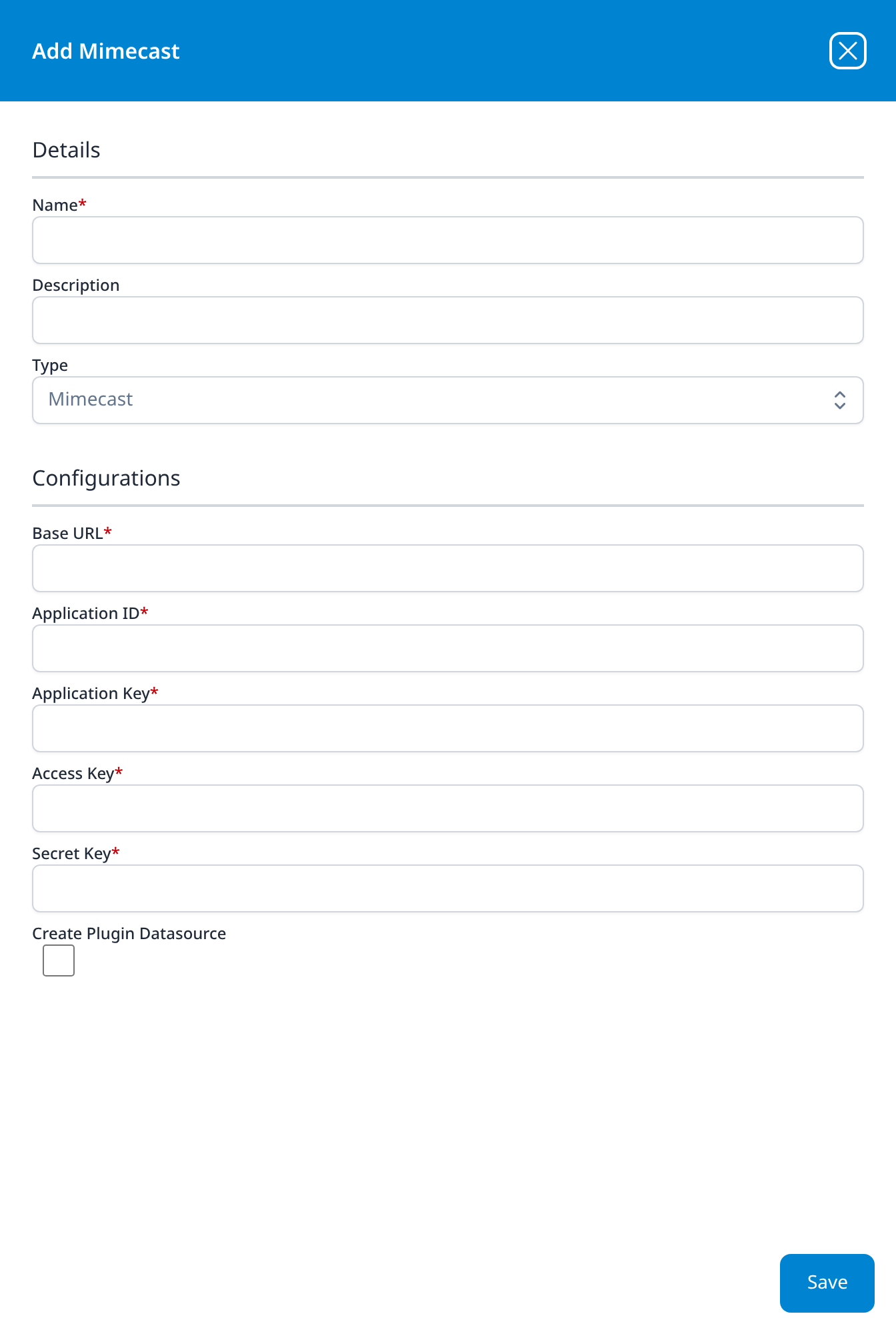
Mimecast
- Base URL
- Application ID
- Application Key
- Access Key
- Secret Key
- Create Plugin Datasource (optional): checkbox, unticked
The API 1.0 credential set, as on the Mimecast Events (Legacy) template.
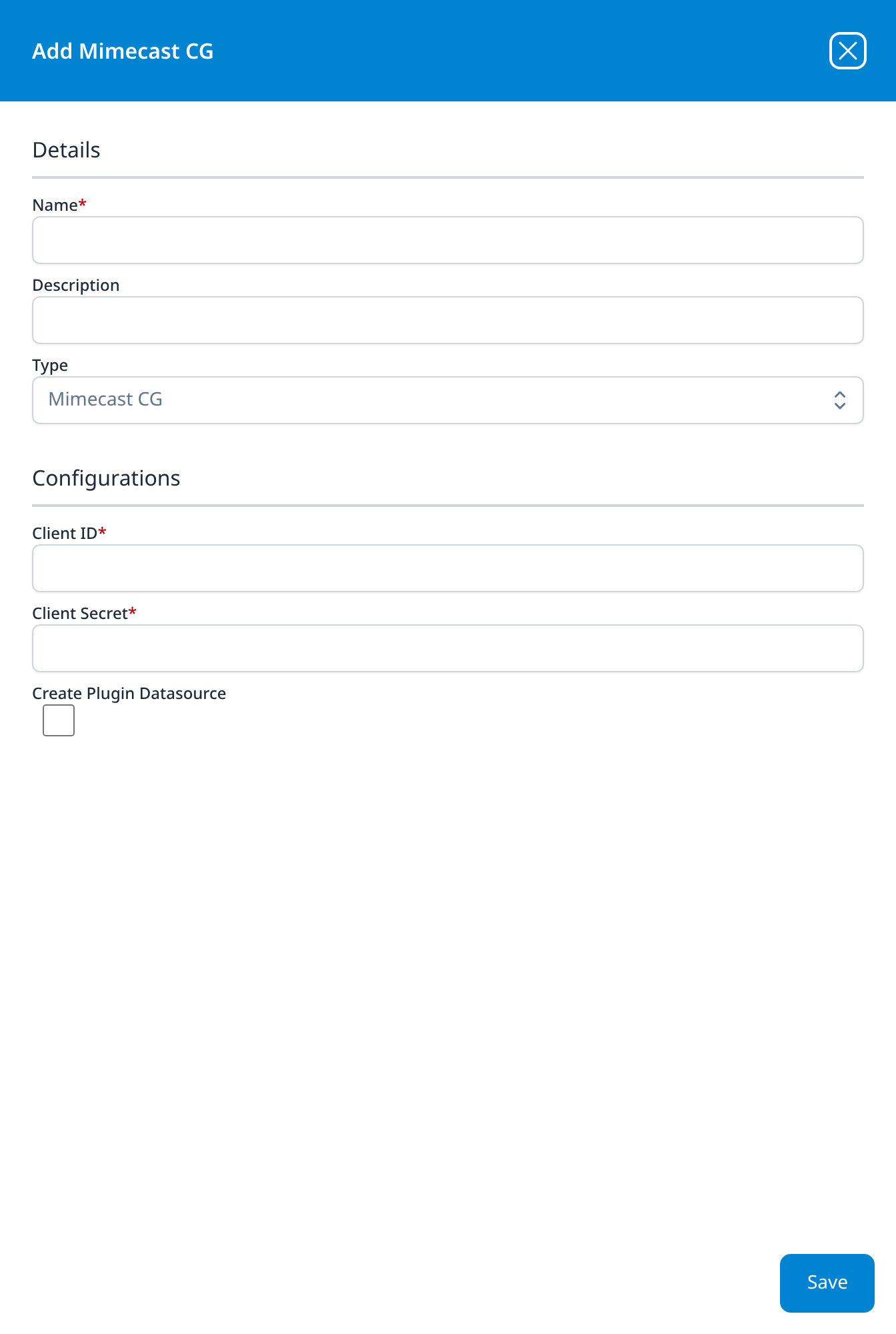
Mimecast CG
- Client ID
- Client Secret
- Create Plugin Datasource (optional): checkbox, unticked
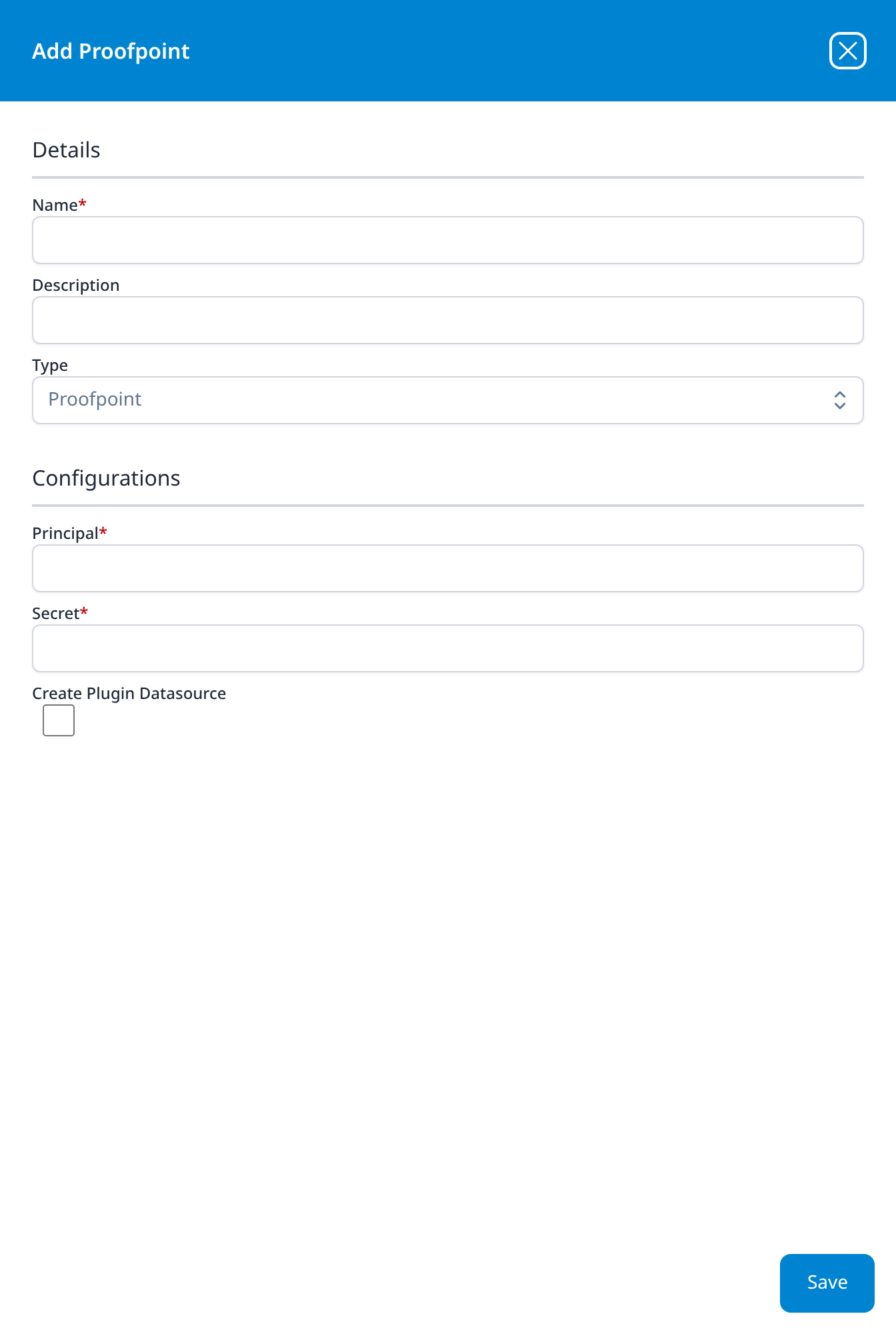
Proofpoint
- Principal
- Secret
- Create Plugin Datasource (optional): checkbox, unticked
The type behind the Proofpoint TAP template. It has no endpoint-URL field, where that template defaults one.
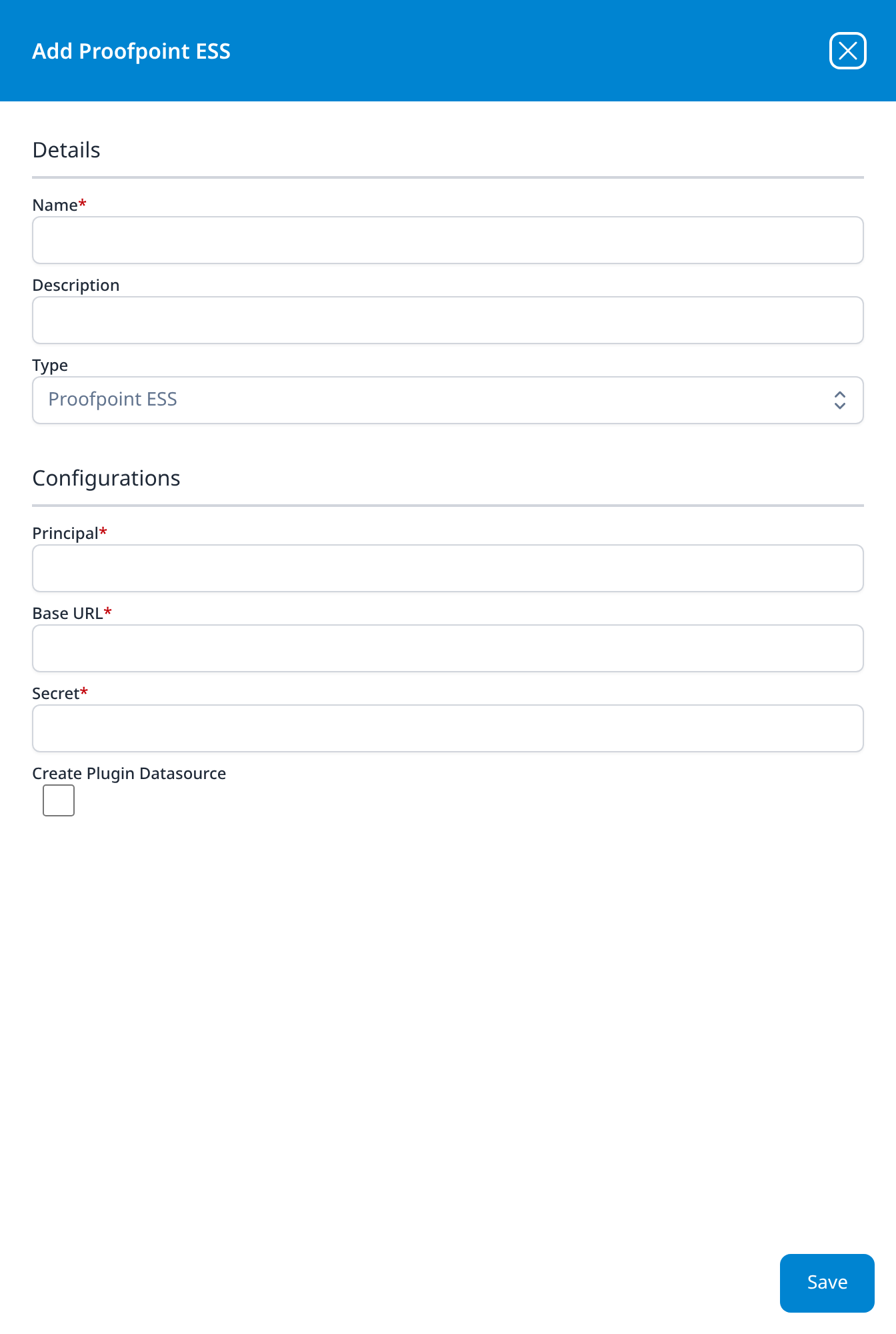
Proofpoint ESS
- Principal
- Base URL
- Secret
- Create Plugin Datasource (optional): checkbox, unticked
Proofpoint with a Base URL between the two credentials, the type behind the Proofpoint Essentials template. The template defaults the endpoint to https://us-siem.proofpointessentials.com; here it opens empty.
Cloud-based Network Services
Cato Networks
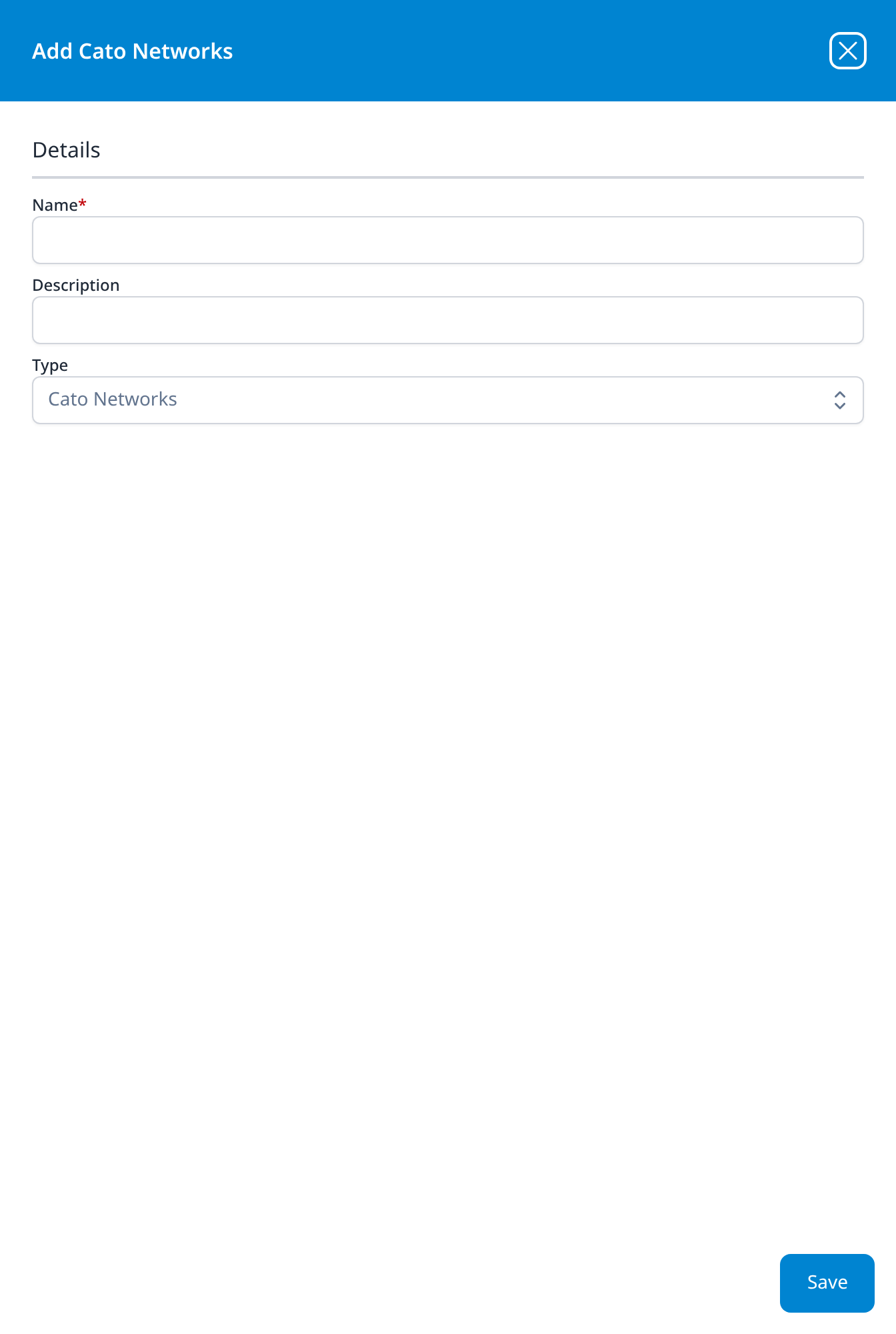
No configuration. The dialog holds Details only (Name, Description, Type) and then Save; there is no Configurations section at all.
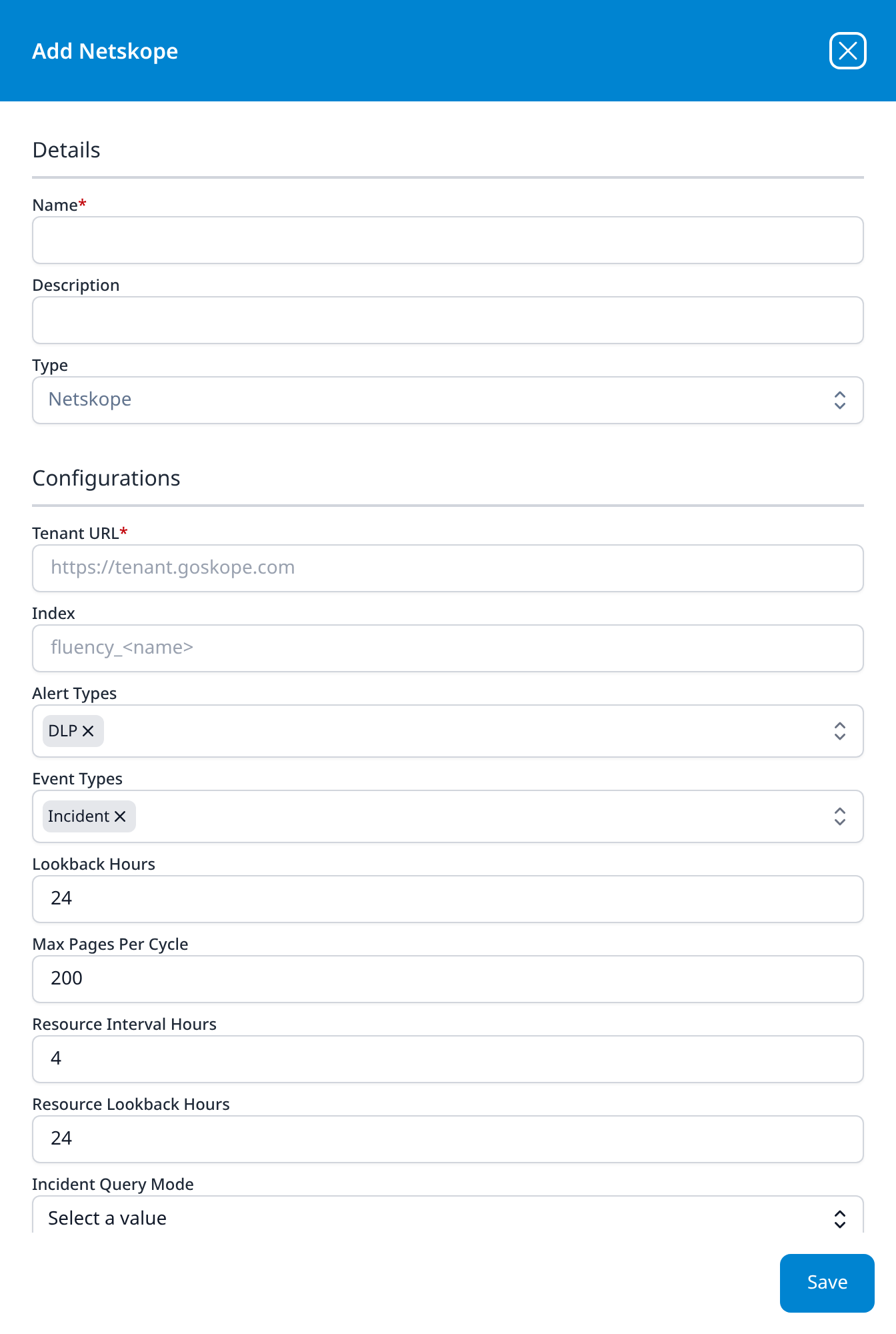
Netskope
- Tenant URL: placeholder
https://tenant.goskope.com - Index (optional): placeholder
fluency_<name> - Alert Types (optional): multi-select drop-down, DLP; the twelve options are DLP, Anomaly, Malware, Malsite, Policy, Watchlist, Quarantine, UBA, CTEP, Compromised Credential, Security Assessment, and Remediation
- Event Types (optional): multi-select drop-down, Incident; the seven options are Incident, Page, Application, Audit, Infrastructure, Network, and Connection
- Lookback Hours (optional): 24
- Max Pages Per Cycle (optional): 200
- Resource Interval Hours (optional): 4
- Resource Lookback Hours (optional): 24
- Incident Query Mode (optional): drop-down, Select a value: Data or Data Search
- API Token
- Create Plugin Datasource (optional): checkbox, unticked
Only Tenant URL and API Token are required; everything between them is optional, and most of it opens with a value. The form is longer than the panel, so API Token and the checkbox are reached by scrolling it. The Netskope DLP application template creates this type from just the tenant URL and the token.
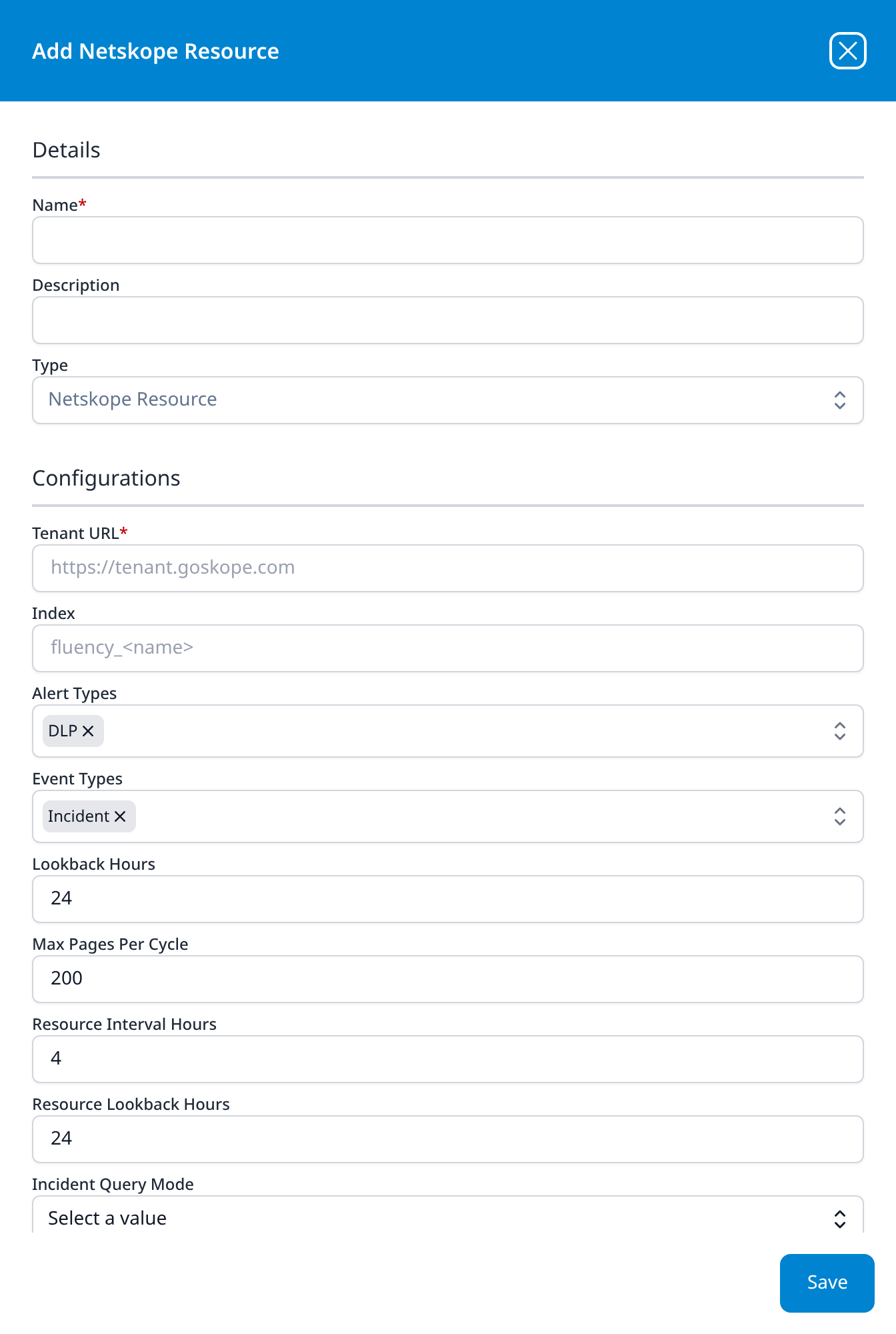
Netskope Resource
The same eleven fields as Netskope, with the same defaults: one form, two types, as with the SentinelOne pair.
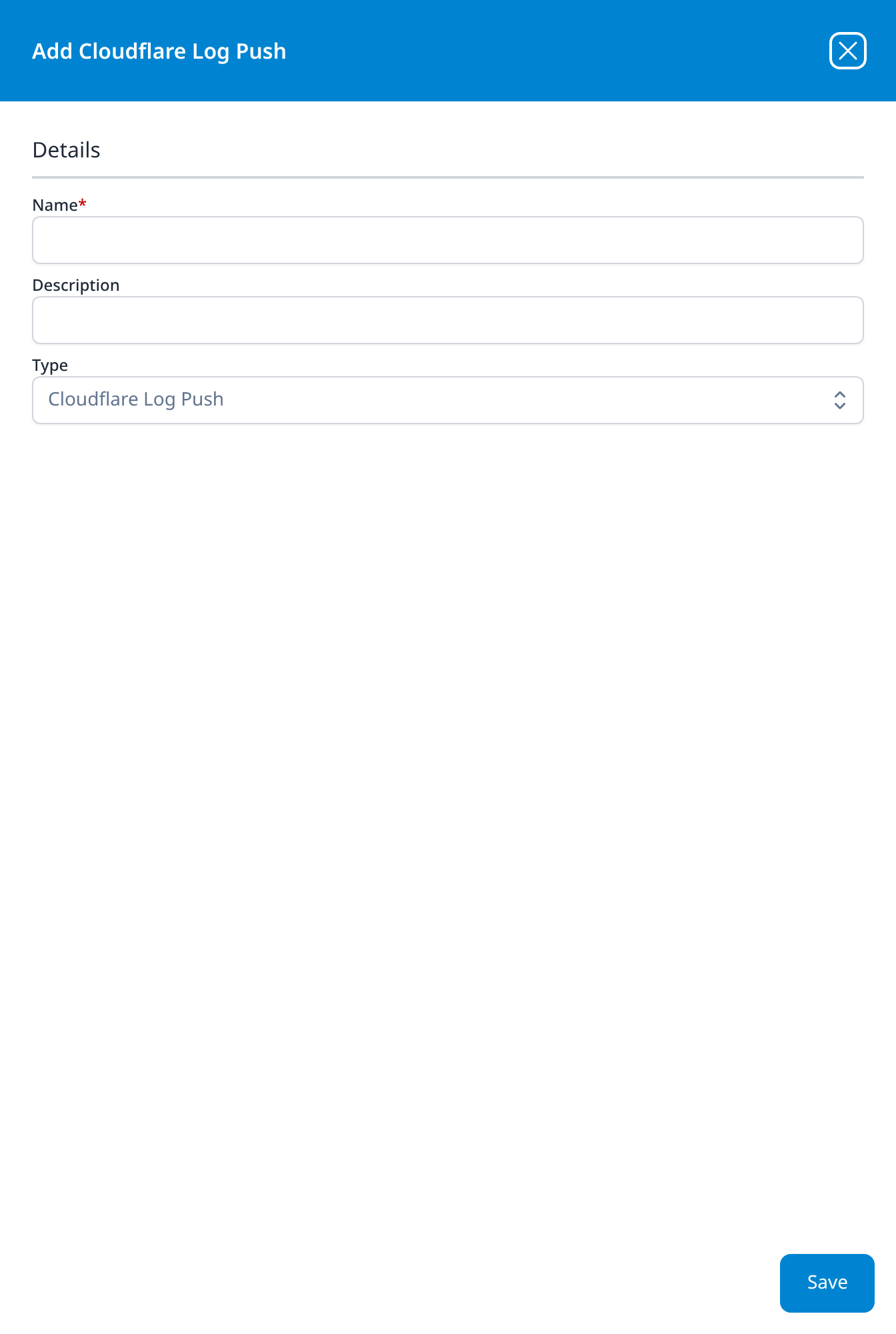
Cloudflare Log Push
No configuration, the same shape as Cato Networks. Both are push-side integrations: the vendor is configured to send to the platform, so there is nothing for the platform to authenticate outbound.
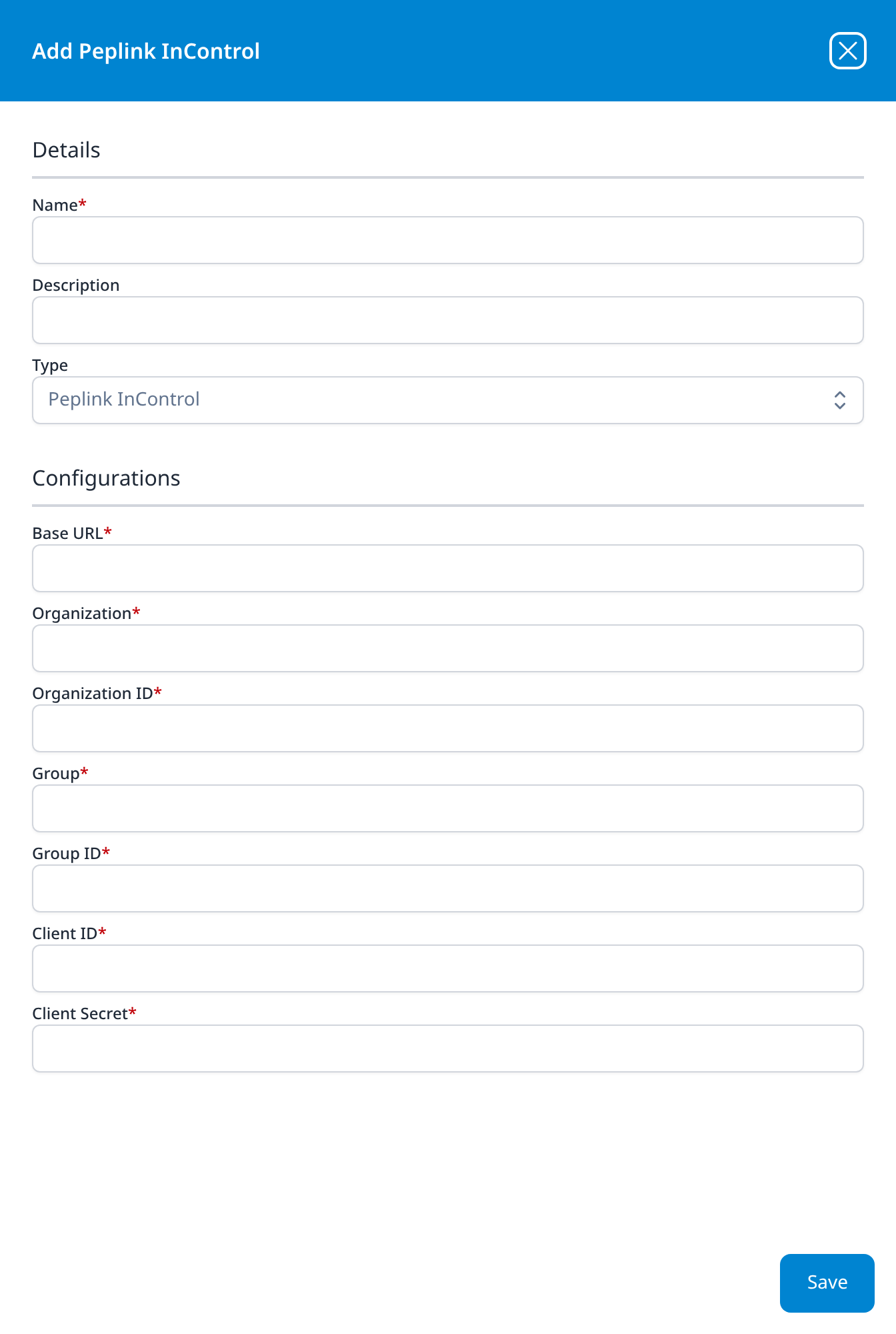
Peplink InControl
- Base URL
- Organization
- Organization ID
- Group
- Group ID
- Client ID
- Client Secret
Seven required fields, the longest all-required form in the catalog. The name and the ID are asked for separately for both the organisation and the group. This is the InControl cloud API, not the Peplink Router/Firewall Syslog template, which takes syslog from the device instead.
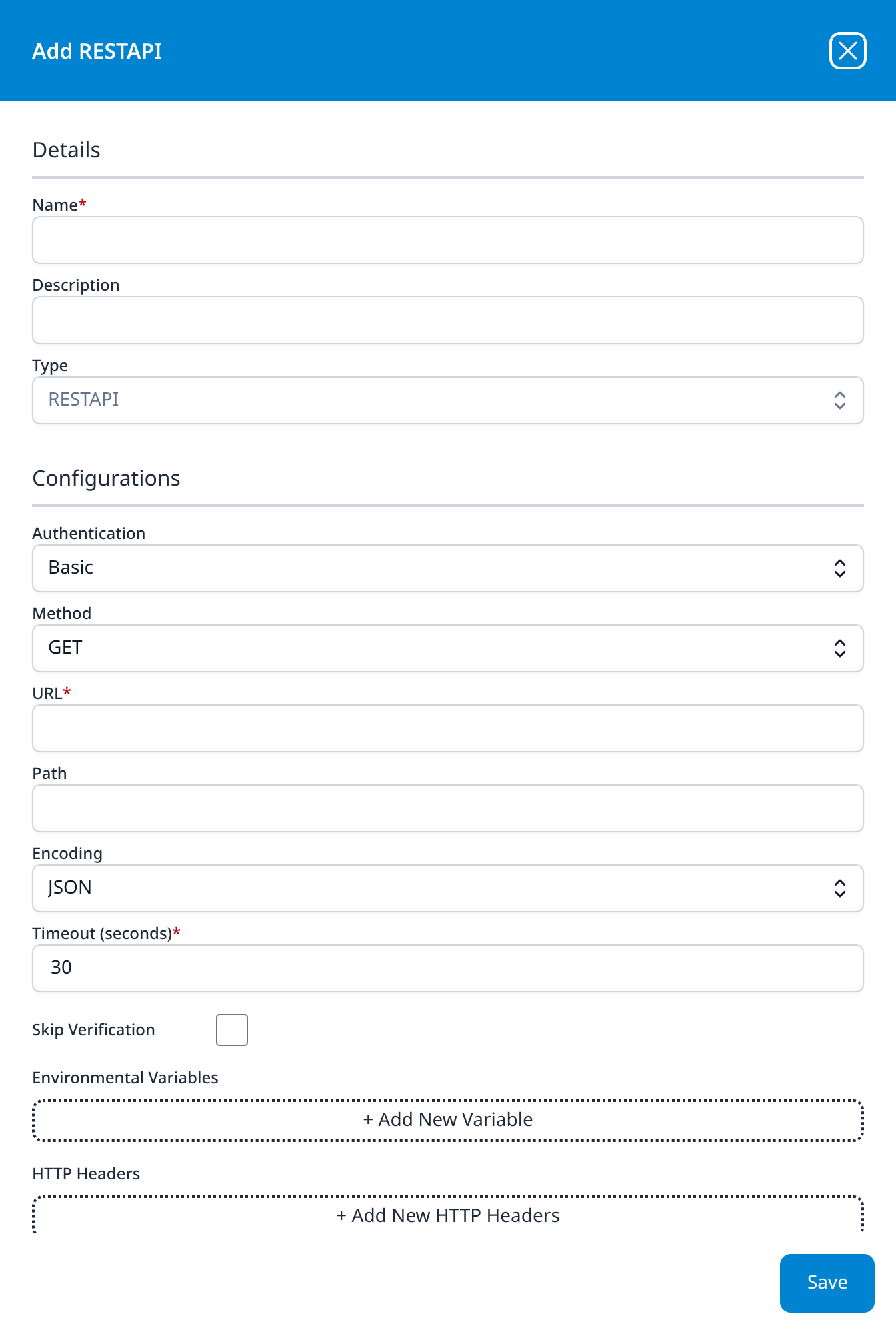
RESTAPI
- Authentication (optional): drop-down, Basic; the others are Bearer and None
- Method (optional): drop-down, GET; the others are POST, PUT, and DELETE
- URL
- Path (optional)
- Encoding (optional): drop-down, JSON; the others are Form and URL
- Timeout (seconds): 30
- Skip Verification (optional): checkbox, unticked
- Environmental Variables (optional): a + Add New Variable button that adds rows
- HTTP Headers (optional): a + Add New HTTP Headers button that adds rows
- HTTP Parameters (optional): a + Add New HTTP Parameters button that adds rows
- Username
- Password
The generic HTTP client, for a service with no type of its own. It is the only dialog in the catalog with repeatable rows: Environmental Variables, HTTP Headers and HTTP Parameters each start as a dashed + Add button and grow a row per click. Skip Verification turns off TLS certificate checking. Username and Password are the credentials for the Basic Authentication the form opens on; they sit below the repeatable sections, past the bottom of the panel, and are reached by scrolling it.
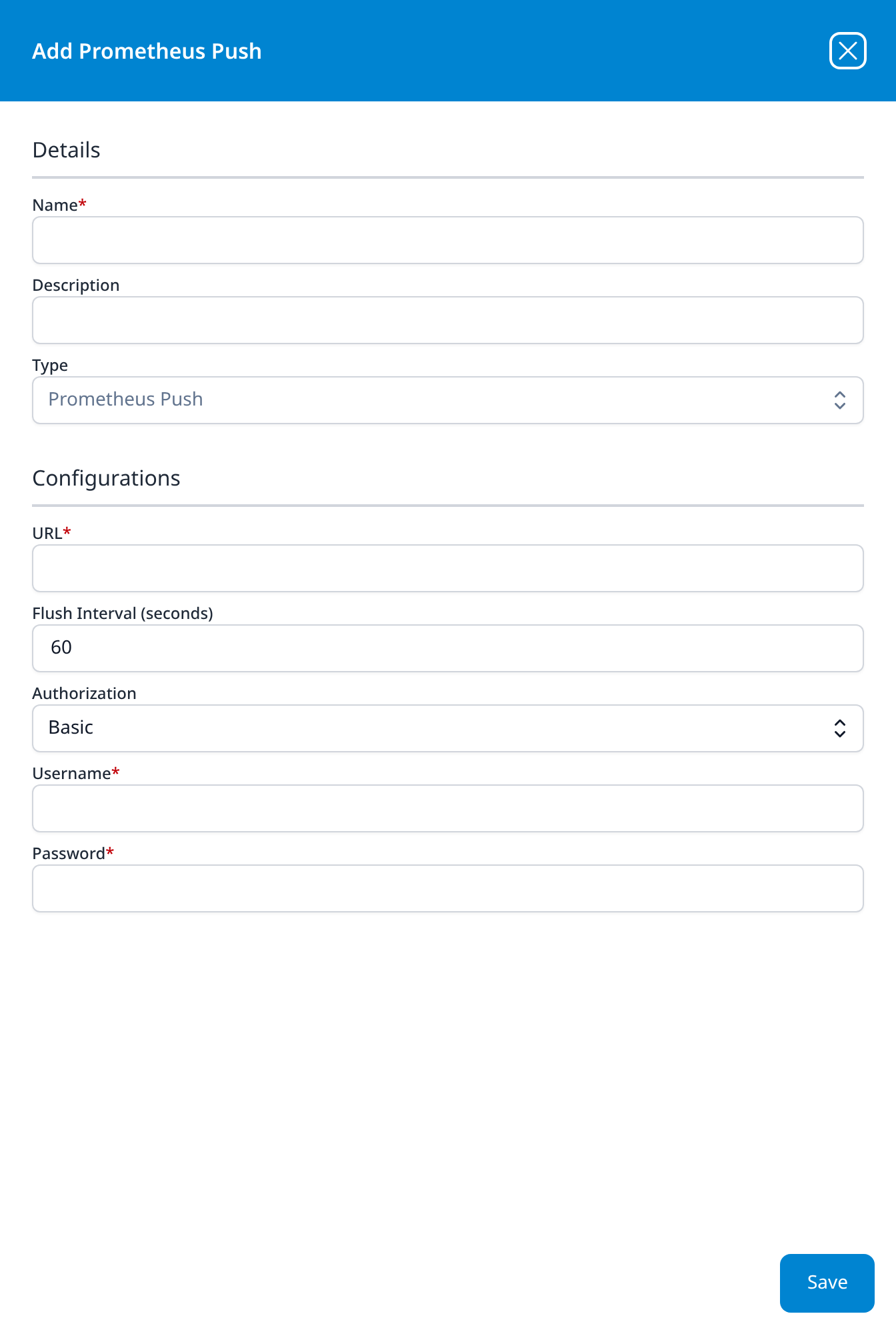
Prometheus Push
- URL
- Flush Interval (seconds) (optional): 60
- Authorization (optional): drop-down, Basic; the other option is None
- Username
- Password
The outbound counterpart to RESTAPI: it pushes the platform's own metrics to a Prometheus endpoint on the interval named here. See Metrics Alerts for what those metrics are.
Cloud-based Business Softwares
Every type in this category ends with a Create Plugin Datasource checkbox.
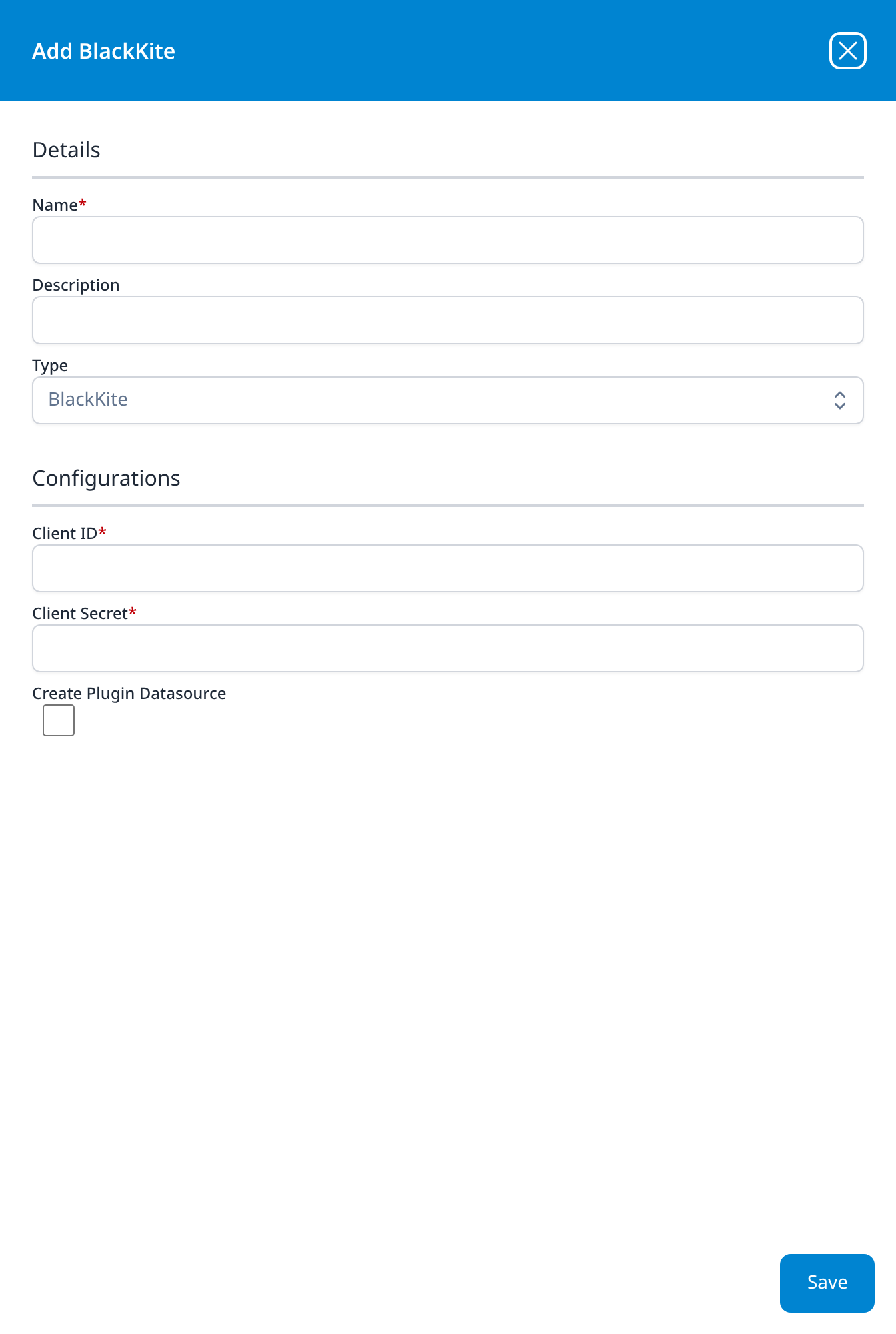
BlackKite
- Client ID
- Client Secret
- Create Plugin Datasource (optional): checkbox, unticked
No Company ID field, where the BlackKite Findings template has an optional one for narrowing collection to a single monitored company.
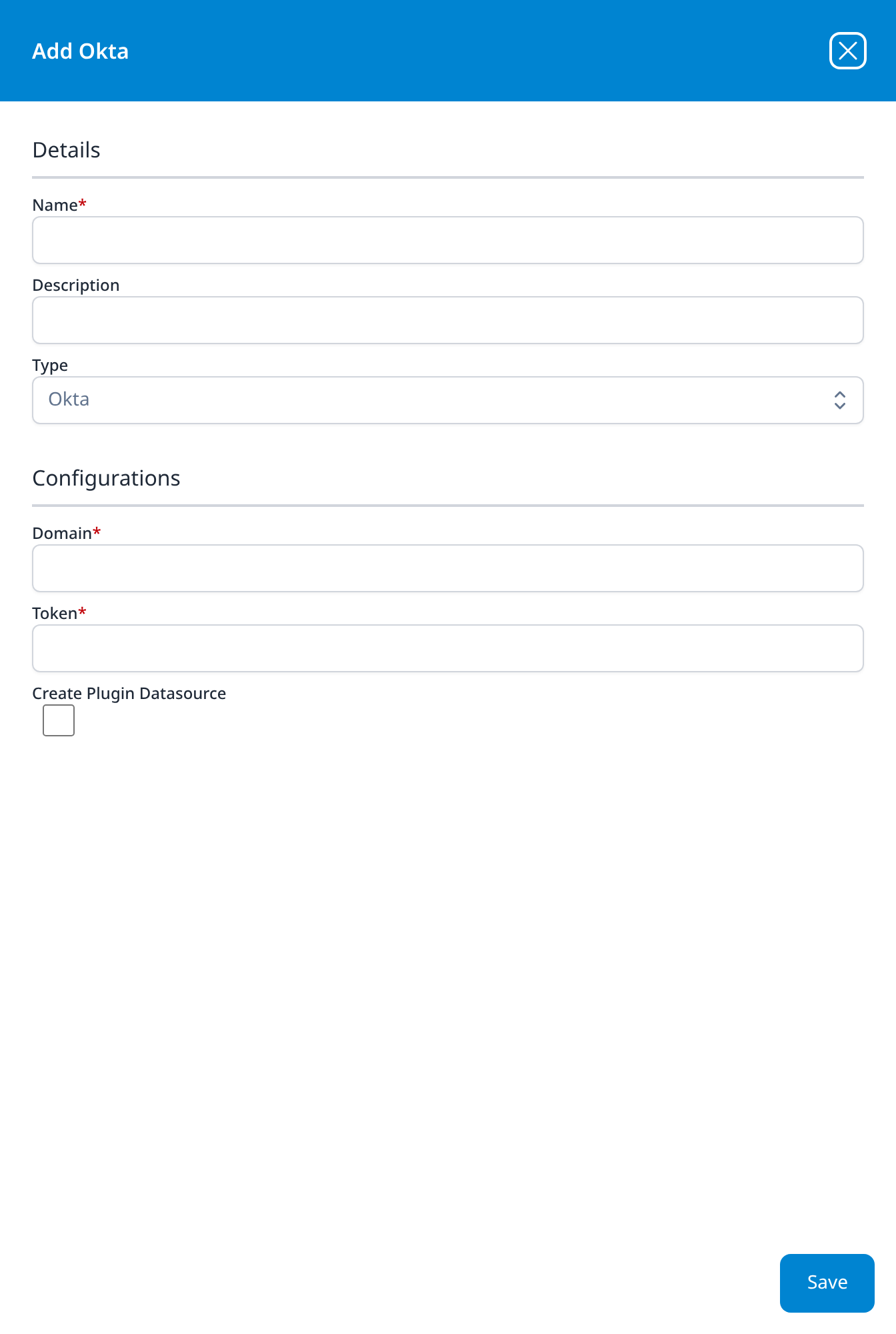
Okta
- Domain
- Token
- Create Plugin Datasource (optional): checkbox, unticked
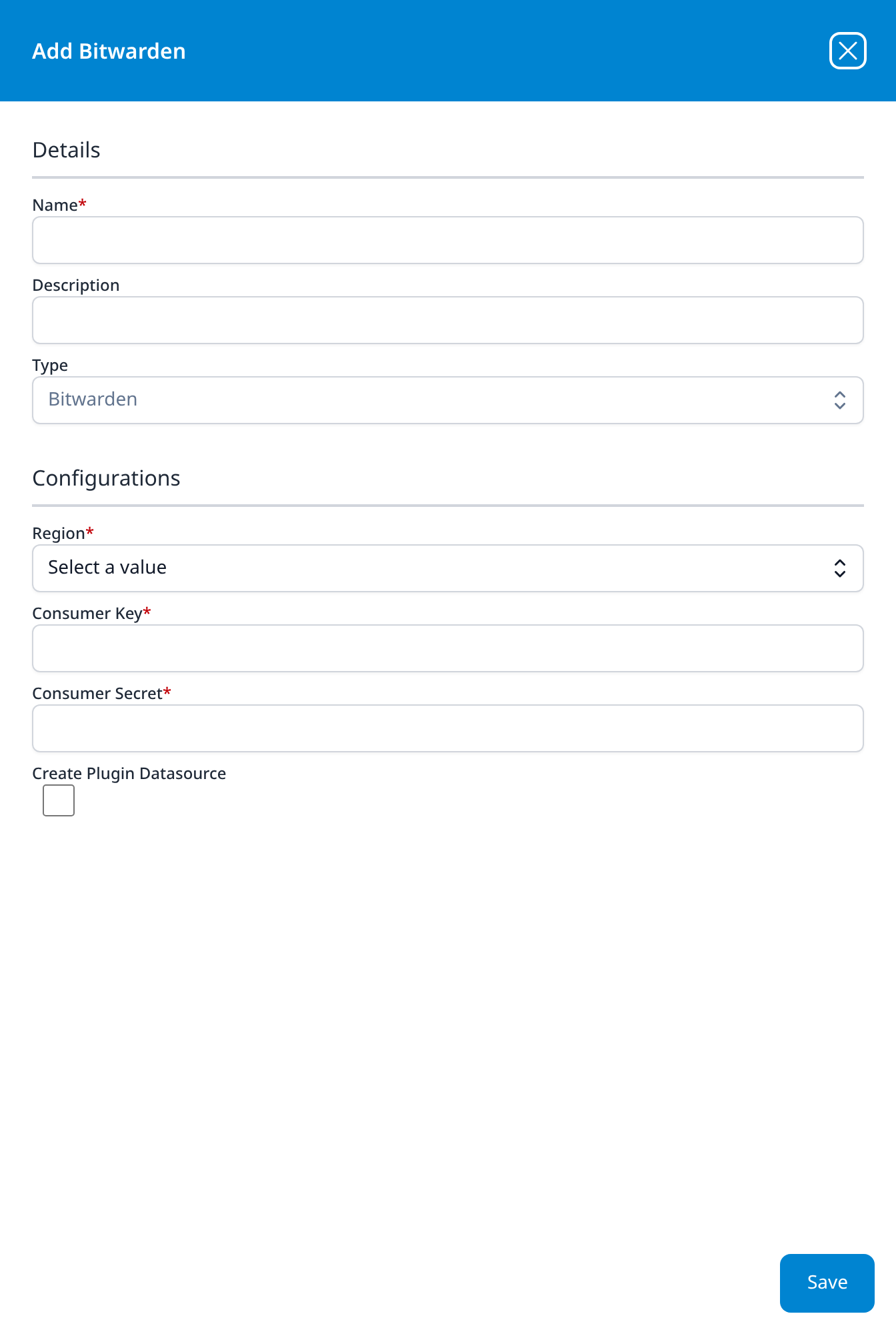
Bitwarden
- Region: drop-down, Select a value: US or EU
- Consumer Key
- Consumer Secret
- Create Plugin Datasource (optional): checkbox, unticked
The Bitwarden template asks for the same credential as ClientID and ClientSecret, and takes Region as free text where this dialog offers a drop-down.
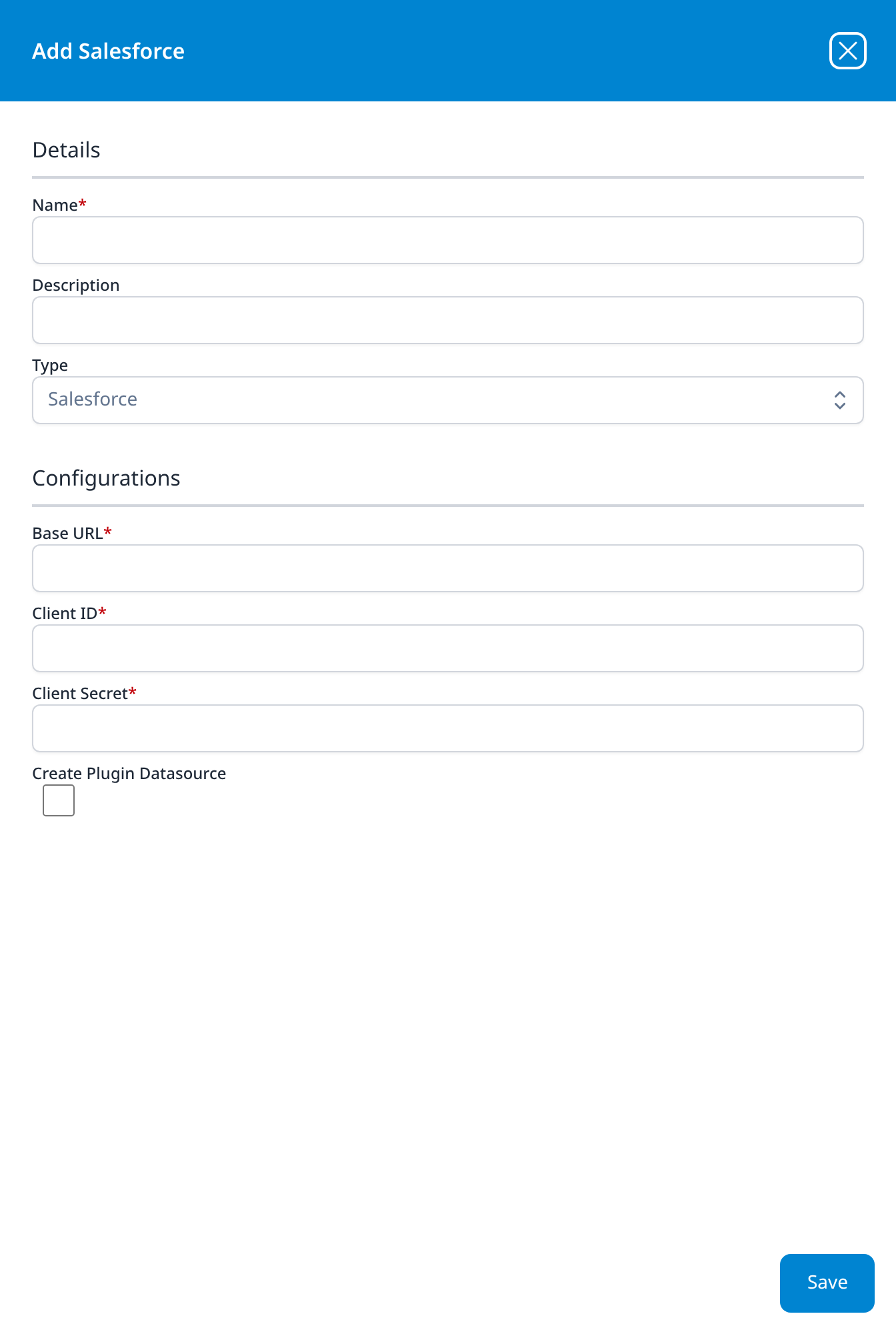
Salesforce
- Base URL
- Client ID
- Client Secret
- Create Plugin Datasource (optional): checkbox, unticked
The Salesforce Event Monitoring template calls the same three fields API URL, Consumer Key and Consumer Secret.
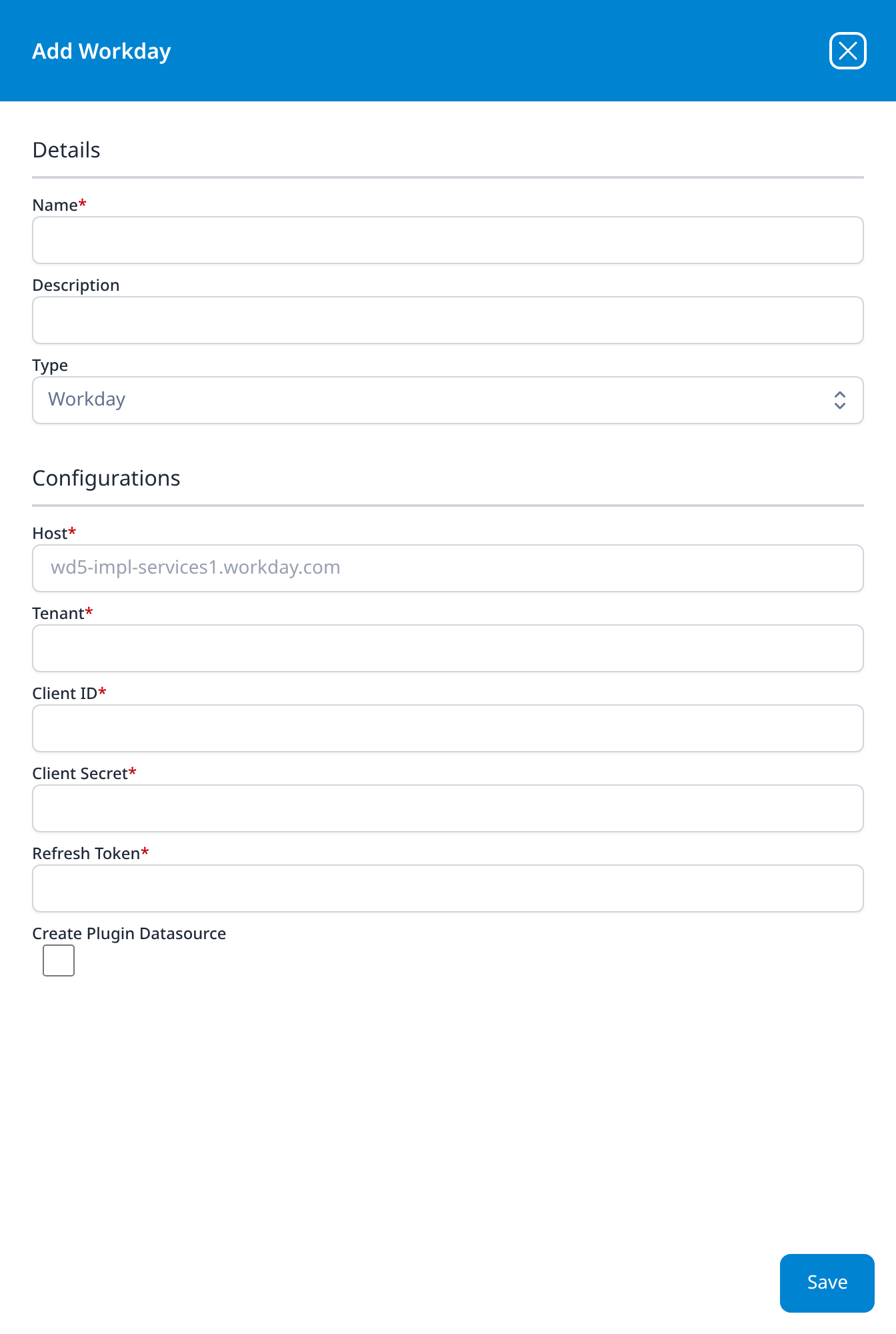
Workday
- Host: placeholder
wd5-impl-services1.workday.com - Tenant
- Client ID
- Client Secret
- Refresh Token
- Create Plugin Datasource (optional): checkbox, unticked
Host shows an example host as placeholder text: the pod-host shape the Workday Events template describes in prose. Grey placeholder text is not a value: the field is still empty and still required.
System Notification Export
The three outbound types. None has a Create Plugin Datasource checkbox: there is no data source to create, because these carry alerts and tickets out rather than events in. They are the destinations behind Alerts and Actions and Notifications.
Slack
- Token
The smallest dialog in the catalog: a name and a token.
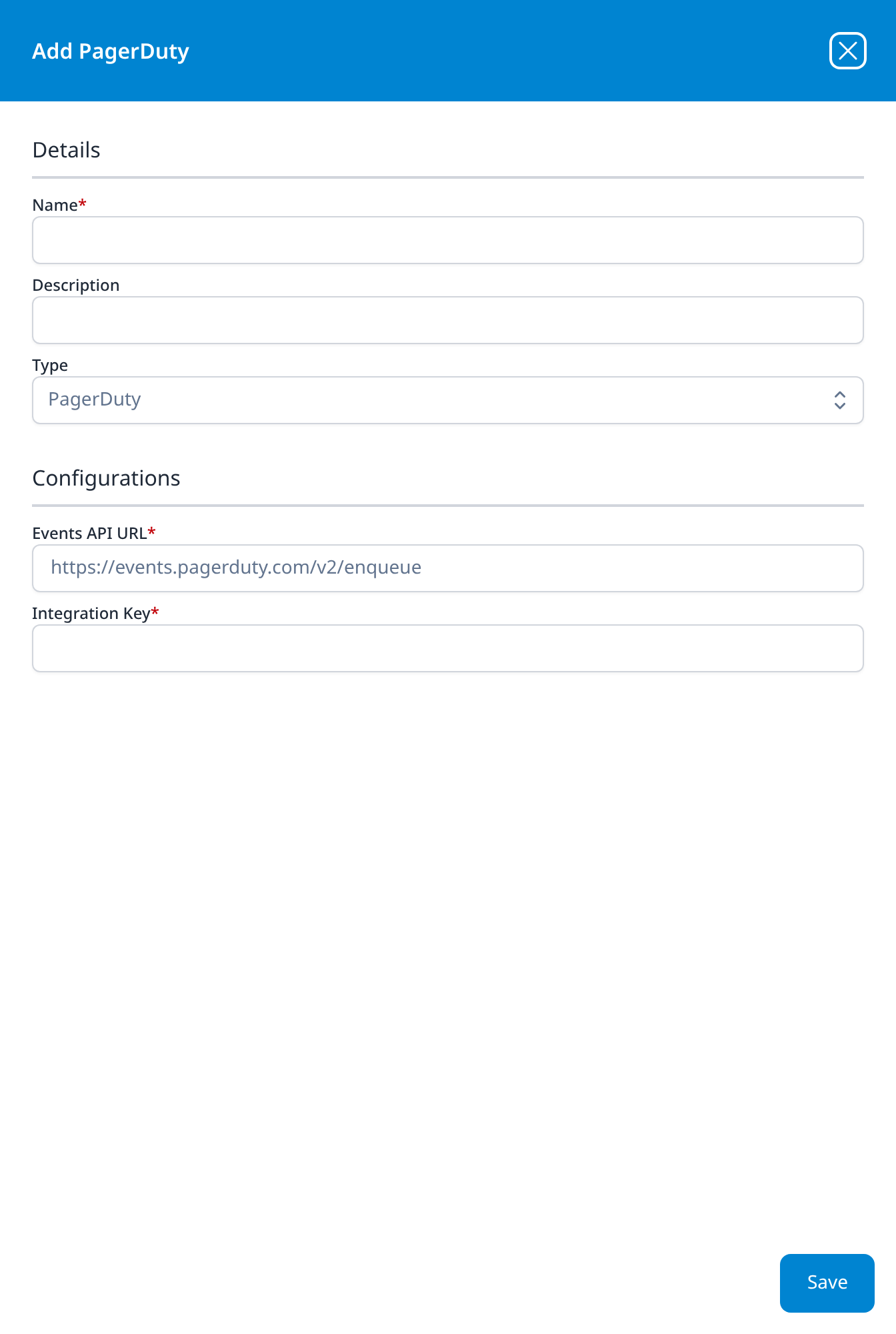
PagerDuty
- Events API URL: https://events.pagerduty.com/v2/enqueue, read-only
- Integration Key
The endpoint is filled in with PagerDuty's standard Events API v2 URL and cannot be edited, so the Integration Key is the only value to supply.
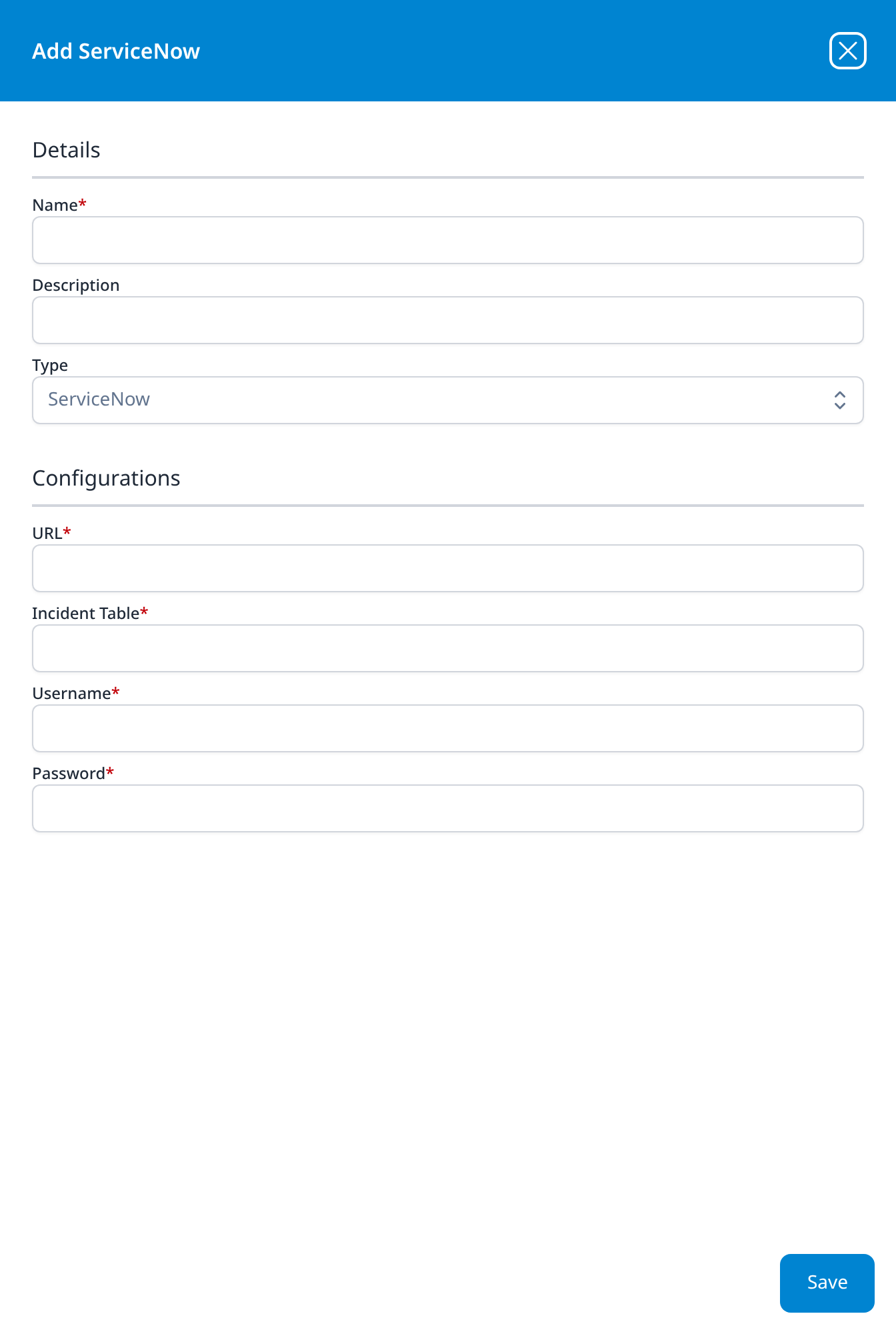
ServiceNow
- URL
- Incident Table
- Username
- Password
Incident Table is the ServiceNow table tickets are written to, which is why it is required rather than defaulted: an instance with a customised incident table would otherwise fail silently.
On-Premise IT
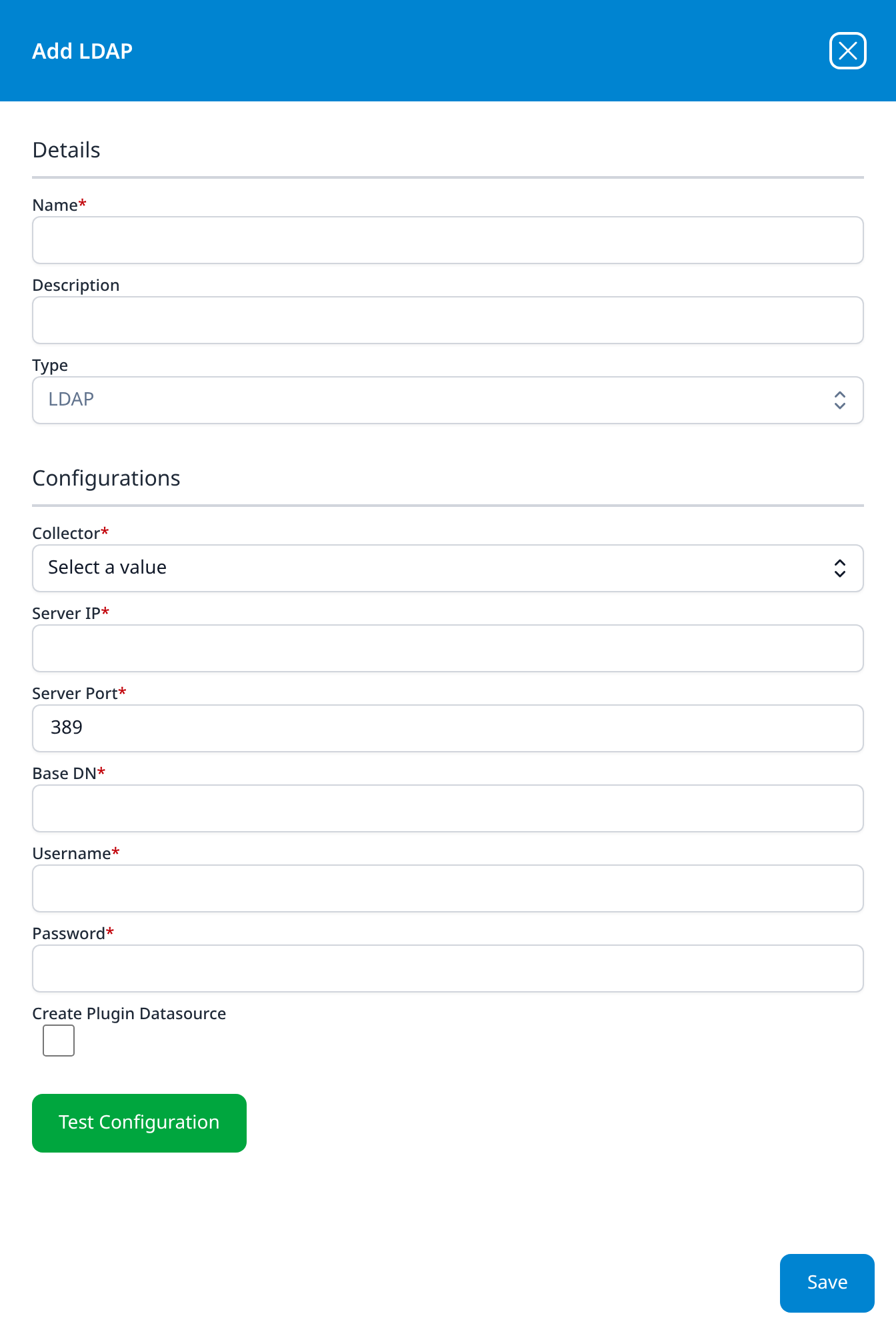
LDAP
- Collector: drop-down, Select a value
- Server IP
- Server Port: 389
- Base DN
- Username
- Password
- Create Plugin Datasource (optional): checkbox, unticked
The only type reached through a collector rather than from the platform, which is what the Collector drop-down selects; it lists the collectors registered under Platform → Administration → Collectors. One of the only two types in the catalog with a green Test Configuration button, which is worth using here: an unreachable directory server or a wrong bind DN is otherwise only visible once the pipeline runs.
The LDAP Connector template asks for the same six values under longer labels, and creates this integration for you.