Resource Sync
The Resource Sync page lists the platform's resource sync groups, one per supported integration, and lets you turn each group on or off. Enabled groups keep that integration's resources synchronized to your instance.
Menu path: Platform → Administration → Resource Sync · URL path: /platform/resourceSync
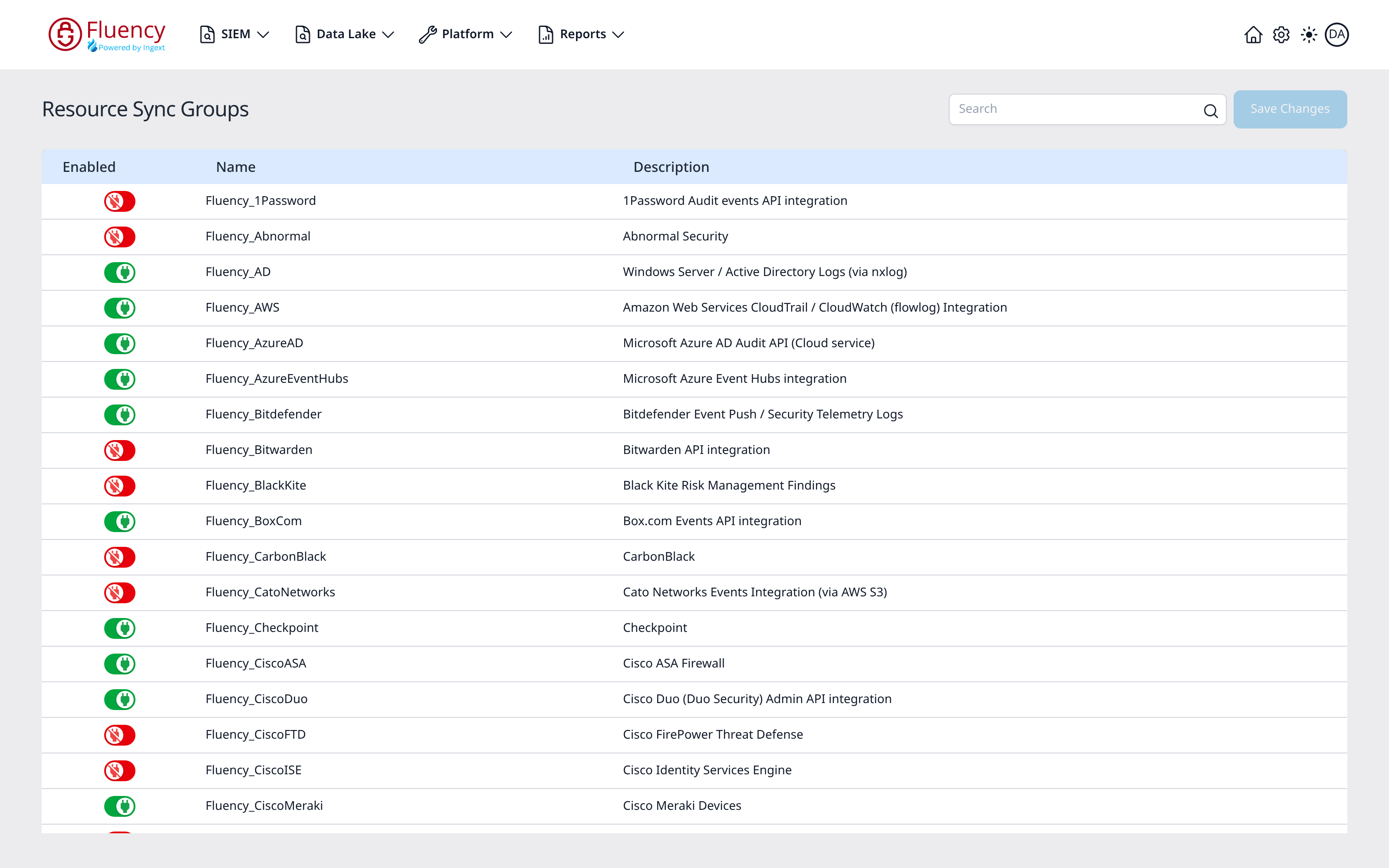
Page Layout
The header shows the title Resource Sync Groups with a Search box and a Save Changes button on the right. The rest of the page is a table of sync groups with Enabled, Name, and Description columns; the list continues below the visible rows.
Search and Save Changes
- Search: type in the search box to find a sync group by name.
- Save Changes: applies your toggle changes. In the initial state, before any toggle is changed, the button appears inactive.
Sync Groups Table
Each row is one resource sync group:
- Enabled: a toggle switch per group. A green toggle means the group is enabled; a red toggle means it is disabled. Click a toggle to change the state, then click Save Changes to apply.
- Name: the group's identifier. Groups follow a
Fluency_naming pattern, for exampleFluency_AWS,Fluency_AzureAD, orFluency_CiscoMeraki. - Description: the integration or log source the group covers, such as an audit events API integration, a cloud service audit API, or a firewall product.