Ubiquiti UniFi Network
Ubiquiti's UniFi line (UDM and UXG gateways, UniFi switches and access points) is managed from a single UniFi Network application rather than device by device, and that application is also where logging is turned on. What it exports covers the ground a small or mid-sized site otherwise has no record of: gateway firewall decisions, client connect and disconnect events, wireless association and roaming, device state changes, and administrative activity in the console itself. For a branch or a small office where the UniFi gateway is the perimeter, this is the network telemetry.
The template's description reads CEF Syslog from Ubiquiti UniFi Network, and the parser it supplies expects CEF. UniFi Network's remote-logging settings have to be emitting CEF for records to be claimed: sent in the plain syslog format, they reach the listener and are not parsed, which looks from the platform side exactly like nothing arriving at all.
Get this right before installing. See Confirming the format below for how to tell the two apart on the wire.
Device-side setup
Configure the UniFi Network application to forward syslog to the listener described below, following Ubiquiti's own documentation for its remote logging; the setting has moved between UniFi Network releases, so read it against the version you are running rather than against an older walkthrough.
Two things are worth setting deliberately:
- The format. Select CEF where the version offers a format choice. This is the requirement above, and it is the one setting that decides whether the integration works at all.
- The content selection. UniFi Network lets you choose which categories are exported. Firewall and client events are the ones that carry security value; device and debug logging is high-volume and rarely worth the index space.
Syslog configuration
UniFi devices send from their local addresses to the configured syslog server, which is either a local collector appliance or, where the site can reach it, the cloud syslog endpoint. The two destinations use different ports. The cloud endpoint has a per-tenant domain and a block of ports allocated to your account: Configuration → Syslog Ports (v1: Platform → Administration → Syslog Ports) shows the domain, the port range, and which protocol listens on which port; read the numbers off that page rather than assuming a standard one. A collector appliance listens on UDP/514 and TCP/514 by default; a TLS listener (usually 6514 for TLS, 7514 for TLS RFC 6587) is one you add on its Syslog Ports tab and open in the collector's firewall, and each of its listeners can carry a Customer Tag that attributes the records arriving on it. See Syslog Import for the protocol options and Syslog Ports for the listener configuration.
UniFi's syslog export is UDP, so a local collector is normally the right termination point rather than sending across the internet in the clear. A dedicated port per site is how records from a multi-site estate are attributed.
Install the Application
- v2 interface
- Classic v1 interface
In the navigation rail, open Applications and click Install Application, then choose Ubiquiti UniFi Syslog from the On-Premise IT category of the Application Catalog, and click Install Application. The form has only the Application section's Instance name and Display name.
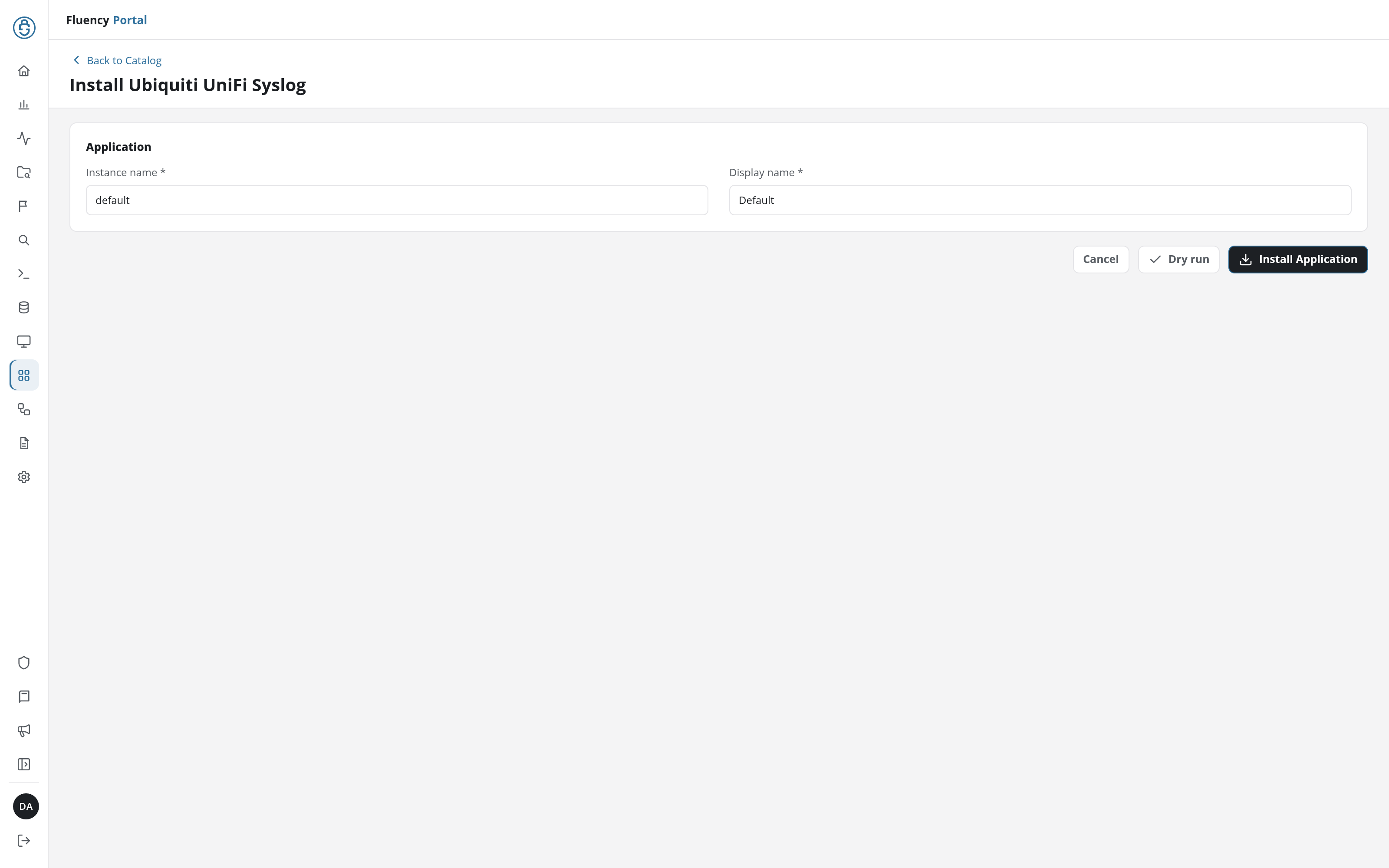
The Applications page opens with the notice Default is launching., and the new application is listed with a green Running badge once the pipeline is up.
Go to Platform → Applications → Install Application From Template and choose Ubiquiti UniFi Syslog from the On-Premise IT category, then press Install.
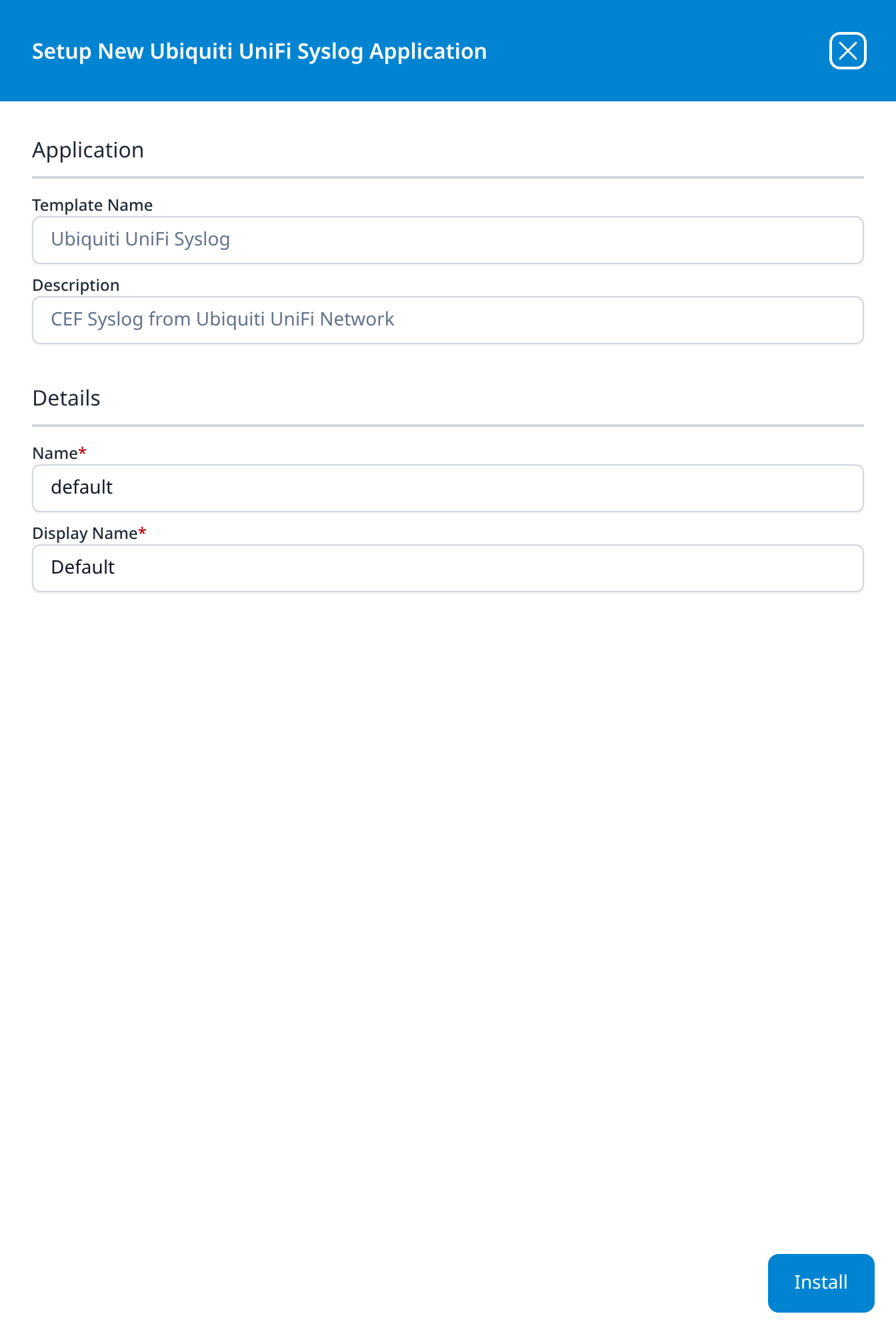
The template takes no parameters: it supplies the parser and builds the pipeline, and the transport is configured on the syslog listener rather than on the form. There is no source to add, no processor to attach, and no sink to wire by hand.
Unlike most templates, Ubiquiti UniFi Syslog takes no datalake or datalake index name parameter: the destination is fixed by the template rather than chosen on the form, so there is nothing here to collide with another application. To see where the data actually lands, open the installed application's details and read its Actions list, which records every object the install created.
Confirming the format
An empty index after install has two very different causes here, and they are worth separating before anything else: nothing is arriving at the listener, or records are arriving and the CEF parser is not claiming them.
CEF records carry a recognisable prefix: CEF:0| followed by pipe-separated vendor, product, version, signature and severity fields. UniFi's plain syslog does not. Capture a few records at the collector, or look at what the listener is receiving, and check for that prefix. If it is absent, the format setting on the UniFi side is the thing to change; nothing on the platform side will compensate for it.
See Confirm data is arriving for the general procedure, and no data arriving for the transport-side checks.
Related
- On-Prem / Syslog: other syslog devices.
- Syslog Import and Syslog Ports: the transport and listener.
- Fluency Collector: the local termination point recommended for UDP syslog.
- Ubiquiti UniFi Syslog: this template's entry in the catalog reference (v1: Install Application From Template).