Sophos Firewall
Sophos Firewall, the XG and XGS appliance line running SFOS, is the current Sophos network security product, and the successor to the older Sophos UTM platform. It combines stateful firewalling with web filtering, application control, intrusion prevention, sandboxing and remote access, and it can exchange health information with Sophos-managed endpoints so that a compromised host is isolated at the network edge. Its syslog output covers firewall decisions, web and application activity, IPS and antivirus detections, VPN sessions, ATP findings and administrative events.
Device-side setup
Configure the device to forward syslog to the listener described below, following the vendor's own documentation for its syslog export. Nothing has to be built on the platform side beyond installing the template below: it supplies the parser and wires the pipeline.
Syslog configuration
The appliance sends to a syslog listener: either the cloud syslog endpoint or a local collector appliance. The two destinations use different ports. The cloud endpoint has a per-tenant domain and a block of ports allocated to your account: Configuration → Syslog Ports (v1: Platform → Administration → Syslog Ports) shows the domain, the port range, and which protocol listens on which port; read the numbers off that page rather than assuming a standard one. A collector appliance listens on UDP/514 and TCP/514 by default; a TLS listener (usually 6514 for TLS, 7514 for TLS RFC 6587) is one you add on its Syslog Ports tab and open in the collector's firewall, and each of its listeners can carry a Customer Tag that attributes the records arriving on it. See Syslog Import for the protocol options and Syslog Ports for the listener configuration.
Install the Application
- v2 interface
- Classic v1 interface
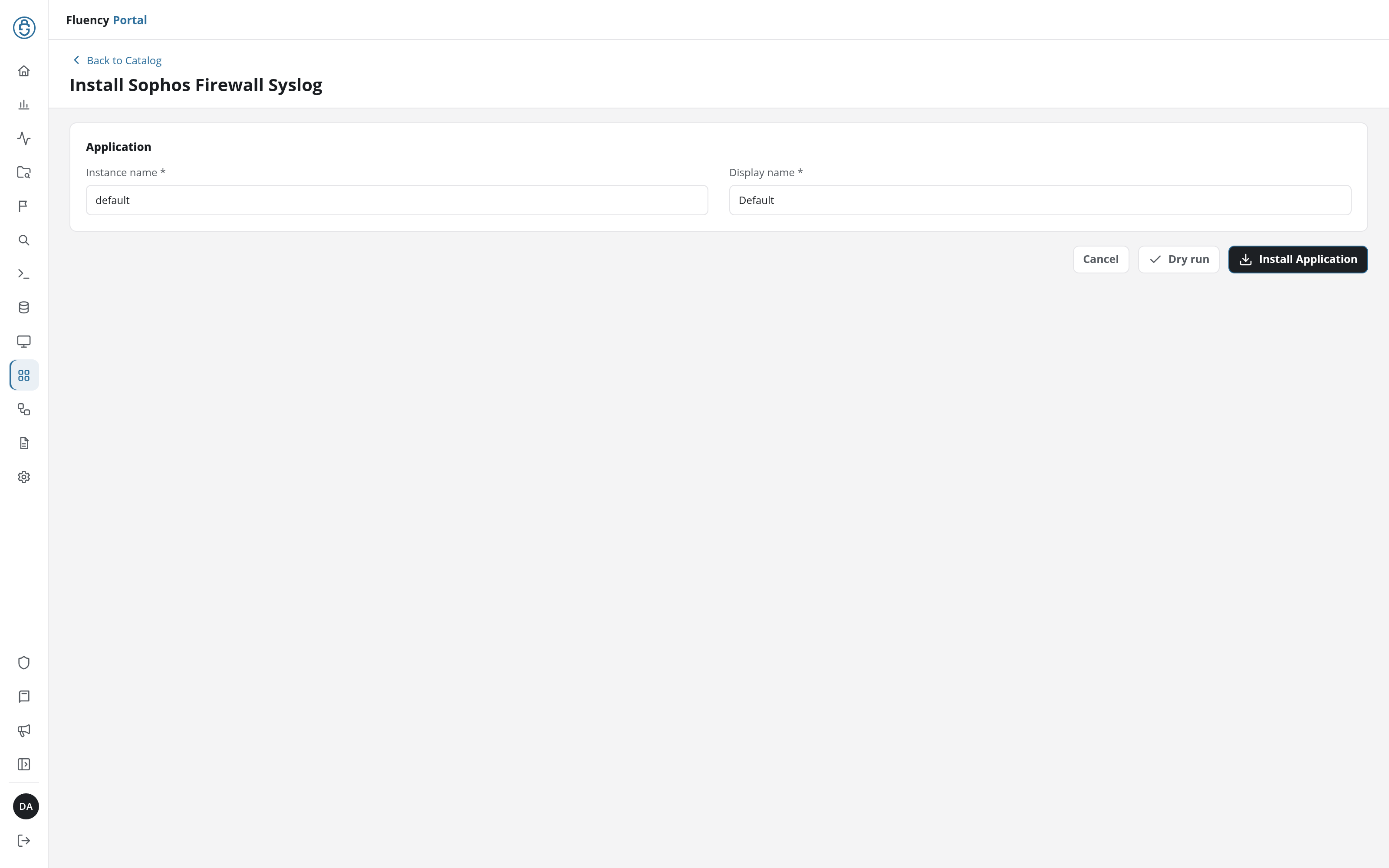
In the navigation rail, open Applications and click Install Application, then choose Sophos Firewall Syslog from the On-Premise IT category of the Application Catalog, and click Install Application. The form has only the Application section's Instance name and Display name.
The Applications page opens with the notice Default is launching., and the new application is listed with a green Running badge once the pipeline is up.
Go to Platform → Applications → Install Application From Template and choose Sophos Firewall Syslog from the On-Premise IT category, then press Install.
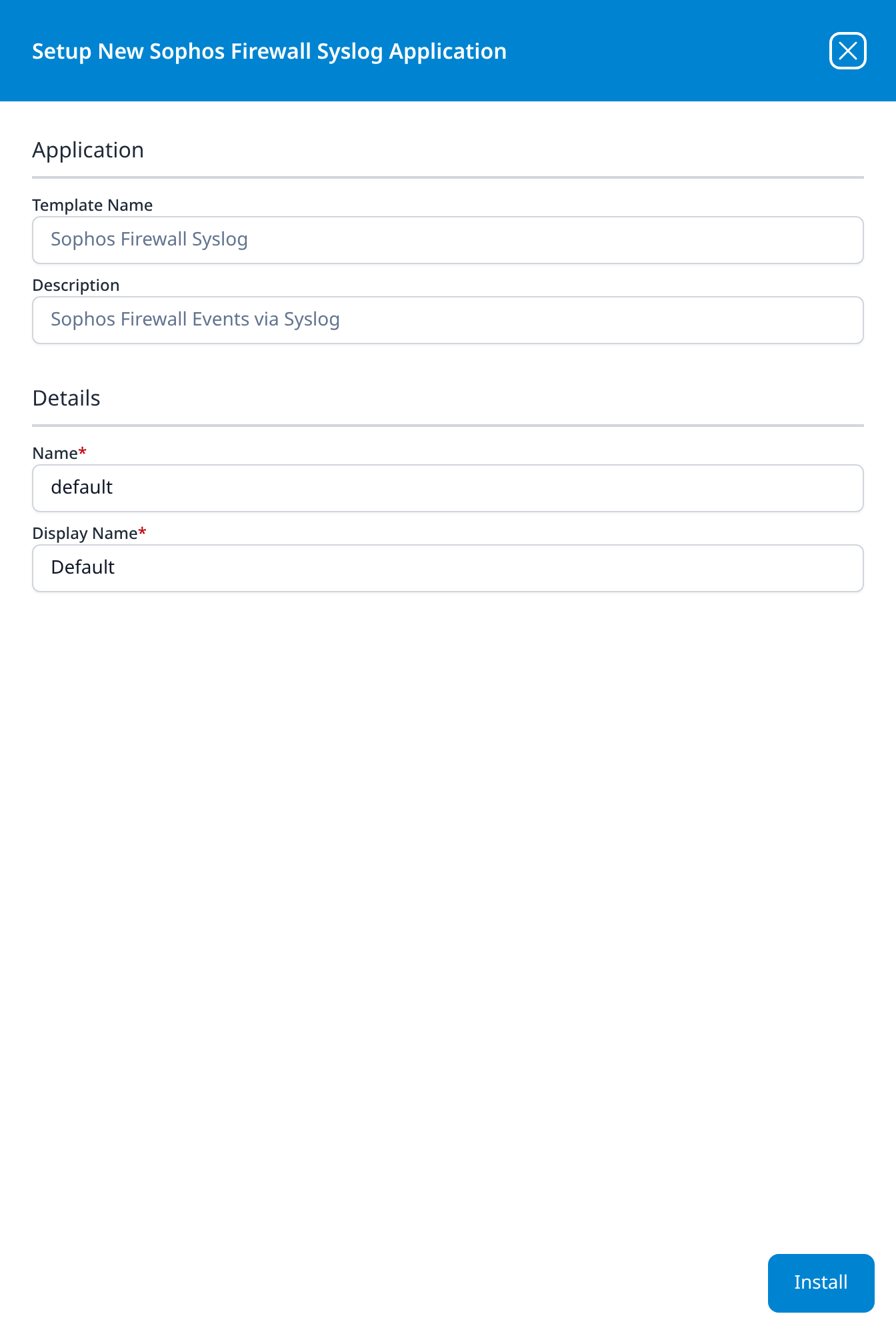
The template takes no parameters: it supplies the parser and builds the pipeline, and the transport is configured on the syslog listener rather than on the form. There is no source to add, no processor to attach, and no sink to wire by hand.
Related
- On-Prem / Syslog: other syslog devices.
- Sophos UTM: the older Sophos appliance line, which has a different log format and its own parser.
- Sophos EDR: the endpoint half of a Sophos deployment.
- Parser cookbooks: the template ships a working parser, so a cookbook is only needed if you want to customise the parsing; start here if you do. The Sophos UTM recipe there targets the older UTM product and its log format; it does not apply to Sophos Firewall (XG/XGS).
- Syslog Import and Syslog Ports: the transport and listener.