Cylance
The Fluency-side steps below use the Cloud Integrations page from the legacy Data Ingress menu. In the current interface, integrations are managed on the Integrations page, under Configuration → Integrations (v1: the Integrations page, opened from View Integrations on Platform → Applications).
Cylance has no application template. It is connected as a connector on the Integrations page (v1: Integrations). See the Integration Matrix for which products use which path.
Configuring a Cylance Plugin in Fluency
Sign in to your Fluency portal at https://<companyname>.app.ingext.io; see Fluency Web Interface for the URL formats.
In the navigation rail, open Configuration → Integrations and click + Create Integration (v1: open Platform → Applications in the navigation bar and click View Integrations).
On the following page, navigate to the Endpoint Management section.
To Add an API, choose the Cylance icon from the group on the left side of the page to create a new endpoint:
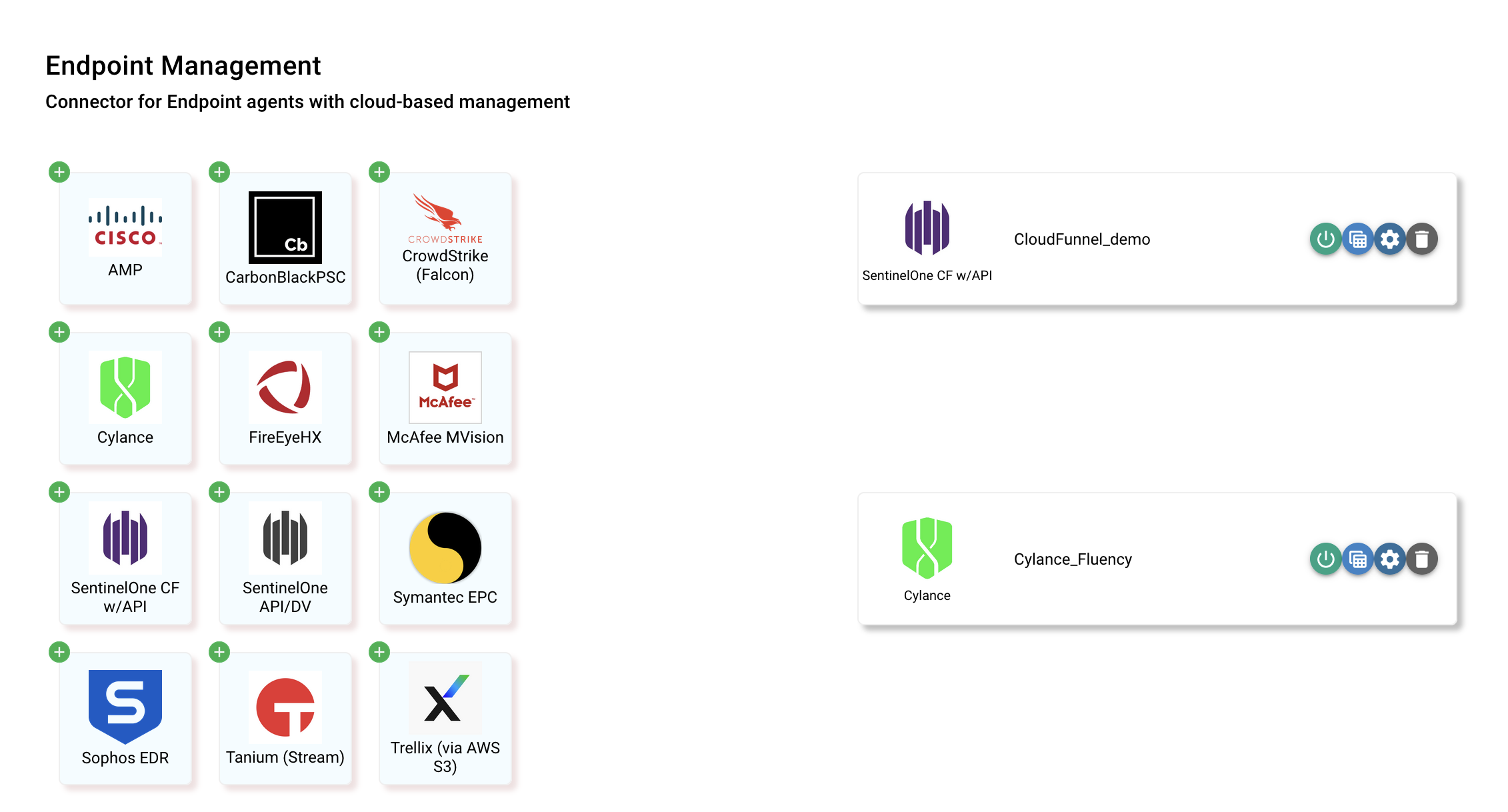
NOTE: If an endpoint was setup previously, you can also select and modify it from the right side of the page.
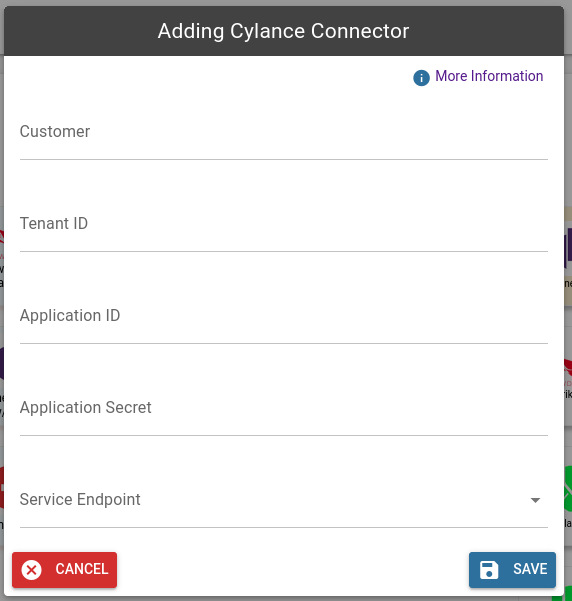
In the pop-up window, these are the required pieces of information to create this import. Please refer to the vendor's documentation on enabling API access.