AWS Kinesis
Amazon Kinesis has no application template. It is connected as an AWS Kinesis integration on Platform → Integrations, and the data source is then added by hand. See the Integration Matrix for which products use which path.
AWS Kinesis is a fully managed service that can cost-effectively process and analyze streaming data at any scale. Fluency can consume Kinesis streams directly as a data source.
Fluency offers several CloudFormation scripts to facilitate integration. While these scripts are free to use, keep in mind that AWS CloudFormation is a paid service, and you will incur a charge from AWS for using it.
AWS CloudFormation allows you to configure AWS resources from script/code. This makes deployment easy, consistent, and greately decreases the possiblity of errors or misconfigurations.
For supported AWS integrations, deploying via CloudFormation is always recommended, if the script is avaliable.
Fluency Integration Configuration
Sign in to your Fluency portal at https://<companyname>.app.ingext.io — see Fluency Web Interface for the URL formats.
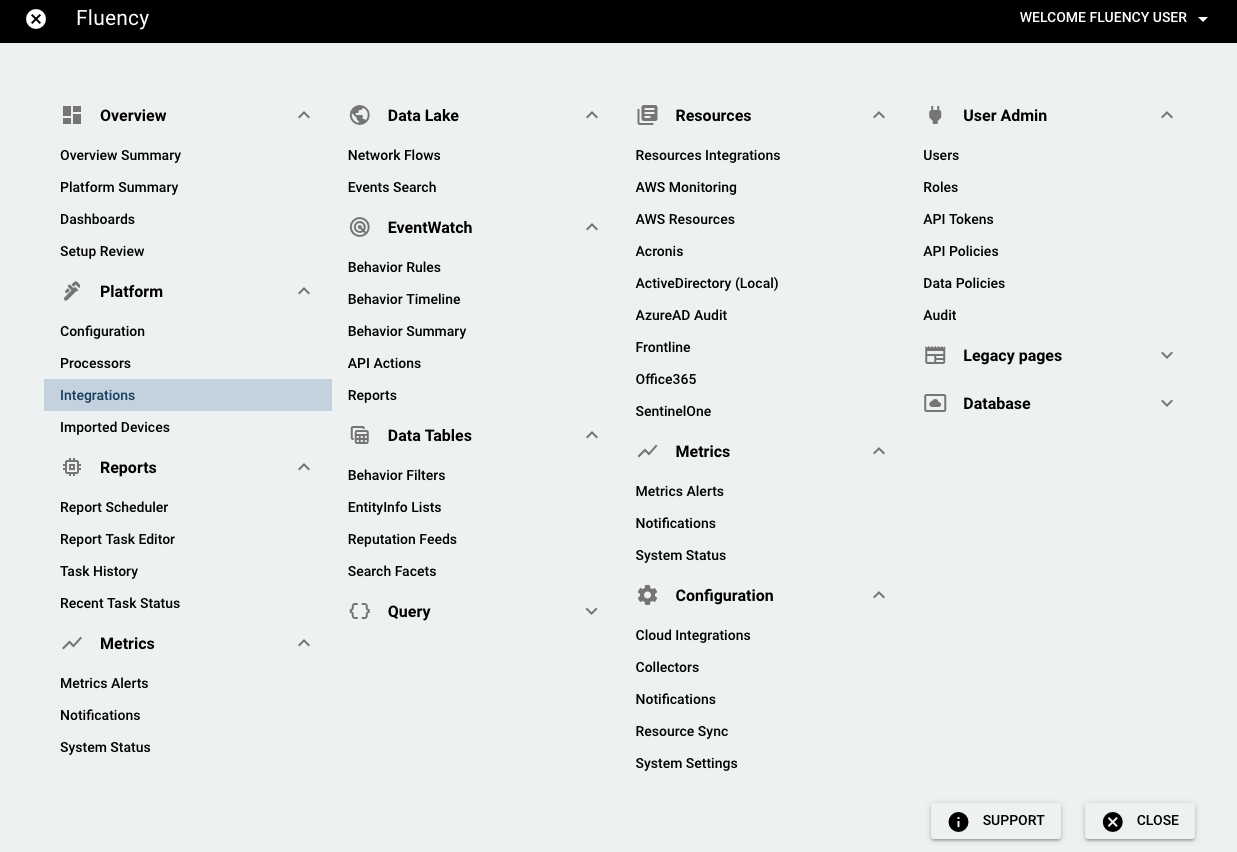
Choose the Integrations option under the Platform menu in the navigation bar.
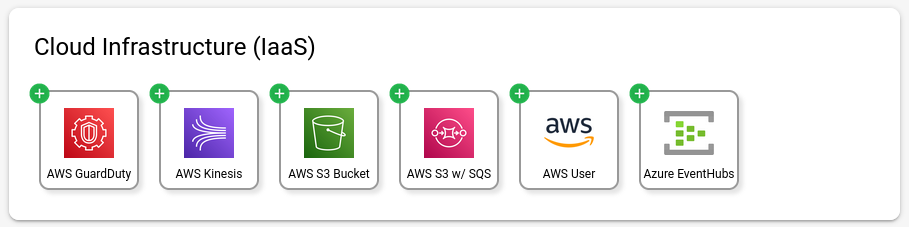
On the Integrations page, go to the New Integrations tab and choose the AWS Kinesis integration, under Cloud Infrastructure (IaaS).

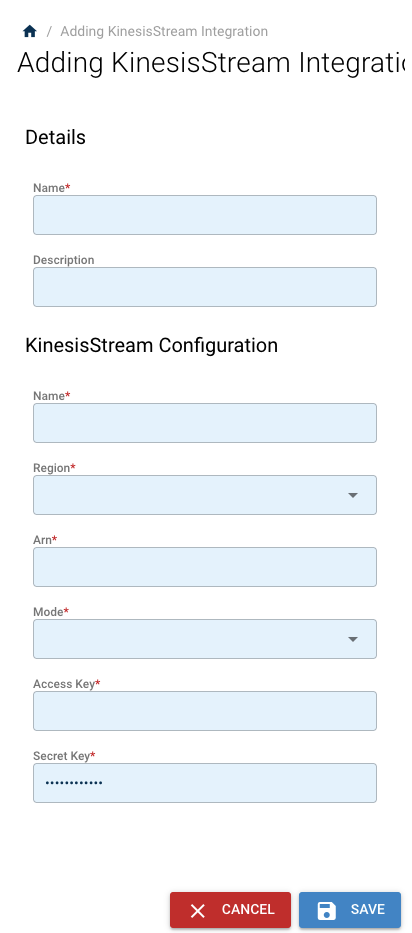
On the left-side panel, enter the required information:
Once added, the new integration will show up under Existing Integrations.