Cisco Umbrella (OpenDNS)
Cisco Umbrella has no application template. Umbrella writes to a Cisco-managed S3 bucket, which is read through an AWS S3 Bucket integration on the Integrations page (v1: Integrations). See the Integration Matrix for which products use which path.
Fluency supports ingress from Cisco Umbrella via an AWS S3 bucket intermediary. The S3 bucket can be your own, or one that is provided by Cisco. For this integration, Fluency assumes that you are using a Cisco provided/managed bucket.
Cisco Configurations
Cisco supports event logging to a "Cisco-managed S3 Bucket". Follow the instructions from the link below to activate this feature from Cisco:
https://docs.umbrella.com/deployment-umbrella/docs/cisco-managed-s3-bucket
Fluency will need the following information from the process above:
- Data Path
- Access Key
- Secret Key
Fluency Integration Configuration
- v2 interface
- Classic v1 interface
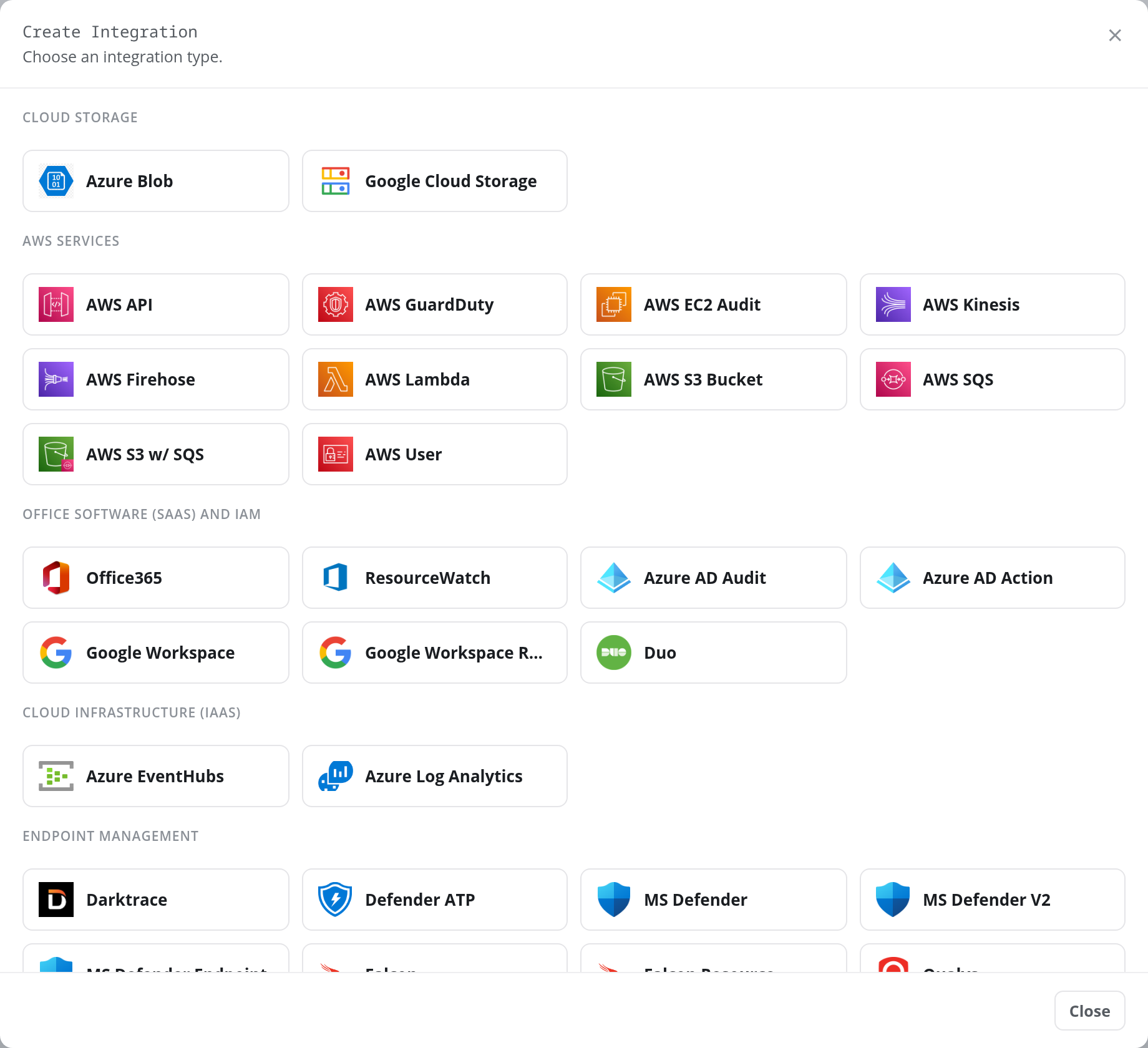
Log in to your Fluency instance. In the navigation rail, open Configuration and choose Integrations, then click + Create Integration. In the Create Integration dialog, click the AWS S3 Bucket tile, under AWS Services.
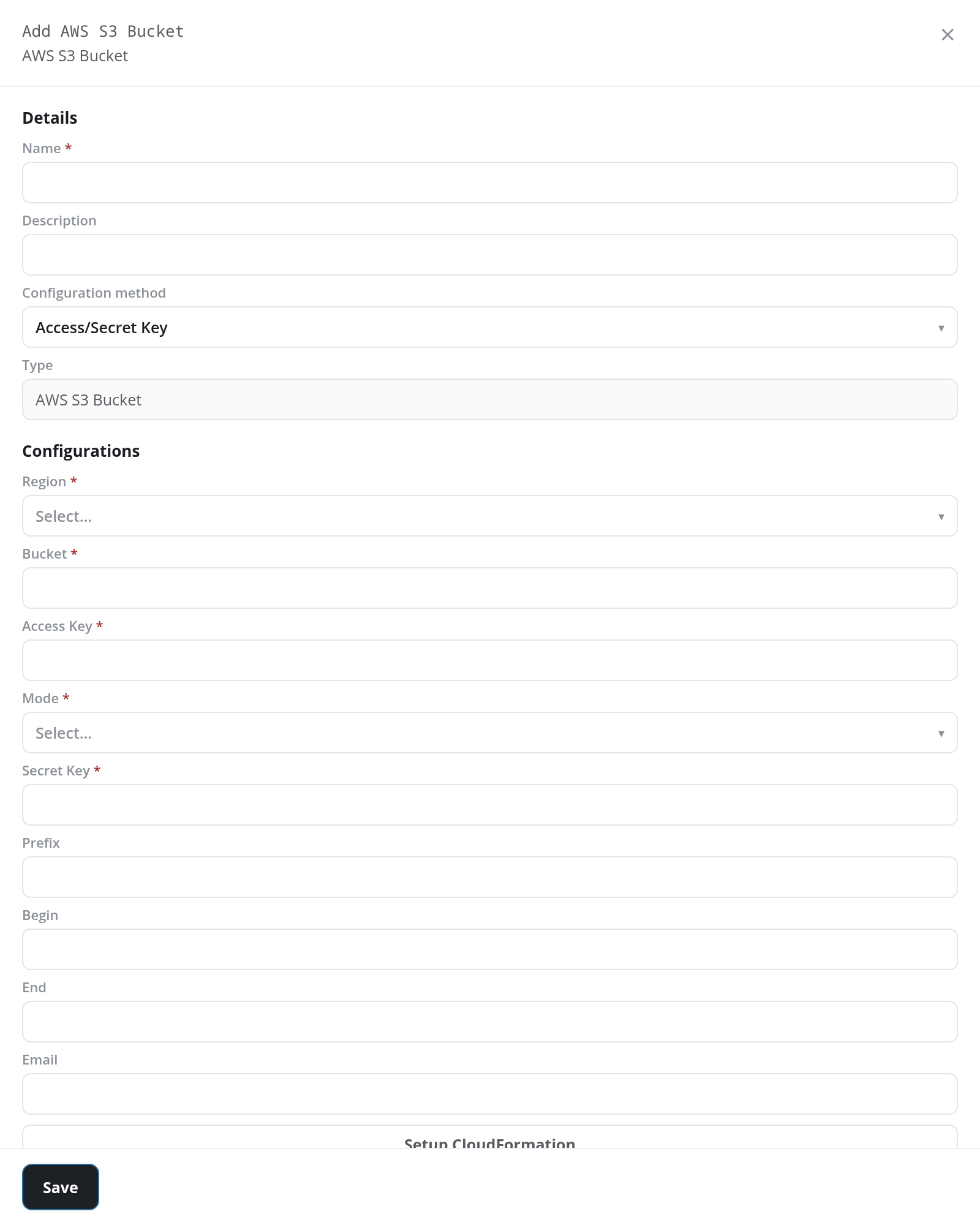
The Add AWS S3 Bucket panel opens. Under Details, enter a Name and, optionally, a Description, and set Configuration method to Access/Secret Key; Cisco issues an access key and secret key for its bucket, not an AWS role. Under Configurations, enter the Region, Bucket, Access Key and Secret Key, and set Mode to read.
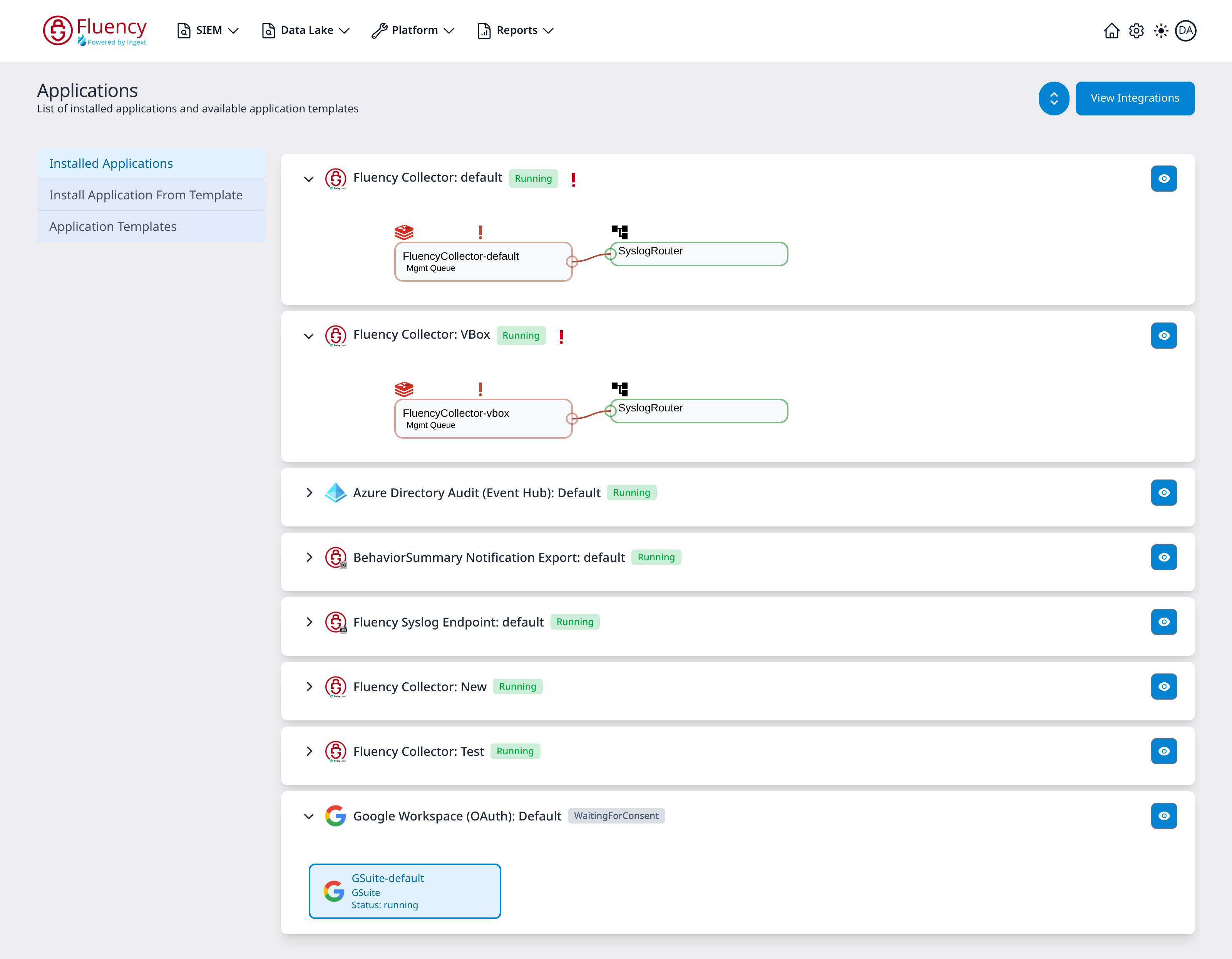
Login to your Fluency instance, open Platform → Applications in the navigation bar, and click View Integrations to open the Integrations page.
On the Integrations page, go to the New Integration view and click the AWS S3 Bucket tile, under AWS Services.
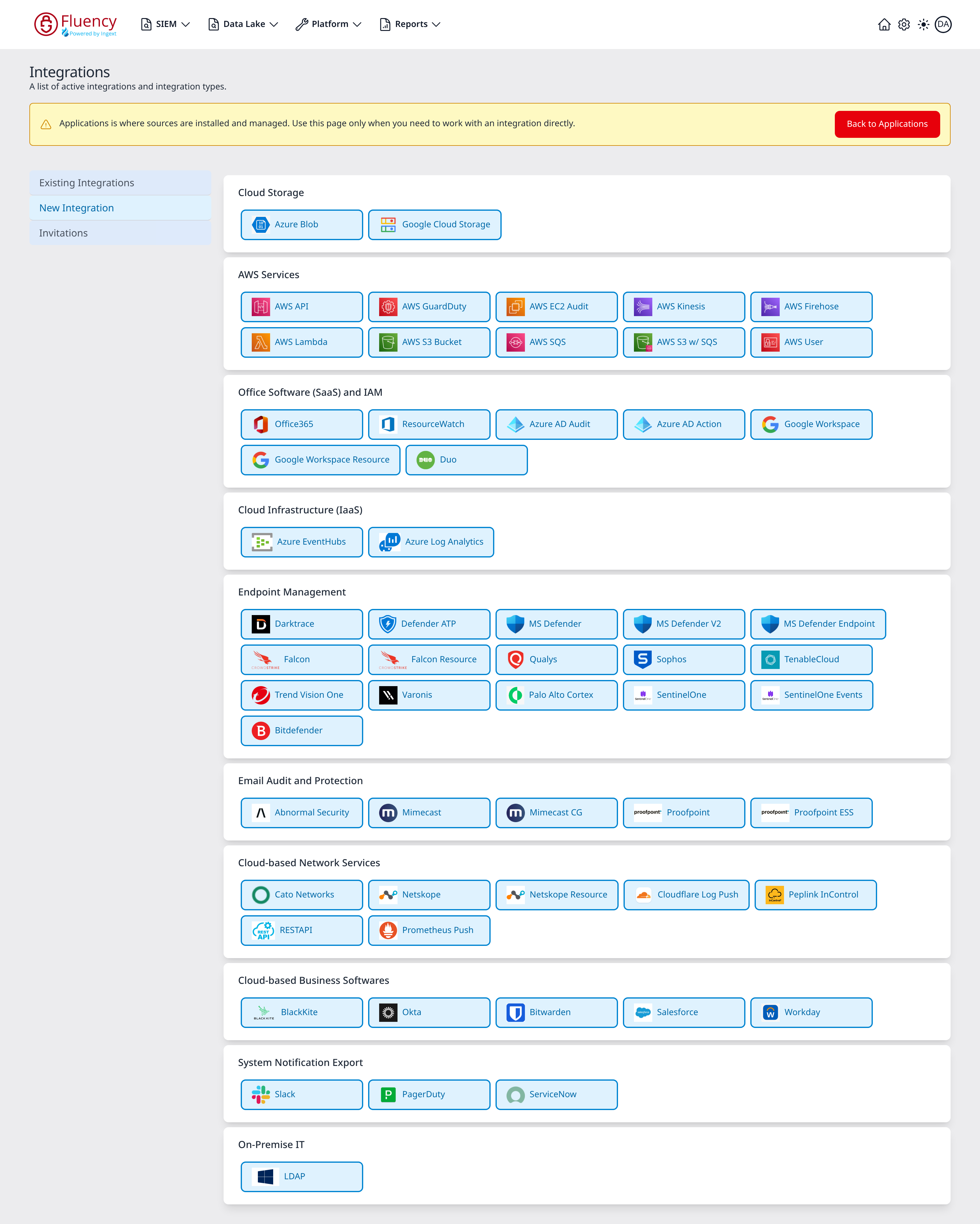
On the left-side panel, enter the required information:
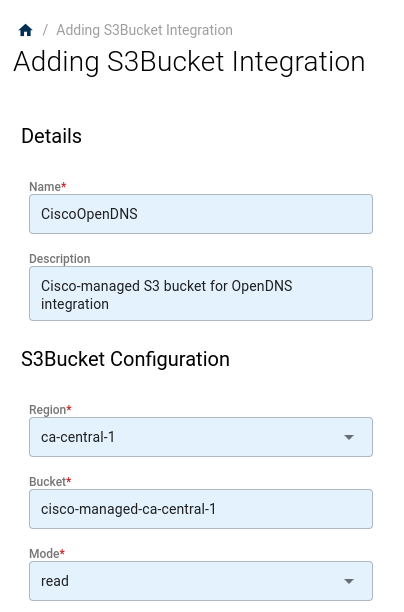
Note: The Region and Bucket values can be derived from the Data Path provided by Cisco.
For instance, if your data path is cisco-managed-ca-central-1/1234567_dd7d3dcd-000c-444f-af04-93a2e000fafd, then your Bucket would be cisco-managed-ca-central-1, and the AWS Region would be ca-central-1.
- v2 interface
- Classic v1 interface
Click Test Configuration to have the platform list the first objects in the bucket, which confirms the keys can read it, then click Save. The new integration appears as a card on the Integrations page, grouped under its category.
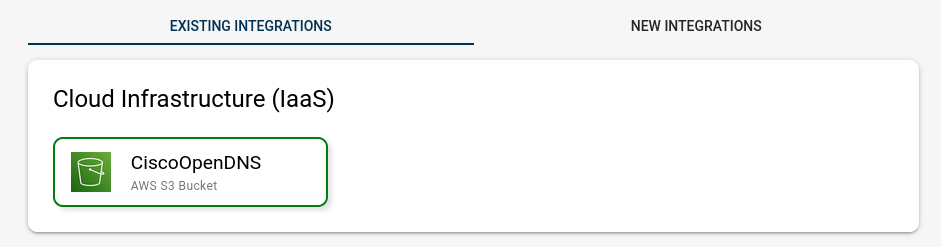
Once added, the new integration will show up under Existing Integrations.