Receiving Data
Just like collecting data from the outside world, the Fluency SIEM has to be configured to get data from Replay.
The quickest route is an application template.
- v2 interface
- Classic v1 interface
In the navigation rail, open Applications and click Install Application. If your deployment carries the Fluency Replay HEC template, it sits in the System Components category of the Application Catalog; choose it and install that pipeline with Install Application, and you are done.
Go to Platform → Applications and choose the Install Application From Template view. If your deployment carries the Fluency Replay HEC template, it sits at the bottom under System Components; click it and install that pipeline, and you are done.
System Components carries nine templates on a standard deployment and Fluency Replay HEC is not among them: see System Components for the current catalog (v1: Install Application From Template). If you do not see the template, install an HEC receiver by hand instead; that route is below and does not depend on the template.
Check you are in the right place first. The catalog you install from is the Application Catalog, opened by Install Application on Applications (v1: the Install Application From Template view of the Applications page). Configuration → Application Templates (v1: the Application Templates view) is a table of template IDs, not the install catalog.
- v2 interface
- Classic v1 interface
The catalog has a Search applications… field and a category drop-down across the top, and the templates grouped under category headings as cards. Choosing System Components in the drop-down shows only that category's templates:
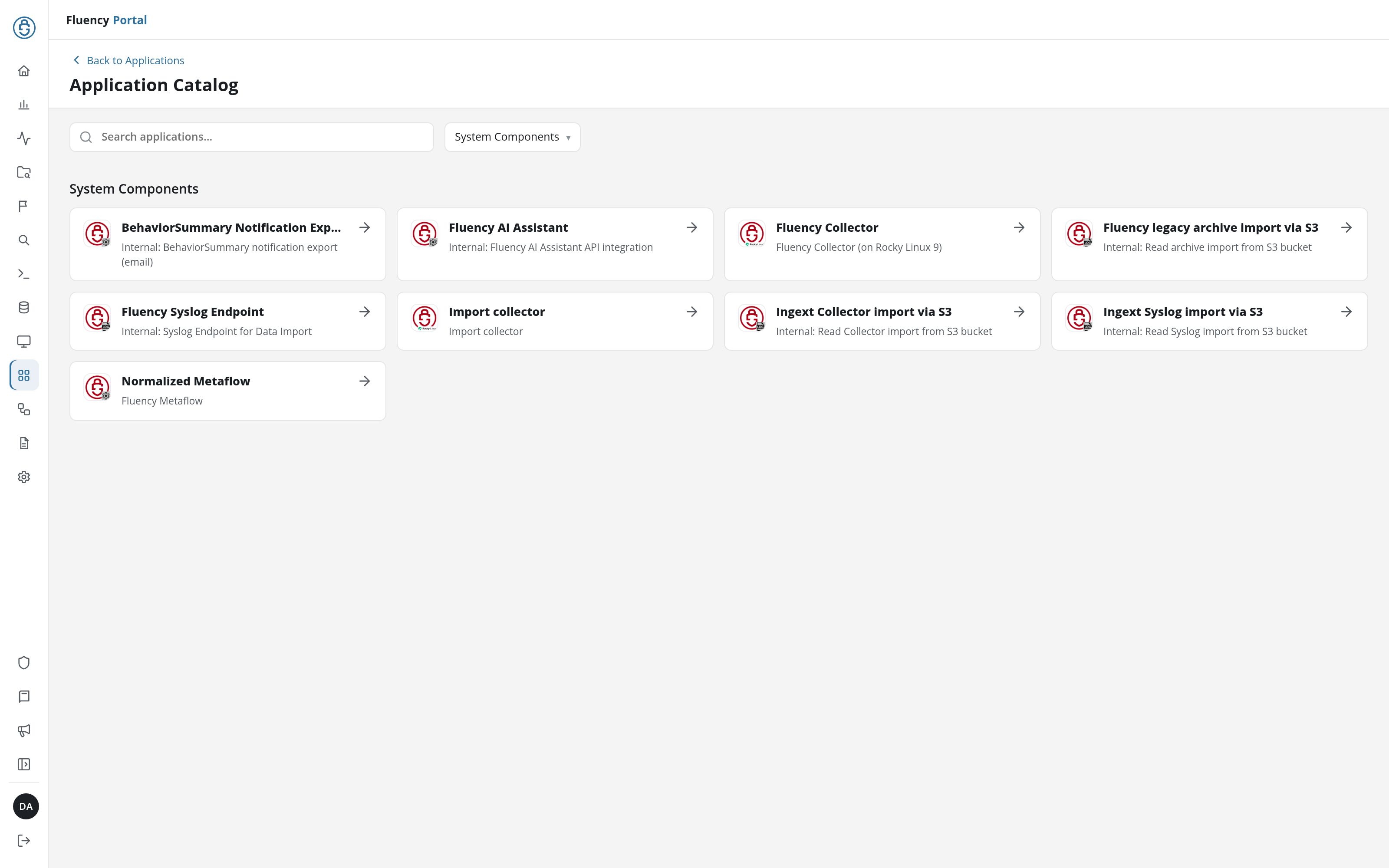
On a deployment that carries the template, Fluency Replay HEC is listed among them.
The catalog has a Search box across the top and the templates grouped into category cards, with System Components at the bottom:
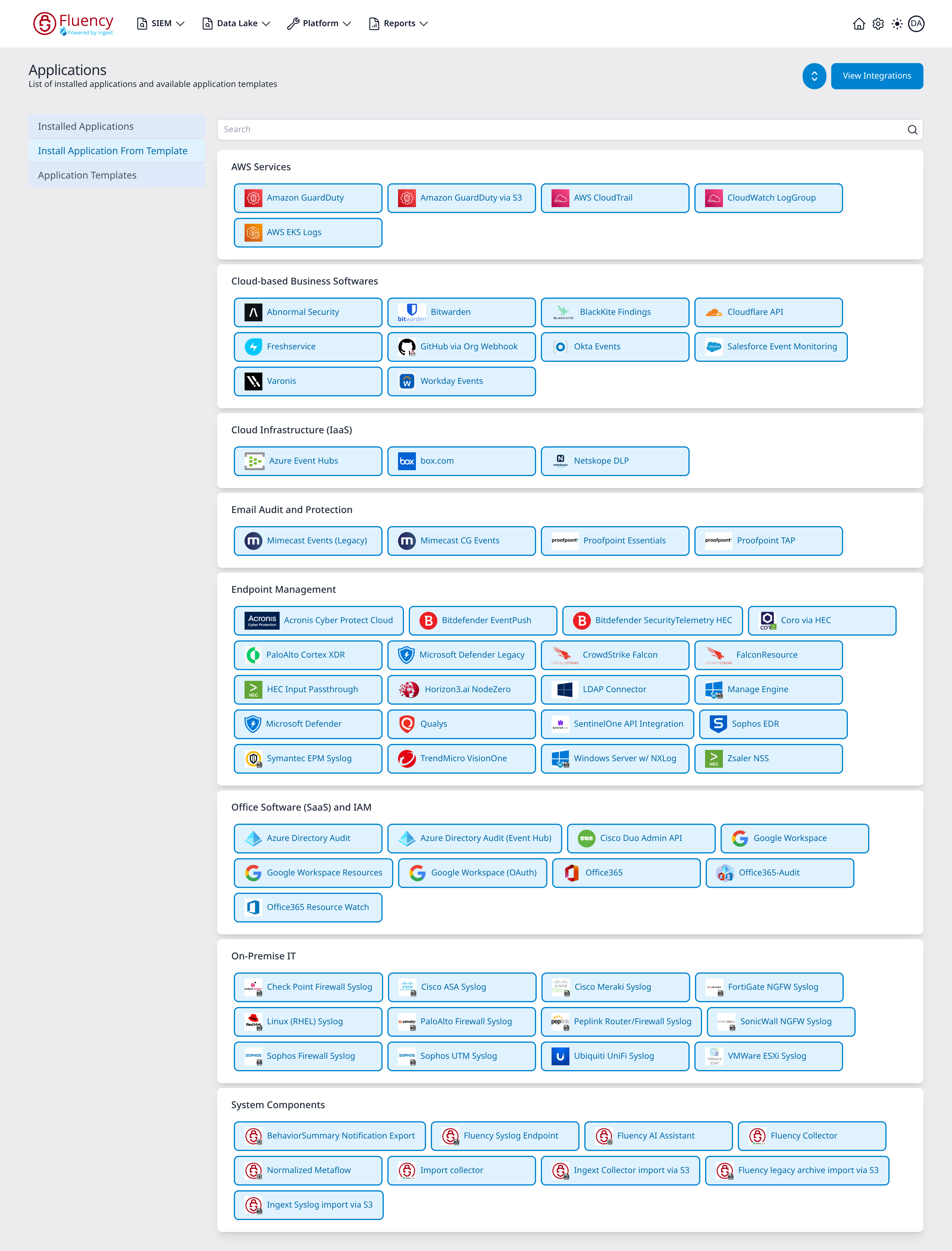
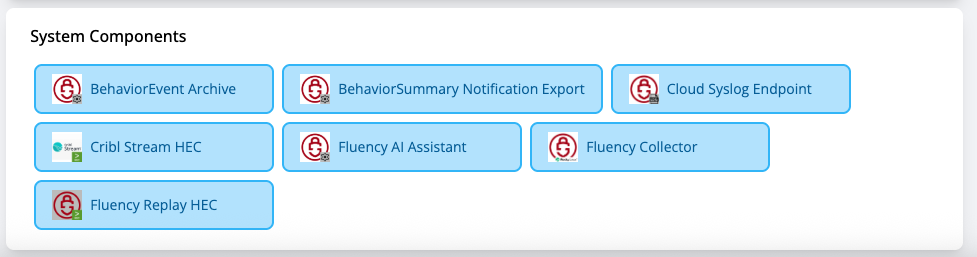
On a deployment that carries the template, the System Components card shows the Fluency Replay HEC tile among the others:
Installing an HEC receiver by hand
If you need to install the pipeline outside System Components, this can be done by installing an HEC receiver. Have the HEC receiver send its data to a processor that is a simple pass-through. This is an example of a passthrough pipe that addressed the case that there is metaflow data.
function main(doc) {
    // The body of the original message is held in the event field
    if (doc.obj["@type"] == "metaflow") {

       let flow = doc.obj
       let timestamp = doc.obj["@timestamp"]

       doc.obj = {
          "@collector": "fluency-server",
          "@eventType": "flow",
          "@event_type": "flow",
          "@parser": "fpl-flow",
          "@parserVersion": "20250402",
          "@sender": "52.4.126.188",
          "@source": "52.4.126.188",
          "@timestamp": flow["timestamp"],
          "@type": "event",
        }

        doc.obj["@flow"] = flow
        doc.obj["@timestamp"] = timestamp

        return "pass"
    }
    //doc.obj = doc.obj["event"]
    return "pass"
}
A passthrough that is just doing events can be as simple as this:
function main(doc) {
    doc.obj = doc.obj["event"]
    return "pass"
}
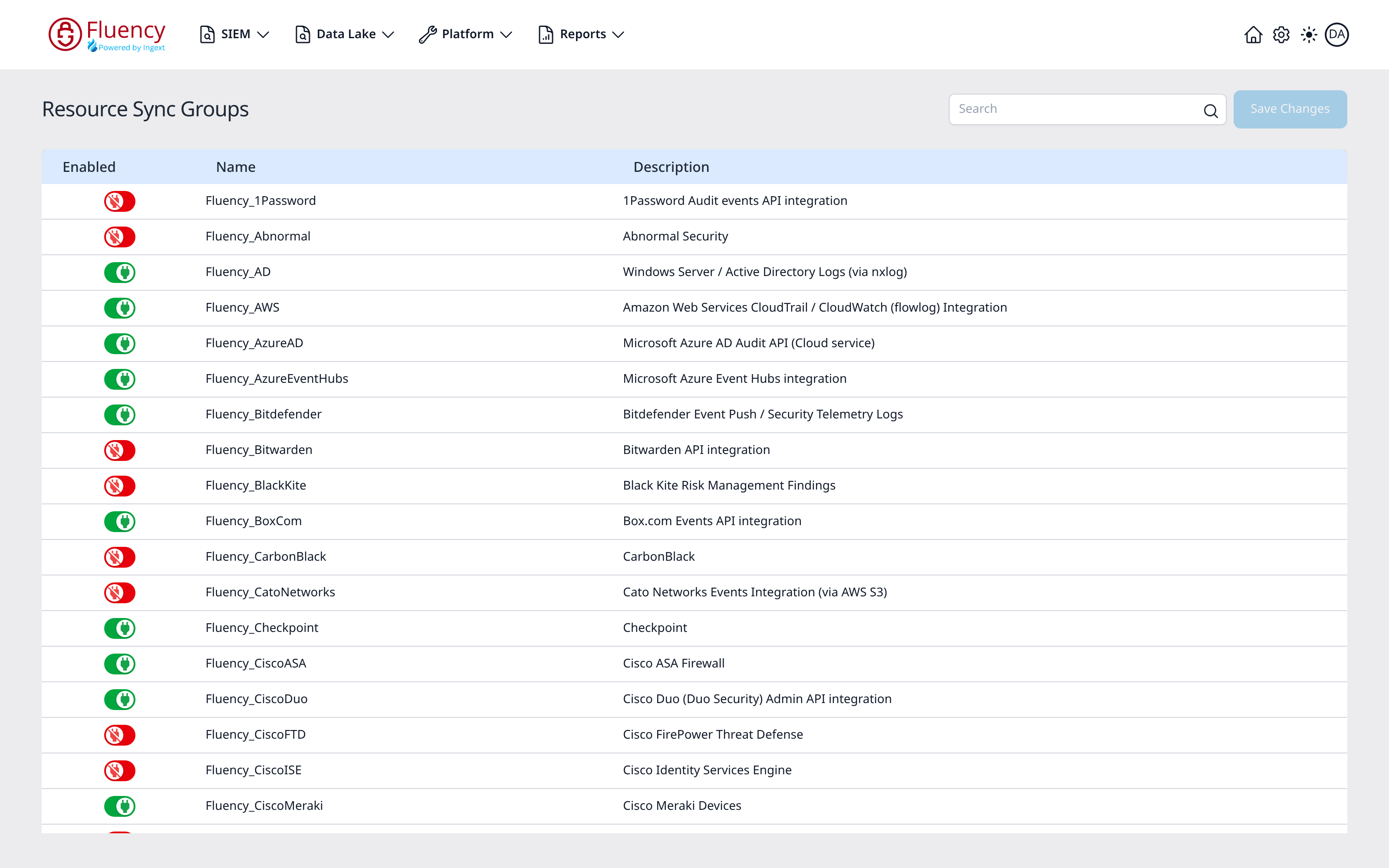
Before testing, ensure that the resources for the data type you are sending are turned on. This will ensure both detection rules and reporting.
- v2 interface
- Classic v1 interface
This can be found on Configuration → Resource Sync: switch on the group for the data type and click Save Changes. The group's behavior rules are what ensure detection by EventWatch.
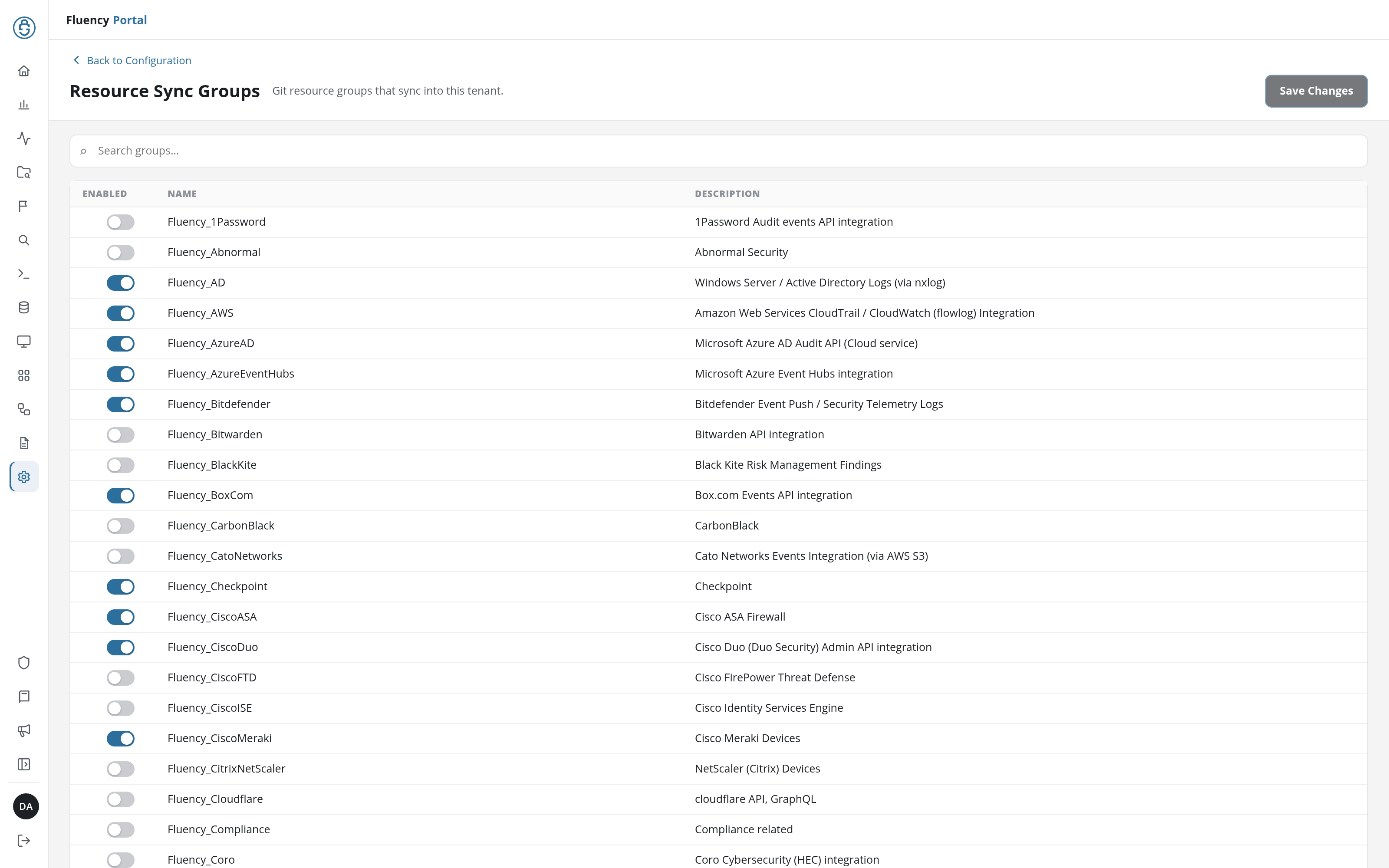
This can be found on Platform → Administration → Resource Sync. The group's behavior rules are what ensure detection by EventWatch.
Finally, send this pipe to the EventWatch service.
To test the service, send data from the replay into the SIEM. You can look at the different pipe queues to see that data is being ingressed. While timeline data is immediate, the summary data is waiting for the window to close or exceed the threshold.