Getting Started
Read the Prerequisites. You will need to understand the role you are fulfilling and have the urls and access tokens for configuration. Once you are ready, you can login and enter the access information into you Profile.
Common Actions
An interactive demo is available here: Replay Getting Started (Storylane)
Steps
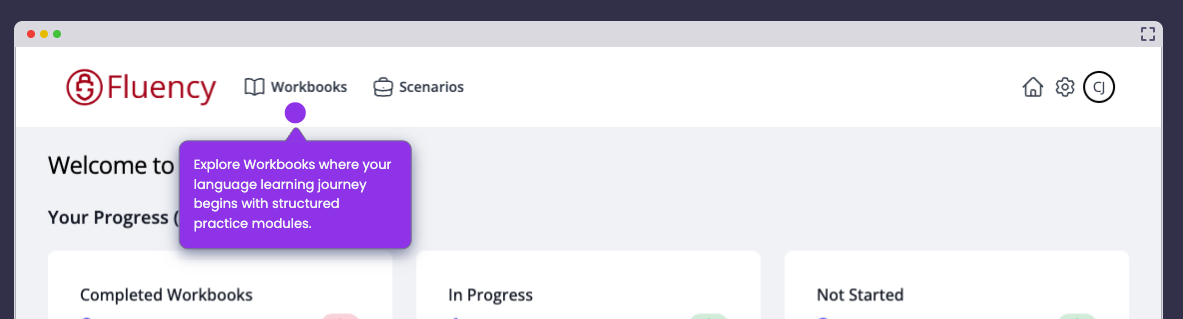
- Navigate to Workbook
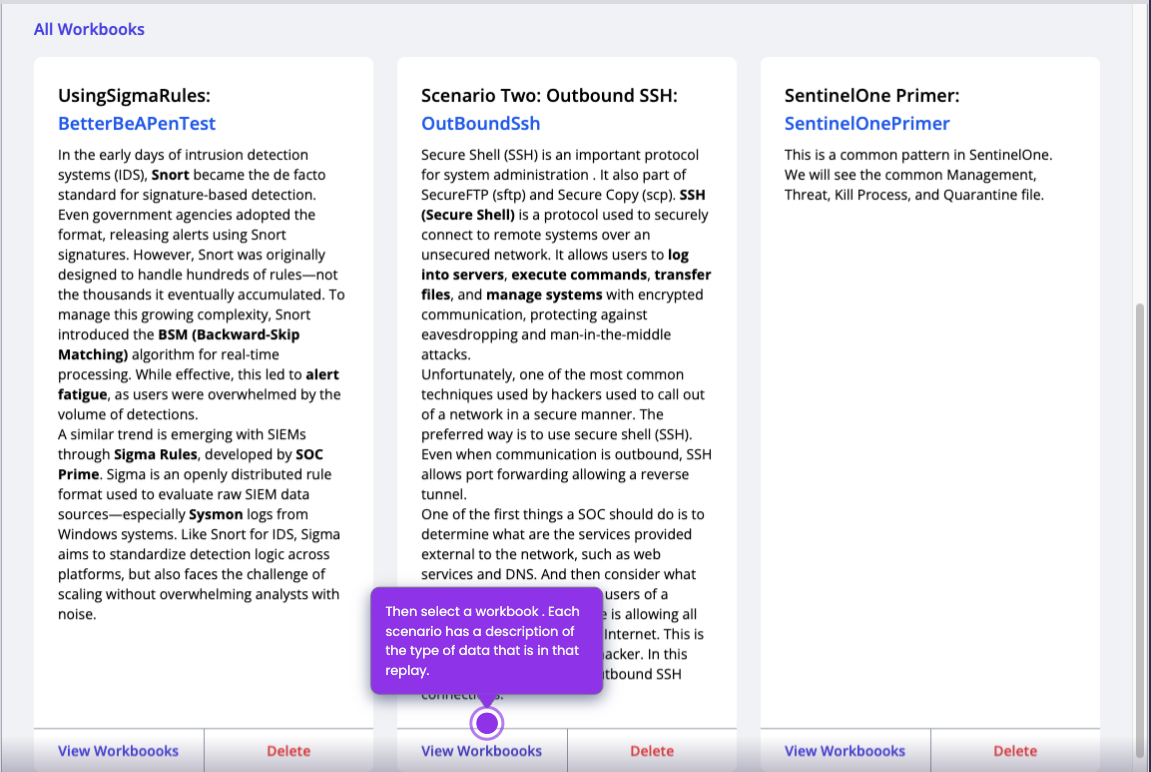
- Select the Workbook that has the data you want.
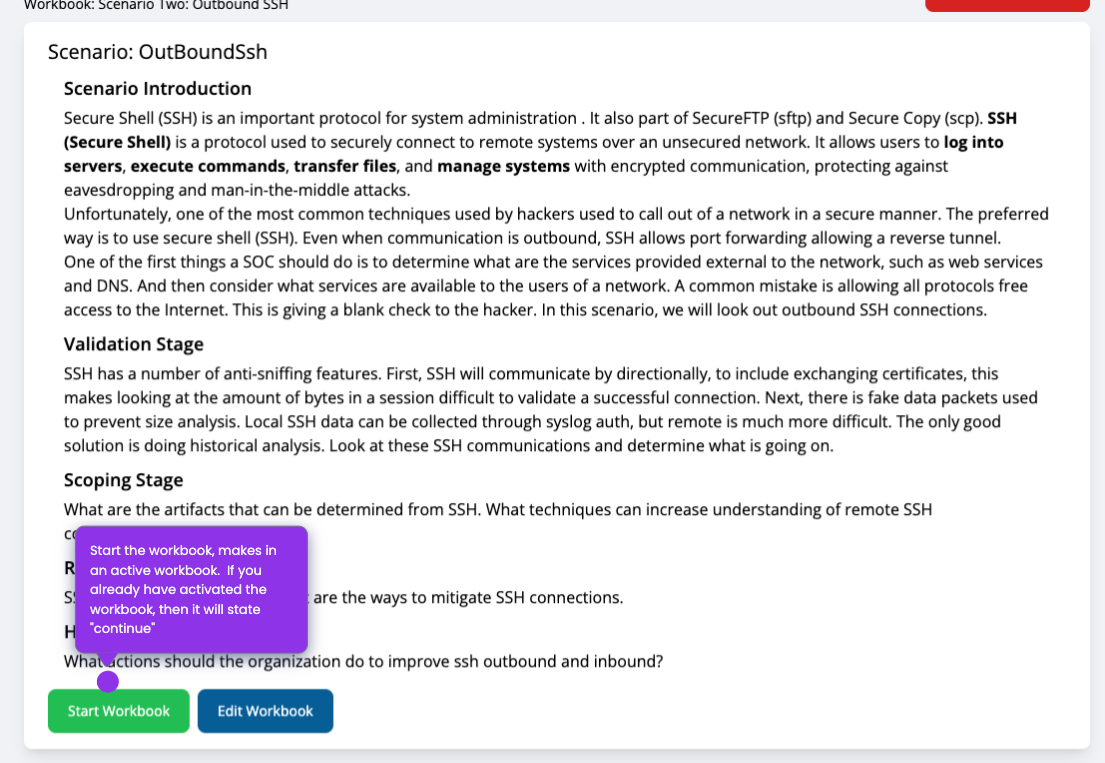
- Then "Start Workbook". If the workbook is already in progress, the button will say Continue.
- Check the Destination
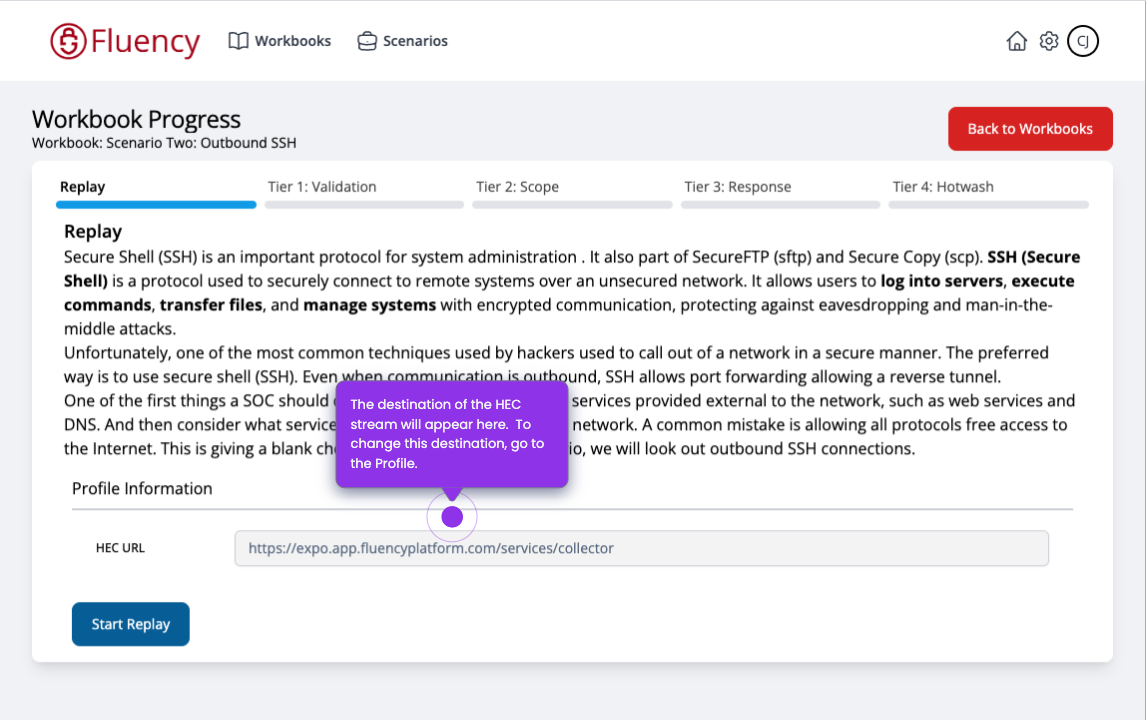
- "Start Replay". The system will now send the data to the HEC socket.
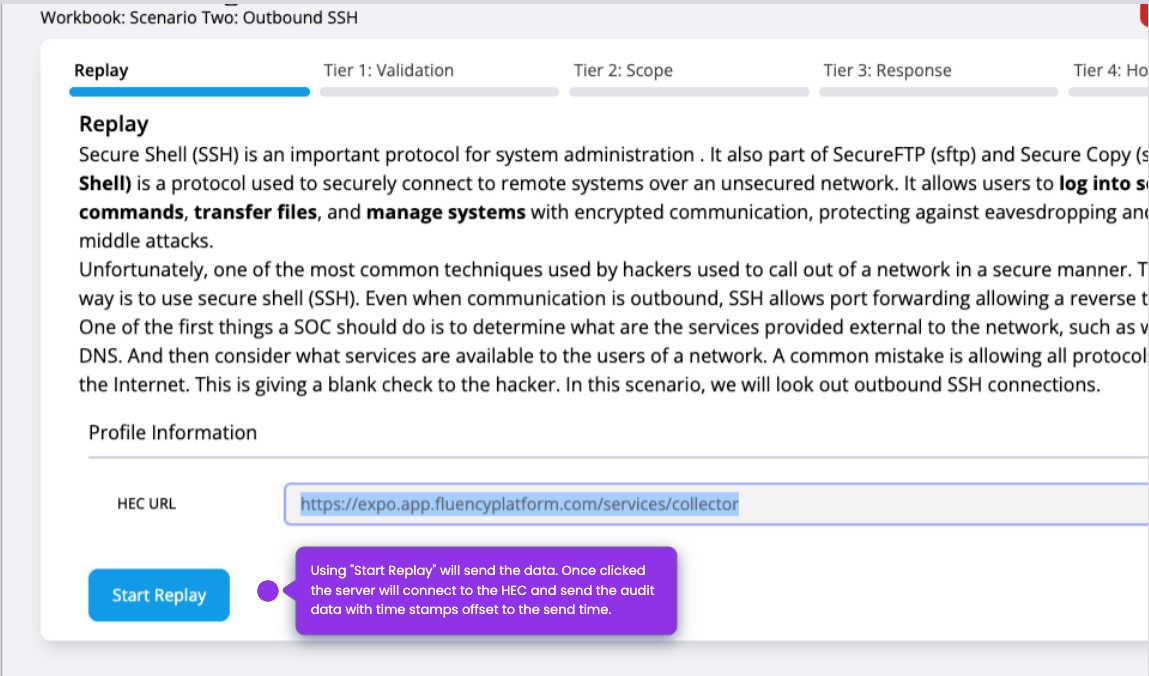
You will receive a confirmation when the replay has completed being sent.
In this section
- Prerequisites: what has to exist before a scenario can be run.
- Configuration: setting Replay up against an instance.
- Receiving Data: confirming the replayed telemetry arrives.